Prodotto finitoview
The Xtreme LED Bluetooth Speaker is a portable audio device designed to deliver clear sound and dynamic LED light shows. It features multiple connectivity options and a rechargeable battery for extended use.

Image: The Xtreme LED Bluetooth Speaker shown alongside its retail packaging, highlighting its design and branding.
Caratteristiche principali:
- Audio coinvolgente: Delivers rich, full-range sound with clear highs and deep bass.
- Spettacolo di luci LED dinamiche: Multiple light modes that sync with music, creating a visual atmosphere.
- Portata Bluetooth estesa: Connects wirelessly up to 33 feet (10 meters) from your device.
- Connettività versatile: Supports Bluetooth, Aux-in, USB, and Micro-SD card playback.
- Design portatile: Lightweight with a convenient carrying loop and rechargeable USB-C battery.
Cosa c'è nella scatola
- Xtreme LED Bluetooth Speaker
- Cavo di ricarica USB-C
- Manuale di istruzioni
Controlli e porte

Immagine: Un dettaglio view of the speaker's front panel, illustrating the control buttons and highlighting features like multi-color LEDs, loud audio, quality sound, and the portable carrying loop.
- Pulsante di accensione: Tenere premuto per accendere/spegnere l'altoparlante.
- Volume su/Traccia successiva: Pressione breve per aumentare il volume, pressione prolungata per passare alla traccia successiva.
- Volume giù/Traccia precedente: Pressione breve per abbassare il volume, pressione prolungata per passare alla traccia precedente.
- Play/Pause / Bluetooth Pairing: Short press to play/pause, long press to enter Bluetooth pairing mode.
- Pulsante modalità luce: Press to cycle through different LED light show modes.
- Pulsante Modalità (M): Press to switch between Bluetooth, Aux, USB, and Micro-SD card modes.
- Porta di ricarica (USB-C): Per collegare il cavo di ricarica.
- Porta Aux-in: Per la connessione audio cablata.
- Porta USB: Per riprodurre l'audio da un'unità USB.
- Slot per scheda Micro-SD: For playing audio from a Micro-SD card.
Impostare
1. Ricarica dell'altoparlante
Before first use, fully charge the speaker. Connect the provided USB-C charging cable to the speaker's charging port and the other end to a USB power adapter (not included) or a computer's USB port. The LED indicator will show charging status and turn off when fully charged.
2. Accensione/Spegnimento
Premere e tenere premuto il tasto Pulsante di accensione for approximately 3 seconds to turn the speaker ON or OFF. A sound prompt will indicate the power status.
Istruzioni per l'uso
Modalità Bluetooth
- Accendi l'altoparlante. Entrerà automaticamente in modalità di associazione Bluetooth, indicata da una luce LED lampeggiante.
- Sul tuo dispositivo (smartphone, tablet, ecc.), attiva il Bluetooth e cerca i dispositivi disponibili.
- Select "Xtreme Speaker" from the list of devices.
- Once paired, the LED indicator will stop flashing, and a confirmation sound will play.
- Ora puoi riprodurre l'audio dal tuo dispositivo tramite l'altoparlante.
- To disconnect or pair with a new device, long press the Play/Pause / Bluetooth Pairing Button.
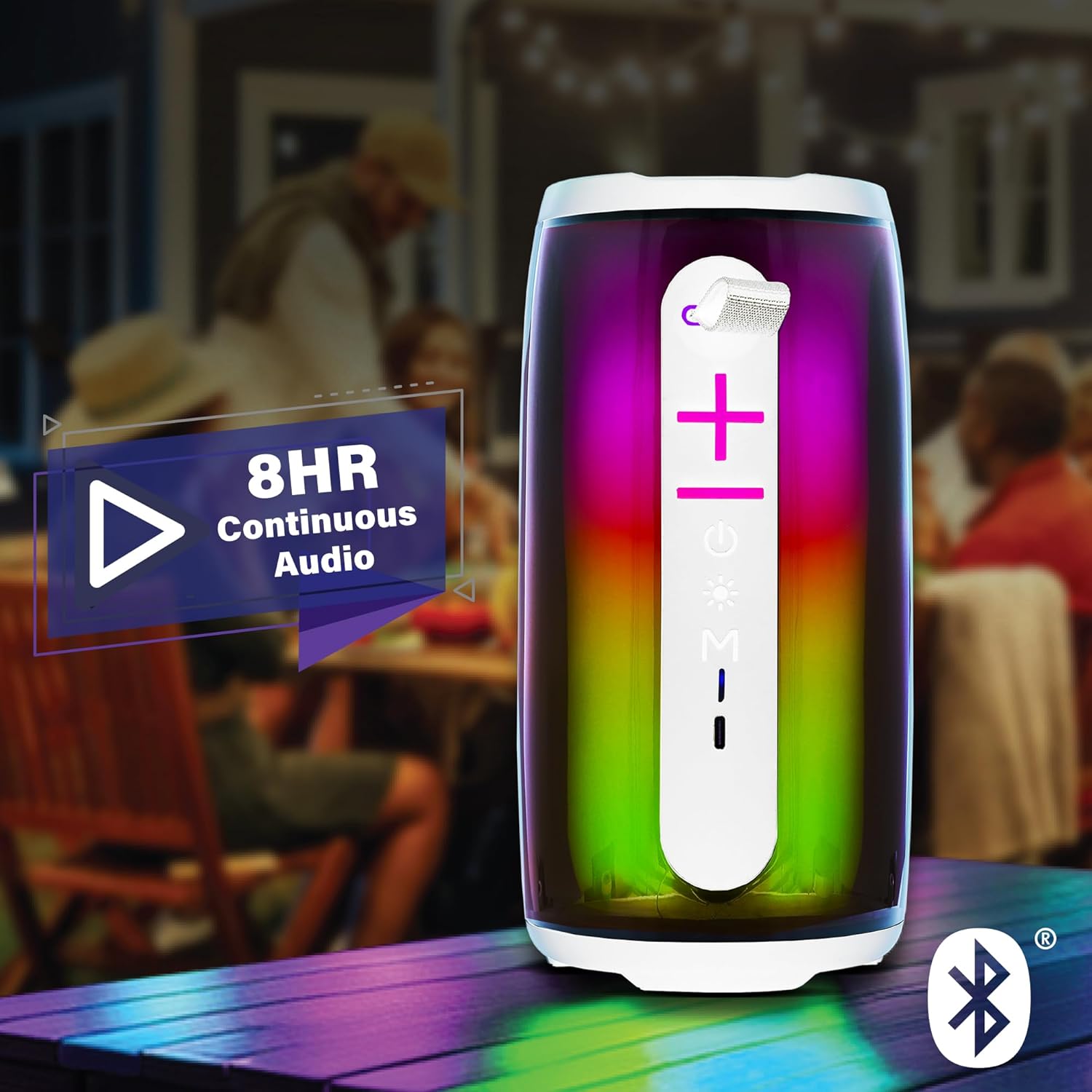
Image: The Xtreme LED Bluetooth Speaker providing music at an outdoor social event, demonstrating its portability and highlighting its 8-hour continuous audio playback capability.
Modalità ingresso ausiliario
- Connect one end of a 3.5mm audio cable (not included) to the speaker's Aux-in port.
- Collegare l'altra estremità all'uscita audio del dispositivo.
- Premere il tasto Pulsante modalità (M) per passare alla modalità Aux-in.
- Audio will now play through the wired connection.
USB and Micro-SD Card Playback
- Insert a USB drive into the USB port or a Micro-SD card into the Micro-SD card slot.
- Premere il tasto Pulsante modalità (M) to switch to USB or Micro-SD card mode. The speaker will automatically detect and play audio files.
Controllo della riproduzione audio
- Riproduci/Pausa: Premere brevemente il tasto Pulsante di riproduzione/pausa.
- Aumenta volume: Premere brevemente il tasto Pulsante Volume su (+).
- Volume basso: Premere brevemente il tasto Pulsante di riduzione del volume (-).
- Traccia successiva: Premere a lungo il tasto Pulsante Volume su (+).
- Traccia precedente: Premere a lungo il tasto Pulsante di riduzione del volume (-).
LED Light Show Modes
Premere il tasto Pulsante modalità luce to cycle through various LED light show patterns. The lights will pulse and change color, syncing with the music.
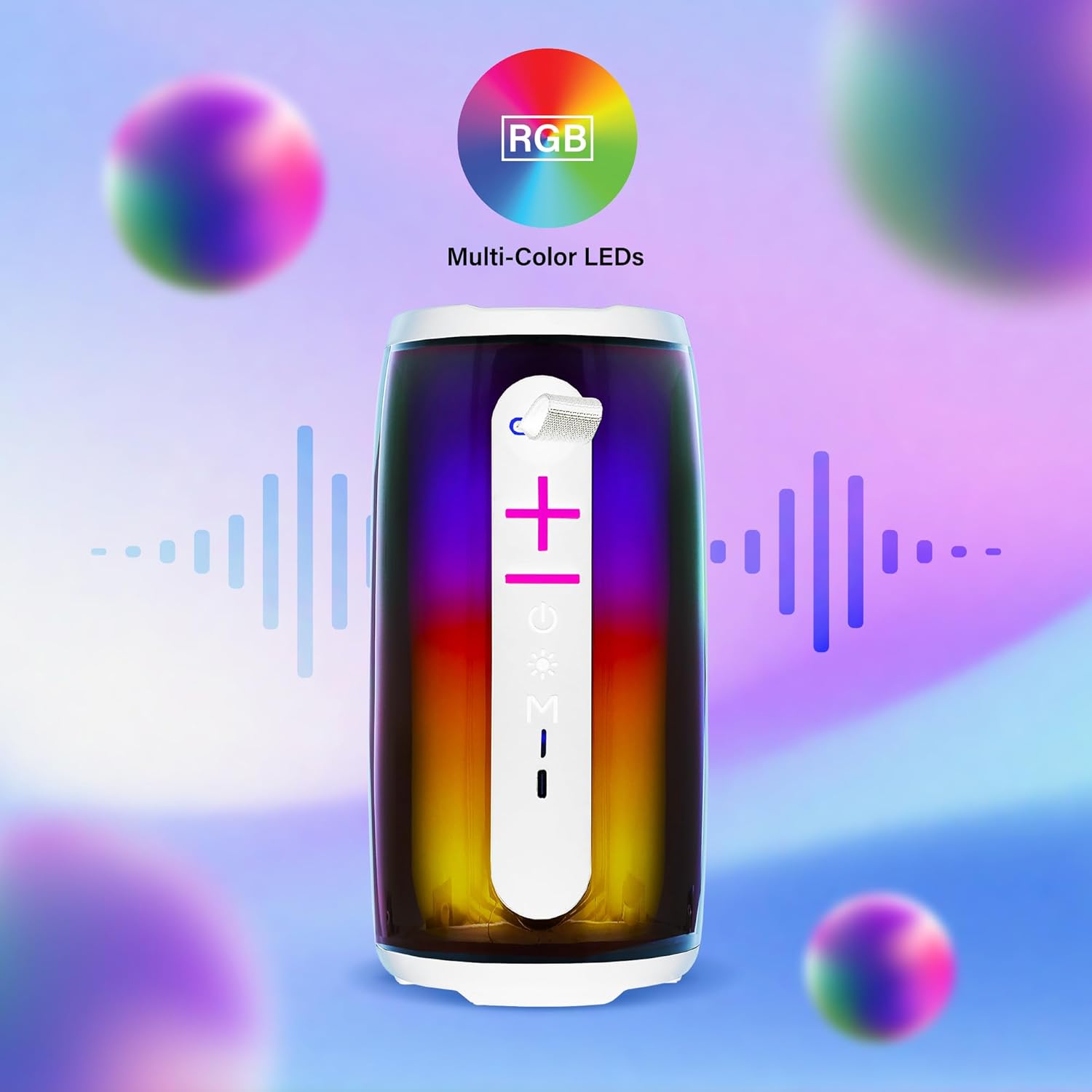
Image: The Xtreme LED Bluetooth Speaker showcasing its vibrant RGB multi-color LED lights, with visual representations of sound waves indicating its audio synchronization feature.
Manutenzione
- Pulizia: Utilizzare un panno morbido e asciutto per pulire l'esterno dell'altoparlante. Non utilizzare detergenti abrasivi o solventi.
- Magazzinaggio: Conservare l'altoparlante in un luogo fresco e asciutto, lontano dalla luce solare diretta e da temperature estreme.
- Cura della batteria: To prolong battery life, charge the speaker regularly, even if not in frequent use. Avoid fully depleting the battery for extended periods.
- Esposizione all'acqua: Questo altoparlante non è impermeabile. Evitare di esporlo all'acqua o a umidità eccessiva.
Risoluzione dei problemi
| Problema | Soluzione |
|---|---|
| L'altoparlante non si accende. | Assicurati che l'altoparlante sia carico. Collegalo a una fonte di alimentazione tramite il cavo USB-C. |
| Impossibile effettuare l'associazione tramite Bluetooth. |
|
| Nessun suono. |
|
| Le luci LED non funzionano. | Press the Light Mode Button to cycle through the light show modes. Ensure the speaker is powered on. |
Specifiche
- Modello: XBS9-1078
- Marca: ACCESSORI DIGITALI XTREME PER LO STILE DI VITA
- Connettività: Bluetooth, Aux-in, USB, Micro-SD
- Gamma Bluetooth: Fino a 33 piedi (10 metri)
- Potenza di uscita dell'altoparlante: 10 Watts (based on product image)
- Batteria: USB-C ricaricabile
- Durata della batteria: Up to 8 hours (continuous audio, varies with usage)
- Dimensioni: 7" (altezza) x 3" (larghezza) x 3" (profondità)
- Peso: Circa 0.9 libbre (14.4 once)
- Colore: Bianco
Garanzia e supporto
For warranty information or technical support, please refer to the contact details provided on the product packaging or visit the official XTREME DIGITAL LIFESTYLE ACCESSORIES websito. Conservare la ricevuta d'acquisto come prova d'acquisto per eventuali reclami in garanzia.
Produttore: ACCESSORI DIGITALI XTREME PER LO STILE DI VITA
Codice UPC: 805106238797


