Introduzione
The LAMAX BFit Call is a versatile smartwatch designed to enhance your daily life with smart notifications, comprehensive health monitoring, and various fitness features. This manual provides essential information for setting up, operating, and maintaining your device.
Impostare
1. Disimballaggio e carica iniziale
Carefully unpack your LAMAX BFit Call smartwatch. The package includes the smartwatch, a charging cable, an additional strap, and safety tips. Before first use, fully charge the device using the provided charging cable.
2. Accensione/Spegnimento
To power on, press and hold the side button until the screen illuminates. To power off, navigate to the settings menu on the watch, select 'Power Off', and confirm.
3. Associazione con lo smartphone
- Download the official LAMAX BFit Call application from your smartphone's app store.
- Assicurati che il Bluetooth sia abilitato sul tuo smartphone.
- Open the LAMAX BFit Call app and follow the on-screen instructions to search for and connect to your smartwatch via Bluetooth 5.3.
- Conferma la richiesta di associazione sia sul telefono che sullo smartwatch.
Successful pairing enables call, SMS, and selected application notifications directly on your watch.
Istruzioni per l'uso
1. Navigazione di base
The LAMAX BFit Call features a responsive touch screen. Swipe left, right, up, or down to navigate through menus and access different functions. Press the side button to return to the home screen or wake the device.
2. Funzionalità di comunicazione
- Chiamate Bluetooth: Once paired, you can answer or reject incoming calls directly from your watch.
- Notifiche: Receive SMS messages and notifications from selected applications on your wrist.
3. Monitoraggio della salute
Lo smartwatch monitora costantemente vari parametri relativi alla salute:
- Frequenza cardiaca: 24-hour heart rate tracking.
- Ossigeno nel sangue (SpO2): Monitors blood oxygen supply.
- Pressione sanguigna: Fornisce letture della pressione sanguigna.
- Livello di stress: Tiene traccia dei tuoi livelli di stress durante il giorno.
- Qualità del sonno: Monitora i modelli e la qualità del sonno.
- Ciclo mestruale: Offers tracking for the menstrual cycle.
Note: This device is not a medical instrument. Health data is for reference only and should not be used for medical diagnosis or treatment.
4. Fitness and Sport Modes
Access over 100 sport modes to track your workouts. The watch records training results, including calorie consumption, and features a pedometer for daily step counting. Relaxation exercises are also available.
5. Funzionalità aggiuntive
- Controllo multimediale: Controlla la riproduzione musicale sullo smartphone associato.
- Quadranti personalizzati: Personalize your watch face through the app.
- Previsioni del tempo: Ricevi aggiornamenti meteo in tempo reale.
- Remote Timer: Use the watch as a remote timer.
- Giochi: Enjoy two built-in games.
- Sveglia: Imposta le sveglie direttamente dall'orologio.
Manutenzione
1. Pulizia
Pulisci regolarmente lo schermo e il cinturino dell'orologio con un panno morbido e asciutto. Per lo sporco ostinato, usa un panno leggermenteamp panno e poi asciugare accuratamente. Evitare prodotti chimici aggressivi o materiali abrasivi.
2. Cura della batteria
To maximize battery life (up to 7 days on average), avoid extreme temperatures and fully charge the device before it completely drains. If storing for an extended period, charge it to about 50%.
3. Cura dei materiali
The watch is made from safe, non-irritating materials. If you experience any skin irritation, discontinue use and consult a doctor. Ensure the strap is not too tight to allow for proper air circulation.
Risoluzione dei problemi
- L'orologio non si accende: Assicurati che l'orologio sia completamente carico. Collegalo al caricabatterie per almeno 30 minuti.
- Impossibile associare il telefono: Check if Bluetooth is enabled on your phone and the watch. Ensure the watch is within range and not paired with another device. Restart both the watch and phone.
- Notifiche non ricevute: Verify that app notifications are enabled in your phone's settings and within the LAMAX BFit Call app. Ensure the watch is properly connected via Bluetooth.
- Dati sanitari inesatti: Assicurati che l'orologio sia ben aderente al polso, ma non troppo stretto. Pulisci il sensore sul retro dell'orologio.
- Breve durata della batteria: Ridurre la luminosità dello schermo, disattivare le notifiche non necessarie e limitare il monitoraggio continuo dello stato di salute se non necessario.
Specifiche
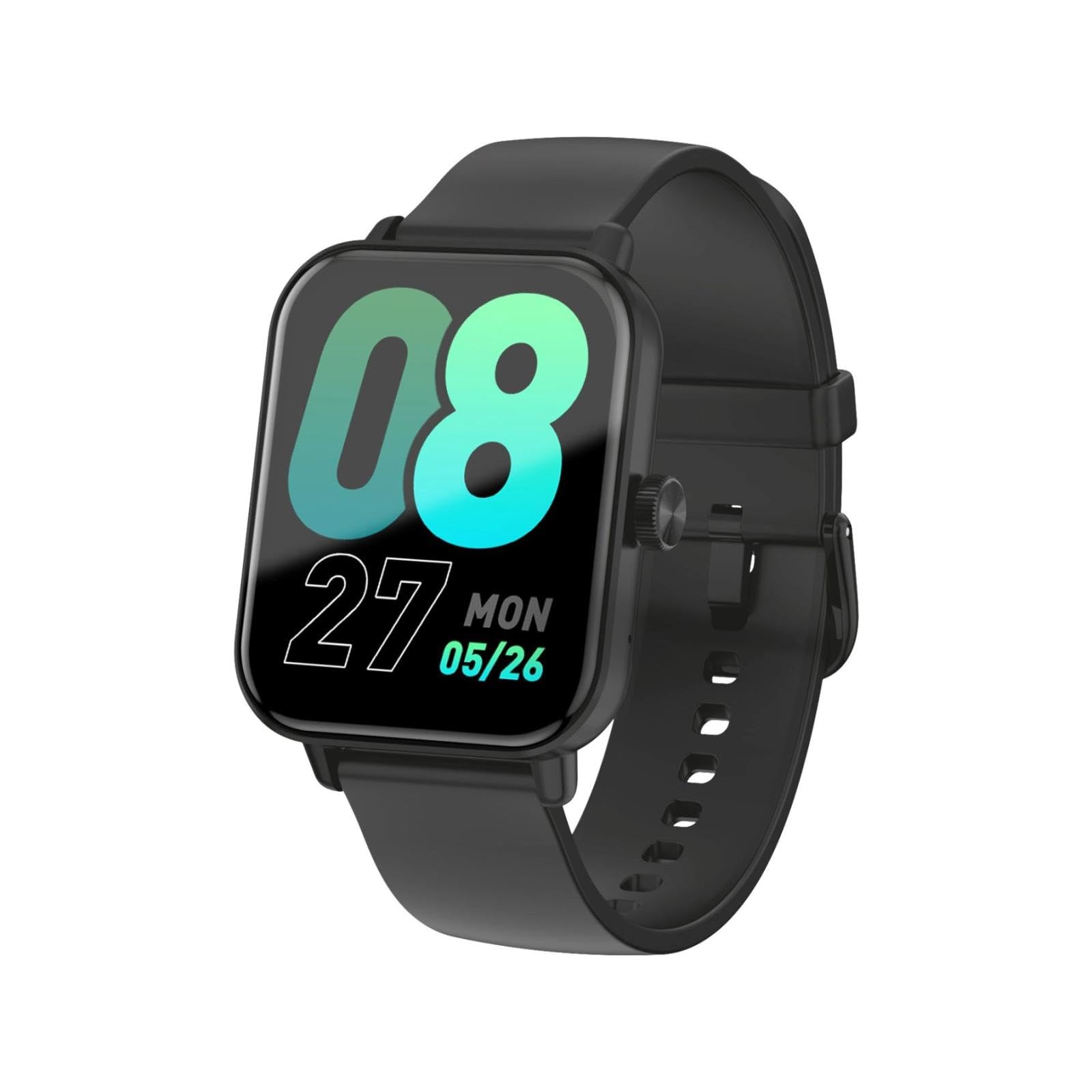
This image shows the LAMAX BFit Call smartwatch worn on the wrist of a child who is engaged in writing. The watch face displays digital time and other metrics, highlighting its comfortable fit and clear display during daily activities.
| Marca | Lamax |
| Nome del modello | BFit Call |
| Dimensioni dello schermo | 1.83 pollici |
| Tipo di visualizzazione | Schermo a colori |
| Capacità della batteria | 300 mAh |
| Durata media della batteria | Fino a 7 giorni |
| Connettività | Bluetooth |
| Caratteristiche speciali | Alarm clock, Touch screen, Cycle tracking, Time display |
| Peso | 35 grammi |
Garanzia e supporto
For warranty information and technical support, please refer to the official LAMAX webo contattare il distributore locale. Conservare la ricevuta d'acquisto come prova d'acquisto per eventuali reclami in garanzia.