Introduzione
Thank you for choosing the Emerson EVP-2002 Home Theater LCD Projector. This manual provides essential information for setting up, operating, and maintaining your projector to ensure optimal performance and longevity. Please read this manual thoroughly before using the product and retain it for future reference.
Cosa c'è nella scatola
Dopo aver disimballato, assicurarsi che siano presenti tutti i seguenti elementi:
- Emerson EVP-2002 Projector
- Adattatore di alimentazione approvato UL
- Telecomando
- Copriobiettivo per proiettore
- Manuale dell'utente (questo documento)
Prodotto finitoview
The Emerson EVP-2002 is designed to deliver an immersive home theater experience with its advanced LCD technology and versatile connectivity options.

Immagine: Frontale view of the Emerson EVP-2002 projector, showcasing the lens and ventilation. This compact projector is designed for home entertainment.
Caratteristiche principali:
- Intrattenimento immersivo: Transforms your space into a theater for sports, movies, and TV shows.
- Connettività Bluetooth: Allows easy pairing with external audio devices.
- Effortless Media Streaming: Compatible with streaming devices like Amazon Fire Stick, Roku, or Google Chromecast (not included).
- Immagini vivide: Advanced LCD projector delivers high-quality resolution with clarity and color vibrancy.
- Versatile Multi-Media Functionality: Supports HDMI and USB flash drives for various video, audio, and photo formats.
- Lampadina LED a lunga durata: Durable LED bulb with up to 30,000 hours of lifespan.
- Powerful Built-In Speakers: Delivers clear, full-bodied sound.

Immagine: Lato view of the Emerson EVP-2002 projector, showing its compact cylindrical design and adjustable stand.
Dimensioni e peso del prodotto:
- Dimensioni: 6.75 x 4.12 x 4.98 pollici
- Peso: 1.43 libbre

Image: Diagram illustrating the dimensions (6.75 in. length, 4.12 in. width, 4.98 in. height) and weight (1.43 lbs) of the Emerson EVP-2002 projector.
Guida all'installazione
1. Posizionamento
Position the projector on a stable, flat surface. Ensure there is adequate ventilation around the unit. The distance from the screen or wall will determine the image size. Adjust the projector's angle using its stand for optimal projection.
2. Collegamento elettrico
- Connect the UL Approved Power Adaptor to the DC IN port on the projector.
- Collegare l'adattatore di alimentazione a una presa elettrica standard.
- La spia di alimentazione dovrebbe illuminarsi.
3. Collegamento delle sorgenti di ingresso
The EVP-2002 offers multiple input options:
- HDMI: Connect an HDMI cable from your source device (e.g., laptop, game console, streaming stick) to the HDMI port on the projector.
- USB: Inserire un'unità flash USB nella porta USB per riprodurre i contenuti multimediali filedirettamente.
- Audio da 3.5 mm: Connect external speakers or headphones using a 3.5mm audio cable to the AUX OUT port.

Immagine: Posteriore view of the Emerson EVP-2002 projector, showing the various input ports including HDMI, USB, and DC power input.
Istruzioni per l'uso
1. Accensione/spegnimento
- Per accendere, premere il pulsante di accensione sul proiettore o sul telecomando.
- Per spegnere, premere nuovamente il pulsante di accensione. Il proiettore entrerà in modalità standby.
2. Regolazione della messa a fuoco
Ruotare l'anello di messa a fuoco situato vicino all'obiettivo finché l'immagine proiettata non appare chiara e nitida.
3. Selezione della sorgente
Use the "Source" button on the remote control or the projector's control panel to cycle through available input sources (HDMI, USB, etc.).
4. Connettività Bluetooth
- Ensure Bluetooth is enabled on your external audio device (e.g., speaker, headphones).
- On the projector, navigate to the Bluetooth settings (refer to on-screen menu if available, or press the dedicated Bluetooth button if present).
- Seleziona il tuo dispositivo dall'elenco dei dispositivi disponibili per l'associazione.
- Una volta effettuato l'accoppiamento, l'audio verrà trasmesso tramite il dispositivo Bluetooth connesso.
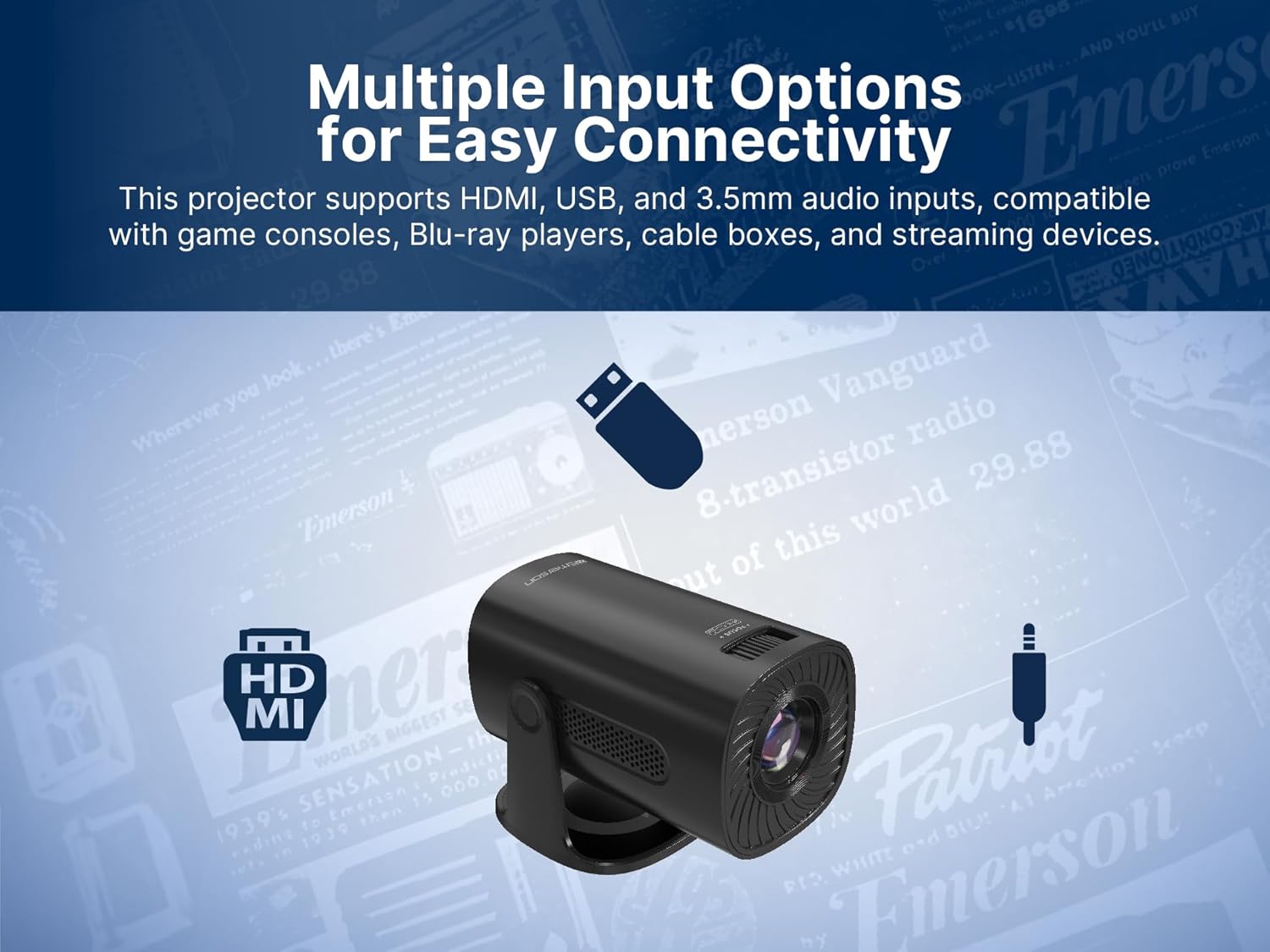
Image: The Emerson EVP-2002 projector displaying a Bluetooth icon, indicating its wireless audio connectivity feature.
5. Riproduzione multimediale (USB)
- Inserire un'unità flash USB contenente un supporto compatibile files nella porta USB.
- Selezionare "USB" come sorgente di ingresso.
- Navigare tra le cartelle e files using the remote control or projector buttons.
- Seleziona un file per iniziare la riproduzione.

Image: The Emerson EVP-2002 projector connected to a USB drive, illustrating its capability to play various media formats directly.
Manutenzione
Una corretta manutenzione garantisce la longevità e le prestazioni ottimali del proiettore.
1. Pulizia dell'obiettivo
- Always power off and unplug the projector before cleaning.
- Utilizzare un panno morbido e privo di lanugine, specificamente progettato per lenti ottiche.
- Gently wipe the lens in a circular motion. Avoid harsh chemicals or abrasive materials.
- Replace the lens cover when the projector is not in use to protect it from dust.
2. Pulizia del corpo del proiettore
- Pulisci l'esterno con un panno morbido e asciutto.
- Do not use liquid cleaners or sprays directly on the projector.
3. Ventilazione
- Ensure the ventilation vents are not blocked to prevent overheating.
- Periodically check and gently clean any dust accumulation on the vents using a soft brush or compressed air.
Risoluzione dei problemi
Se riscontri problemi con il proiettore, fai riferimento ai seguenti problemi comuni e alle relative soluzioni:
| Problema | Possibile causa | Soluzione |
|---|---|---|
| Nessuna immagine proiettata |
|
|
| L'immagine è sfocata |
|
|
| Nessun suono |
|
|
| Il proiettore si surriscalda |
|
|
Specifiche
| Caratteristica | Dettaglio |
|---|---|
| Numero di modello | EVP-2002 |
| Marca | Emerson |
| Dimensioni del prodotto | 6.75 x 4.12 x 4.98 pollici |
| Peso dell'articolo | 1.43 libbre |
| Risoluzione dello schermo | 1280x720 |
| Tecnologia di connettività | Bluetooth |
| Caratteristica speciale | Altoparlante incorporato |
| Usi consigliati | Affari, Istruzione, Giochi, Home Cinema |
| Produttore | Naxa Electronics, Inc. |
Video del prodotto
Emerson EVP-2002 Product Video - 360 Spin
Video: A 360 gradi view of the Emerson EVP-2002 projector, showcasinil suo design e le sue varie angolazioni. Questo video fornisce una panoramica visiva completaview dell'esterno del prodotto.
Garanzia e supporto
Informazioni sulla garanzia
For detailed warranty information, please refer to the warranty card included with your product or visit the official Emerson websito. Conservare la ricevuta d'acquisto come prova d'acquisto per eventuali reclami in garanzia.
Assistenza clienti
If you require further assistance, technical support, or have questions not covered in this manual, please contact Emerson customer support. Contact details can typically be found on the product packaging, the official Emerson websito o la scheda di garanzia.


