1. Introduzione
The Rapoo 8000S is a wireless keyboard and mouse set designed for versatile use across various operating systems and devices. This compact and sleek combo offers reliable 2.4 GHz wireless connectivity, a high-performance 1300 DPI optical mouse, and a spill-resistant keyboard. It is engineered for efficiency and comfort, providing a seamless user experience for both work and leisure.
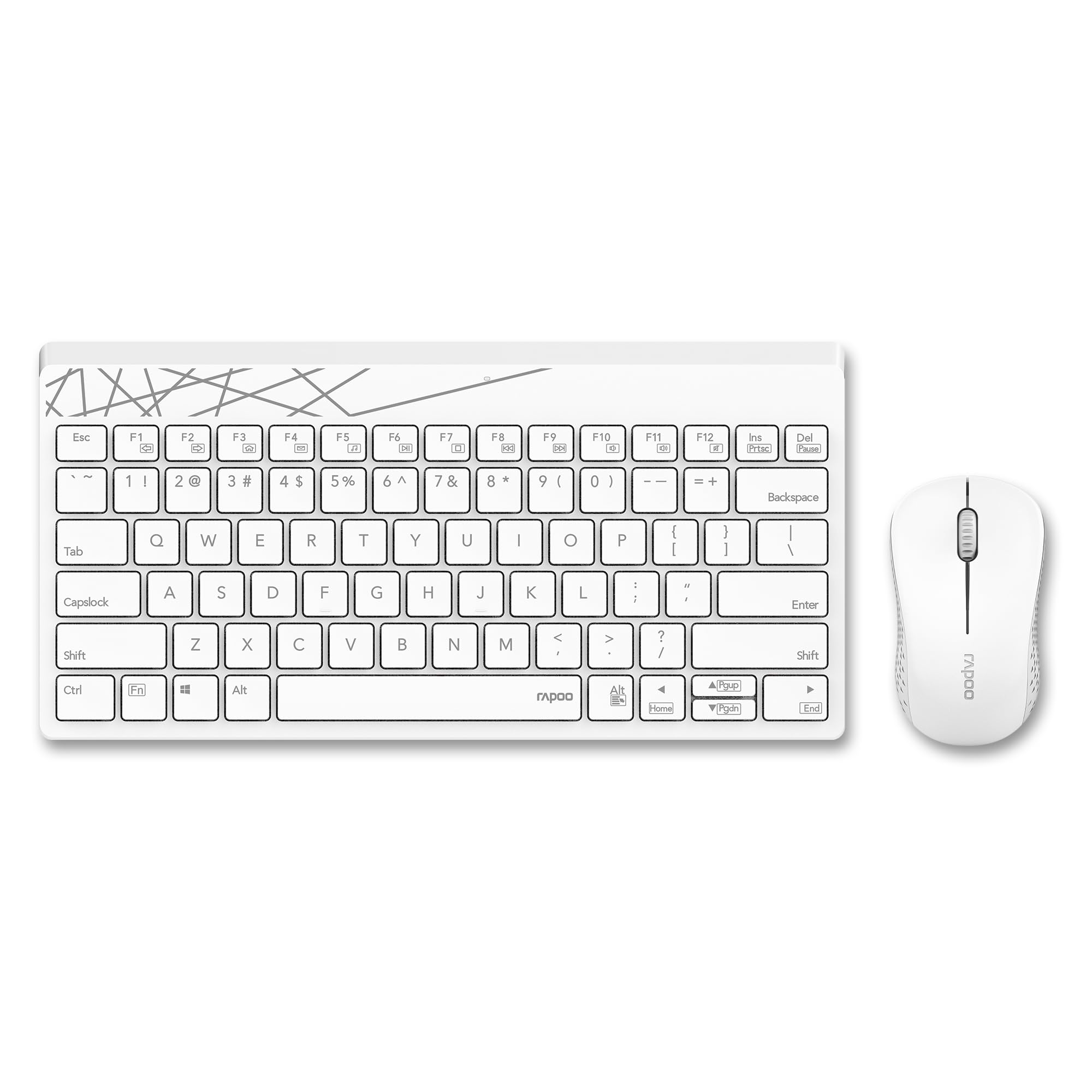
Image: The Rapoo 8000S wireless keyboard and mouse set in white, showcasing il suo design compatto.
2. Istruzioni per l'installazione
2.1 Contenuto della confezione
- Rapoo 8000S Wireless Keyboard
- Rapoo Wireless Mouse
- Ricevitore USB
- 1 batteria AA (preinstallata o inclusa)
2.2 Installazione della batteria
The Rapoo 8000S keyboard and mouse are powered by AA batteries. A battery is typically included with the product.
- Per il topo: Open the battery compartment cover located on the underside of the mouse. Insert the AA battery, ensuring correct polarity (+/-). Close the cover.
- Per la tastiera: Open the battery compartment cover on the underside of the keyboard. Insert the AA battery, ensuring correct polarity (+/-). Close the cover.
2.3 Collegamento del ricevitore USB
The Rapoo 8000S uses a 2.4 GHz wireless connection via a USB receiver.
- Individuare il ricevitore USB, solitamente conservato nel vano batterie del mouse o confezionato separatamente.
- Plug the USB receiver into an available USB port on your computer, laptop, tablet, or smart TV.
- Il sistema dovrebbe rilevare e installare automaticamente i driver necessari. L'operazione potrebbe richiedere alcuni istanti.
- Una volta installati, la tastiera e il mouse dovrebbero essere pronti per l'uso.
2.4 Compatibilità
The Rapoo 8000S is compatible with a wide range of operating systems and devices.
- Sistemi operativi: Windows, iOS, Android, Mac
- Dispositivi: Laptops, Personal Computers, Tablets, Smartphones, Smart Televisions
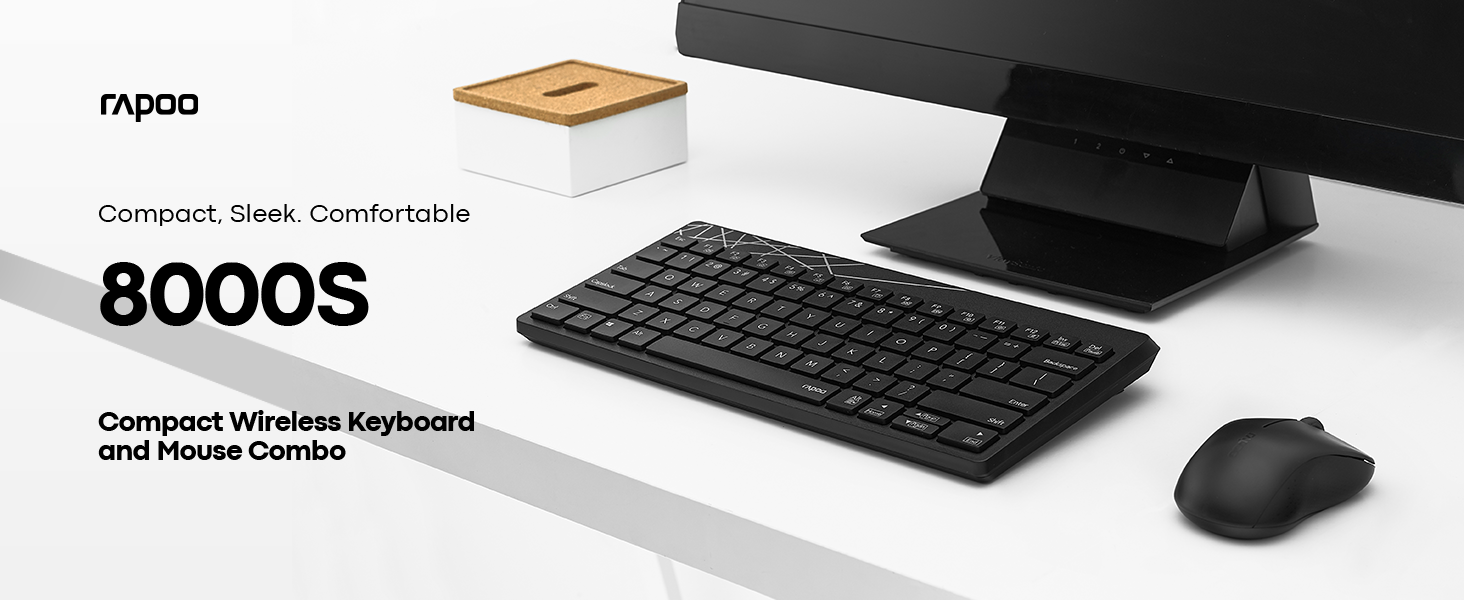
Image: A computer screen displaying both Windows and Apple logos, indicating broad compatibility of the Rapoo 8000S.
3. Istruzioni per l'uso
3.1 Basic Keyboard and Mouse Functions
Once connected, the keyboard and mouse function like standard input devices. The keyboard features a membrane design for comfortable typing, and the mouse provides accurate optical tracking.
3.2 tasti di scelta rapida multimediali
The keyboard includes dedicated multimedia hotkeys for quick access to various functions.
- Controllo del lettore multimediale: Play/Pause, Stop, Previous Track, Next Track
- Regolazione del volume: Volume Up, Volume Down, Mute
- Altre funzioni: Homepage, Email, My Computer
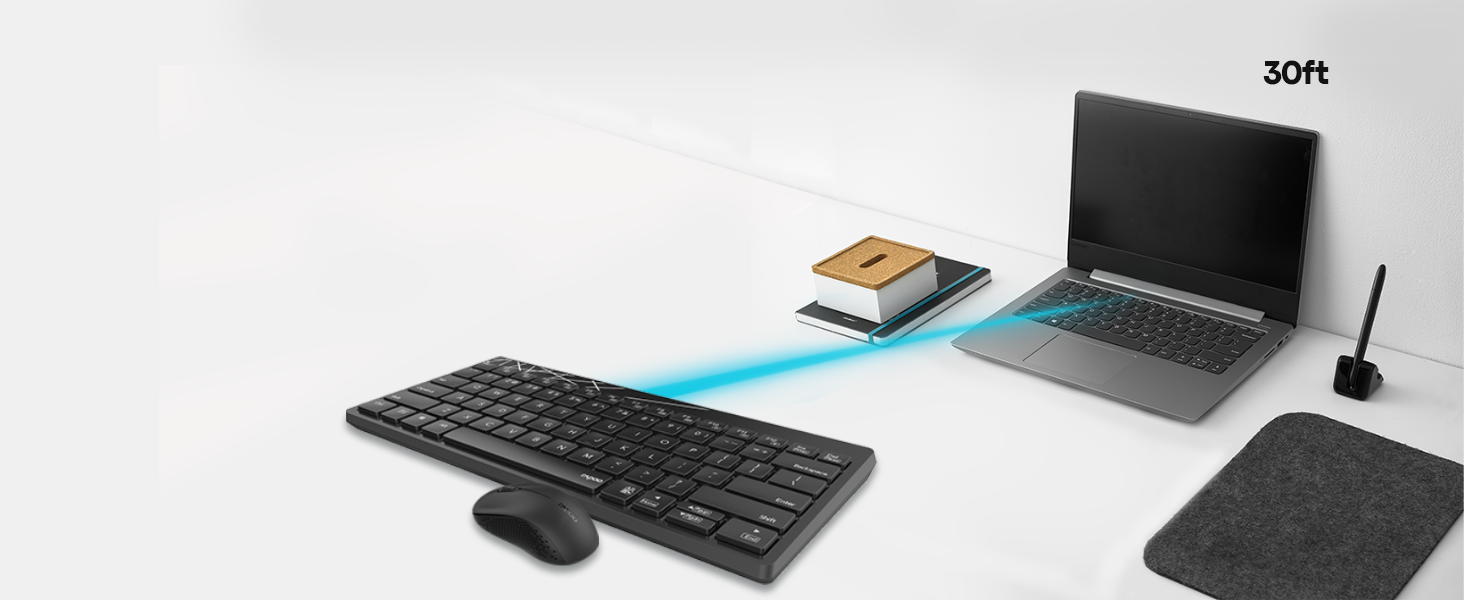
Image: A close-up of the Rapoo 8000S keyboard, highlighting the multifunction keys for media and system control.
3.3 Mouse DPI Control
The mouse features a 1300 DPI (Dots Per Inch) high-performance optical tracking engine, providing accurate and smooth cursor control. This fixed DPI setting is optimized for general use and precision on various surfaces.
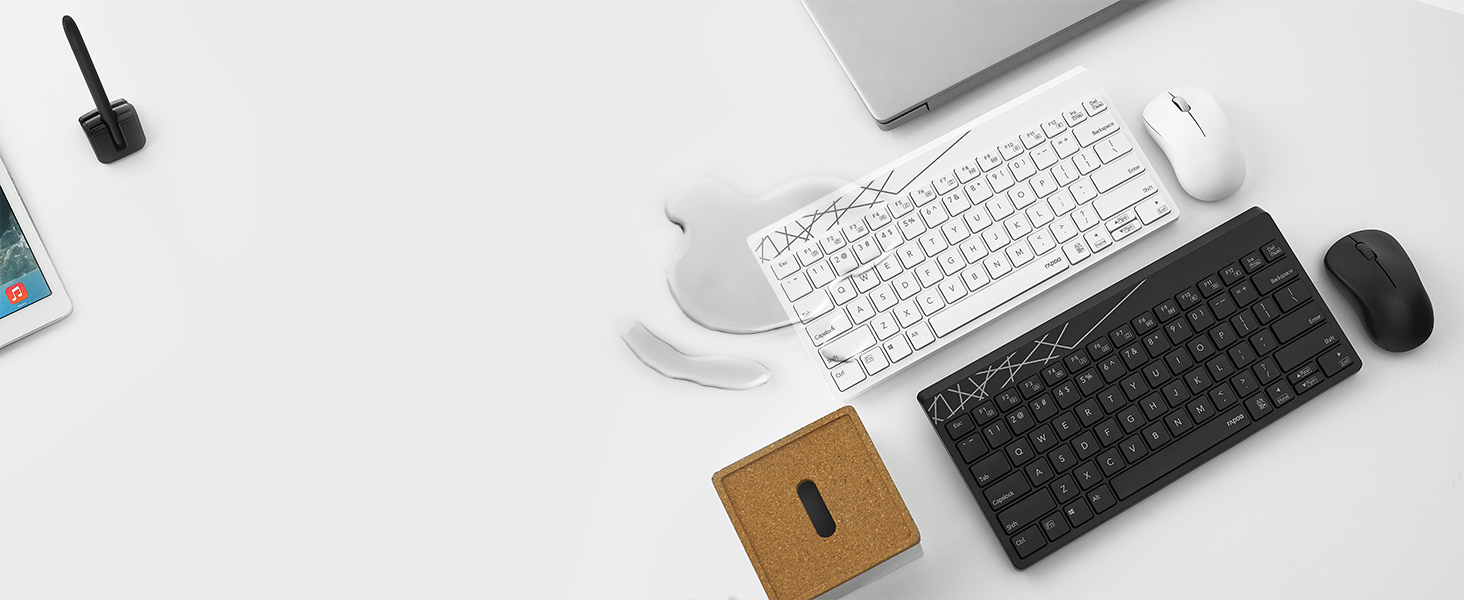
Image: The Rapoo 8000S mouse on a mousepad, with a visual representation of 1300 DPI for precise control.
3.4 Portata wireless
The 2.4 GHz wireless connection provides a reliable operating range of up to 30 feet (approximately 10 meters), allowing flexible placement of your devices.

Image: A visual representation of the Rapoo 8000S keyboard and mouse connected wirelessly to a laptop from a distance of 30 feet.
4. Manutenzione
4.1 Pulizia
To maintain optimal performance and appearance, regularly clean your keyboard and mouse.
- Utilizzare un panno morbido e asciutto per pulire le superfici.
- Per sporco ostinato, leggermente dampPulire il panno con acqua o una soluzione detergente delicata. Evitare l'eccessiva umidità.
- Non utilizzare detergenti abrasivi o solventi.
4.2 Design resistente agli schizzi
The keyboard features a spill-resistant design, which helps protect it from accidental liquid spills. In case of a spill:
- Immediately disconnect the USB receiver from your device.
- Capovolgere la tastiera per far scolare eventuali liquidi.
- Wipe the keyboard thoroughly with a dry cloth.
- Allow the keyboard to air dry completely before reconnecting and using it again.
Note: While spill-resistant, this design does not guarantee full waterproofing. Avoid submerging the keyboard in liquid.
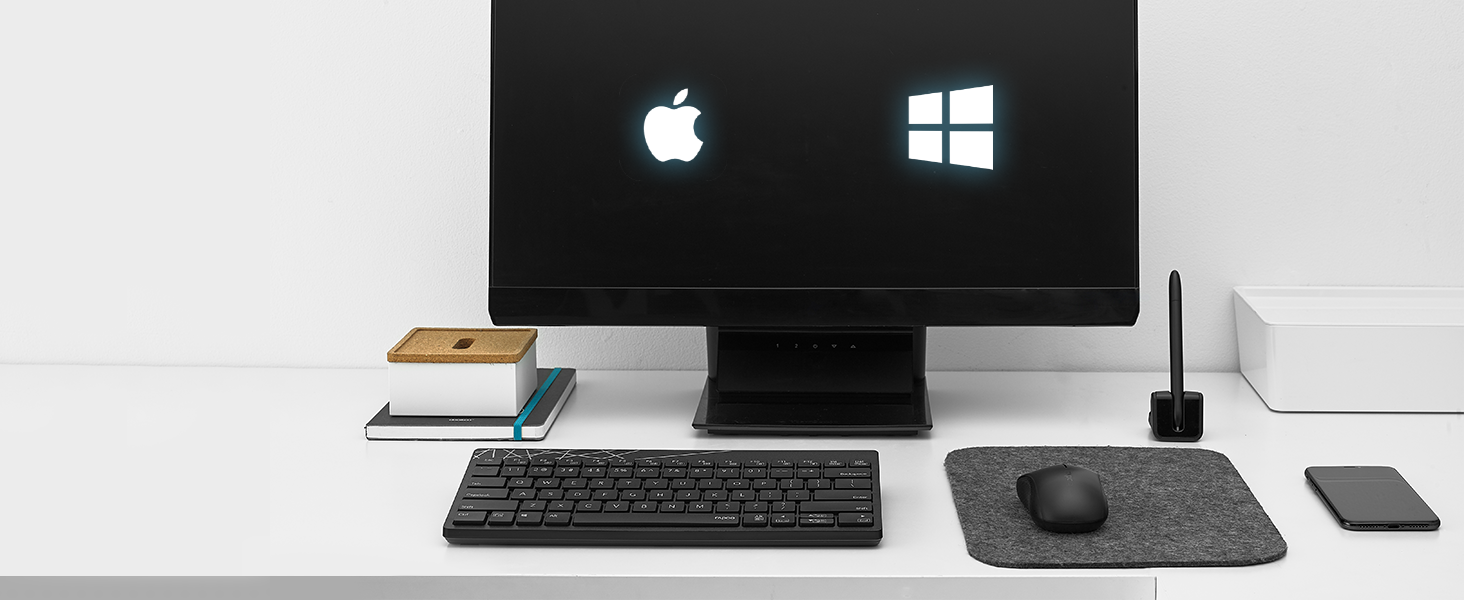
Image: A white Rapoo 8000S keyboard with liquid spilled on it, demonstrating its spill-resistant design.
4.3 Durata e sostituzione della batteria
With Rapoo's energy-saving technology and power switch, the keyboard and mouse can achieve a battery life of up to 9 months. When the battery is low, the indicator light on the device may flash, or performance may degrade.
- Replace the AA battery in the respective device (keyboard or mouse) following the instructions in Section 2.2.
- Ensure to dispose of used batteries responsibly according to local regulations.
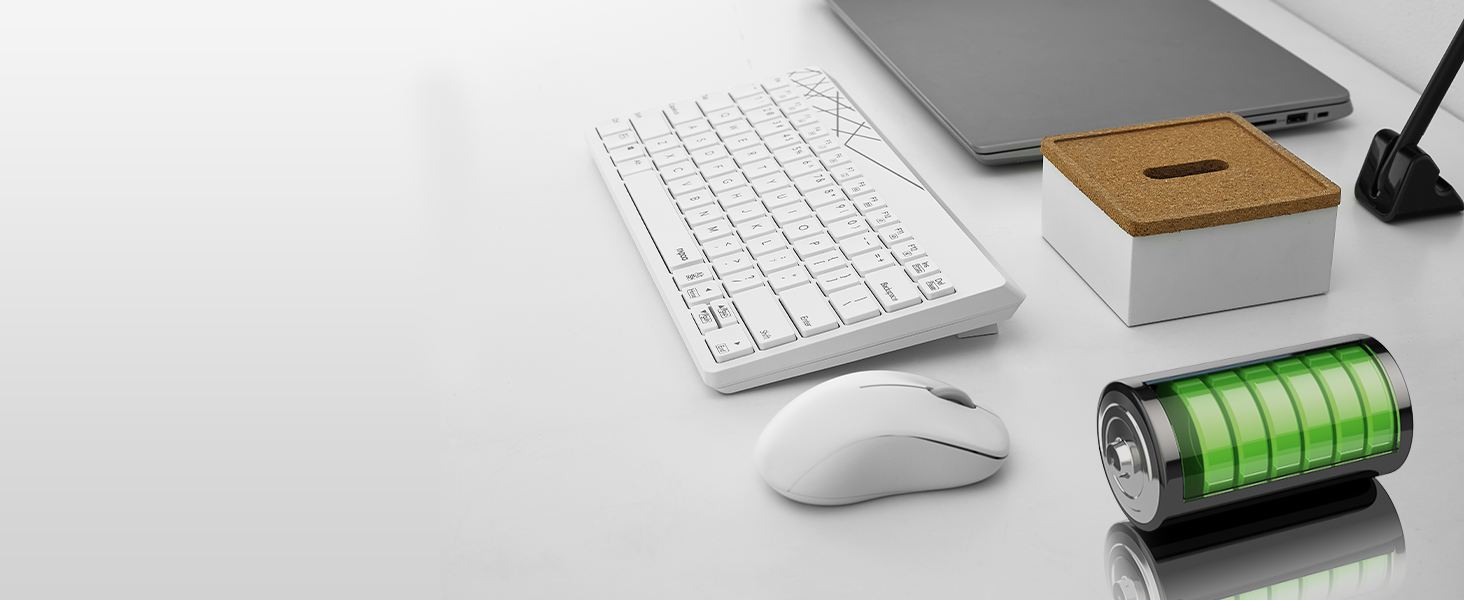
Image: The Rapoo 8000S keyboard and mouse with a visual representation of long battery life, indicated by battery icons.
5. Risoluzione Dei Problemi
If you encounter issues with your Rapoo 8000S set, try the following troubleshooting steps:
- Nessuna risposta da tastiera/mouse:
- Assicurarsi che le batterie siano installate correttamente e non siano scariche. Sostituirle se necessario.
- Check if the power switch on both the keyboard and mouse is turned ON.
- Verify that the USB receiver is securely plugged into a working USB port. Try a different USB port.
- Avvicinare la tastiera e il mouse al ricevitore USB per escludere problemi di portata.
- Riavvia il computer o il dispositivo.
- Connessione ritardata o intermittente:
- Ensure there are no large metal objects or other wireless devices (e.g., Wi-Fi routers, cordless phones) operating too close to the receiver, which might cause interference.
- Prova a collegare il ricevitore USB a una porta USB diversa, preferibilmente una sulla parte anteriore del computer oppure tramite una prolunga USB per avvicinarlo ai dispositivi.
- Sostituire le batterie.
- Il mouse non traccia correttamente:
- Ensure the mouse's optical sensor is clean and free from dust or debris.
- Utilizzare il mouse su una superficie pulita e non riflettente oppure su un tappetino per mouse.
- Tasti specifici non funzionanti:
- Check for any physical obstructions under the key.
- If the keyboard has experienced a spill, ensure it is completely dry.
6. Specifiche
| Caratteristica | Dettaglio |
|---|---|
| Marca | Rapoo |
| Modello | 8000S |
| Tecnologia di connettività | Radiofrequenza wireless a 2.4 GHz |
| Dispositivi compatibili | Laptop, Personal Computer, Television, Tablet, Smartphone |
| Descrizione della tastiera | Membrana |
| Rilevamento del movimento del mouse | Ottico |
| DPI del mouse | 1300 DPI |
| Caratteristiche speciali | Ergonomic, Lightweight, Spillproof Keyboard |
| Fonte di alimentazione | Battery Powered (1 AA battery per device) |
| Durata della batteria | Fino a 9 mesi |
| Dimensioni del prodotto | 28.5 x 13.9 x 2.4 cm (tastiera) |
| Peso dell'articolo | 390 g (totale) |
| Paese di origine | Cina |
7. Informazioni sulla garanzia
The Rapoo 8000S Keyboard and Mouse Set typically comes with a 3-year limited warranty. This warranty covers manufacturing defects and ensures the product functions as intended under normal use. Please retain your proof of purchase for warranty claims.
For detailed warranty terms and conditions, please refer to the warranty card included in your product packaging or visit the official Rapoo websito.
8. Assistenza clienti
If you require further assistance, have questions, or encounter issues not covered in this manual, please contact Rapoo customer support.
- Supporto online: Visita il Rapoo ufficiale websito per domande frequenti, download di driver e informazioni di contatto per l'assistenza.
- E-mail/Telefono: Refer to your product packaging or the Rapoo websito per informazioni di contatto specifiche nella tua regione.


