1. Introduzione
Thank you for choosing the TCL 98C6K 98-inch 4K QD-MiniLED Smart TV. This manual provides essential information for setting up, operating, maintaining, and troubleshooting your new television. Please read this manual thoroughly before using the product to ensure safe and optimal performance. Keep this manual for future reference.
2. Informazioni sulla sicurezza
Quando si utilizza questo televisore, seguire sempre le precauzioni di sicurezza di base per ridurre il rischio di incendi, scosse elettriche e lesioni.
- Non esporre il televisore alla pioggia o all'umidità.
- Non aprire la TV casing; affidare ogni intervento di manutenzione a personale qualificato.
- Garantire un'adeguata ventilazione intorno al televisore.
- Tenere il televisore lontano dalla luce solare diretta, da fonti di calore e da fiamme libere.
- Utilizzare esclusivamente il cavo di alimentazione e gli accessori forniti da TCL.
- Scollegare il televisore durante i temporali o quando non viene utilizzato per lunghi periodi.
3. Contenuto della confezione
Verificare che tutti gli articoli siano presenti nel pacco:
- TCL 98C6K 98-inch 4K QD-MiniLED Smart TV
- Telecomando
- Manuale d'uso
- Componenti del supporto TV
- Cavo di alimentazione
- Adattatore di alimentazione
4. Impostazione
4.1 Disimballaggio e posizionamento
Carefully remove the TV from its packaging. It is recommended that two or more people handle the TV due to its size and weight. Place the TV on a stable, flat surface or mount it on a wall using a compatible VESA mount (sold separately).
4.2 Installazione dello stand
Se si utilizza il supporto incluso, fissare i componenti del supporto alla parte inferiore del televisore utilizzando le viti in dotazione. Assicurarsi che il supporto sia fissato saldamente prima di posizionare il televisore in verticale.
4.3 Collegamento dei dispositivi
Connect your external devices (e.g., Blu-ray player, game console, soundbar) to the TV using the appropriate ports.
- HDMI: Per audio e video ad alta definizione.
- USB: Per collegare dispositivi di archiviazione USB.
- Energia: Collegare il cavo di alimentazione al televisore e poi a una presa di corrente.
The TV supports Bluetooth and Wi-Fi connectivity for wireless devices and internet access.

Lato view of the TCL 98C6K TV, illustrating the location of HDMI, USB, and other connectivity ports.

Posteriore view of the TCL 98C6K TV, detailing the back panel design and potential wall-mounting points.
4.4 Accensione iniziale
After connecting all necessary cables, plug the TV into a power outlet. Press the power button on the remote control or on the TV itself. Follow the on-screen instructions for initial setup, including language selection, network connection, and channel scanning.
5. Utilizzo della TV
5.1 Controllo remoto finitoview
The remote control allows you to access all TV functions. Familiarize yourself with the buttons for power, volume, channel selection, smart TV navigation, and input source selection.
5.2 Funzioni di base
- Accensione/spegnimento: Premere il pulsante di accensione.
- Controllo del volume: Utilizzare i pulsanti Volume su/giù.
- Selezione canale: Utilizzare i pulsanti Canale Su/Giù o il tastierino numerico.
- Sorgente di input: Press the 'Source' button to switch between HDMI, USB, and other inputs.
5.3 Funzionalità della Smart TV
Your TCL 98C6K TV runs on a smart operating system, providing access to various applications and services. It includes features like Google Assistant for voice control and Chromecast for casting content from your mobile devices.
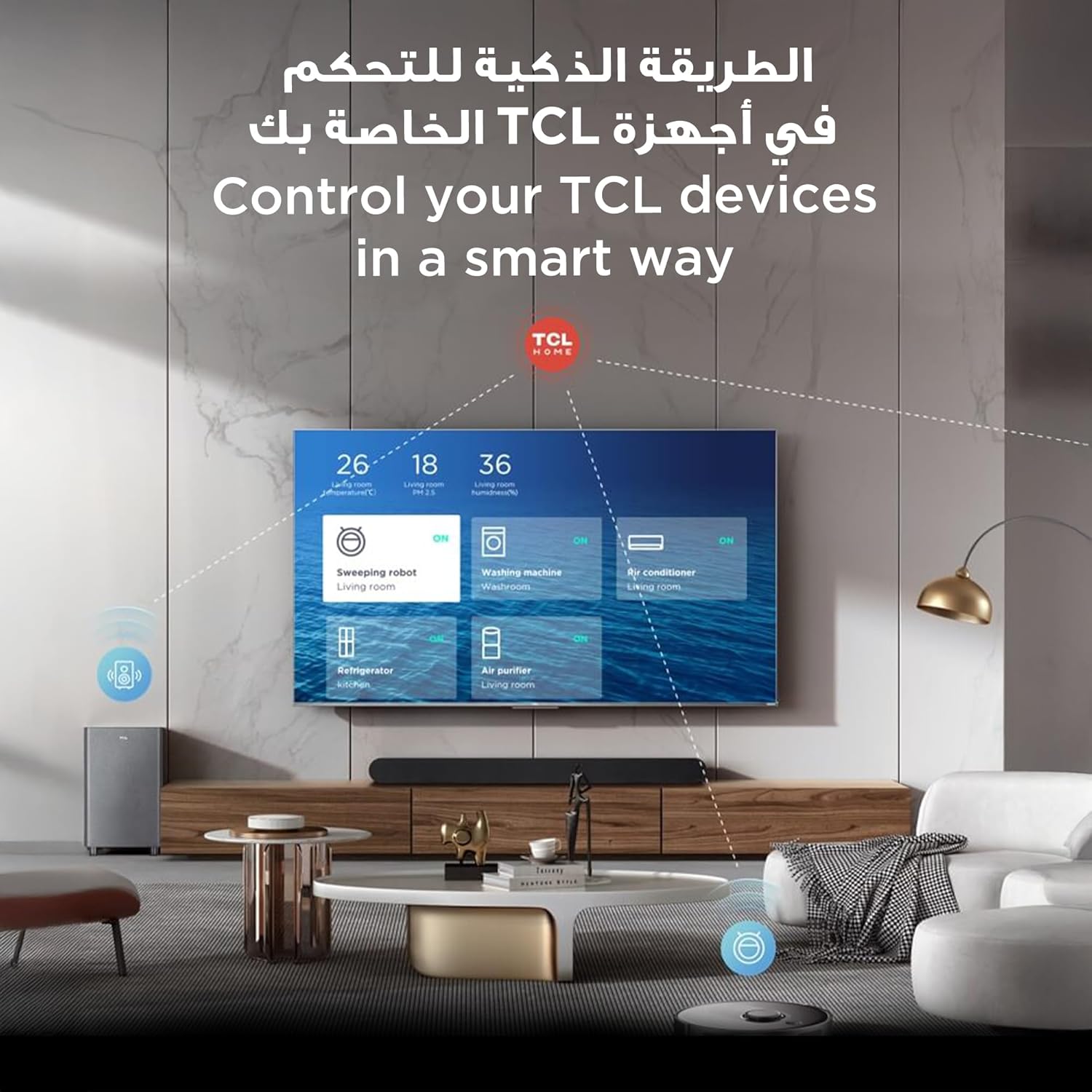
The TCL TV's smart interface allows for integrated control of other TCL smart home devices.
5.4 Impostazioni immagine e audio
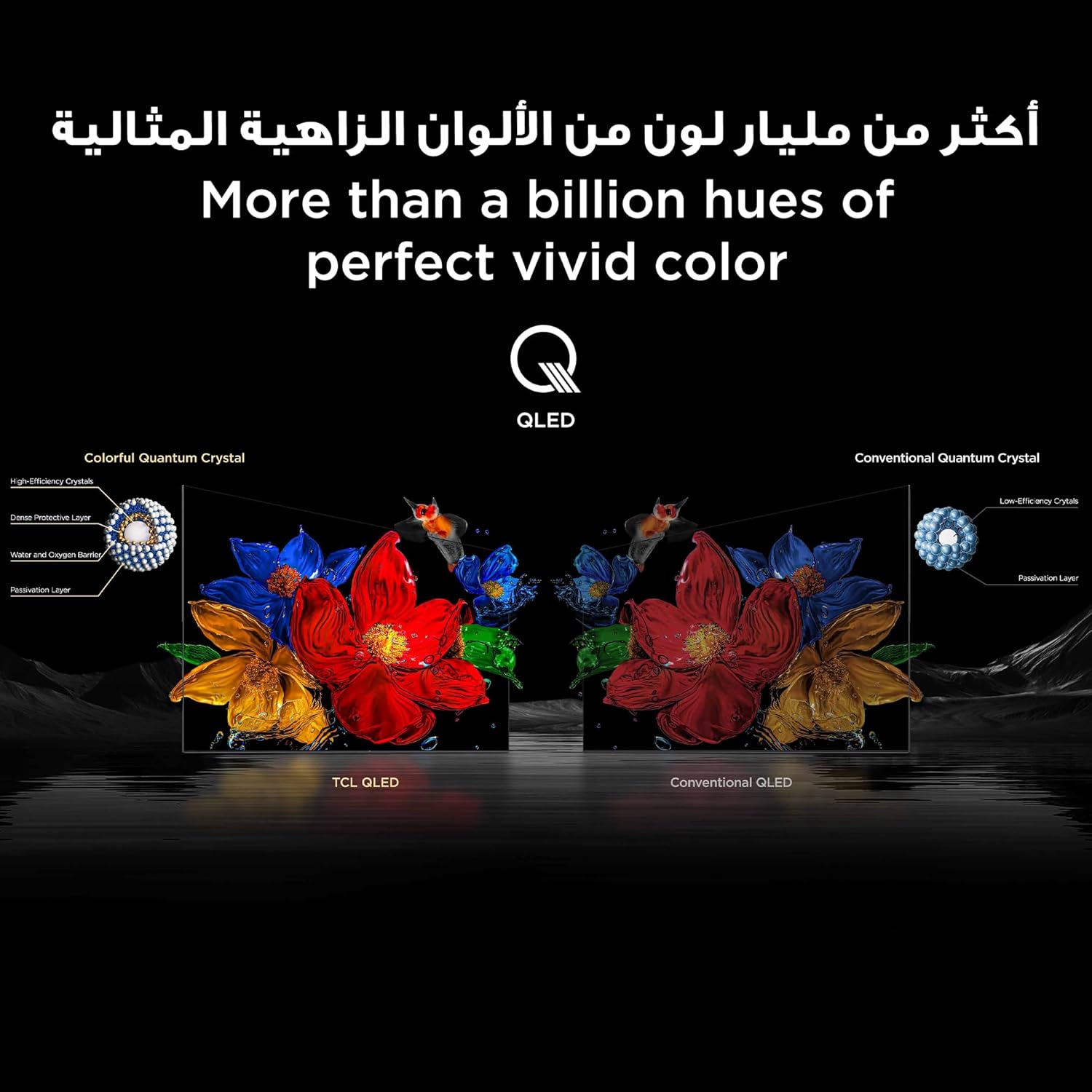
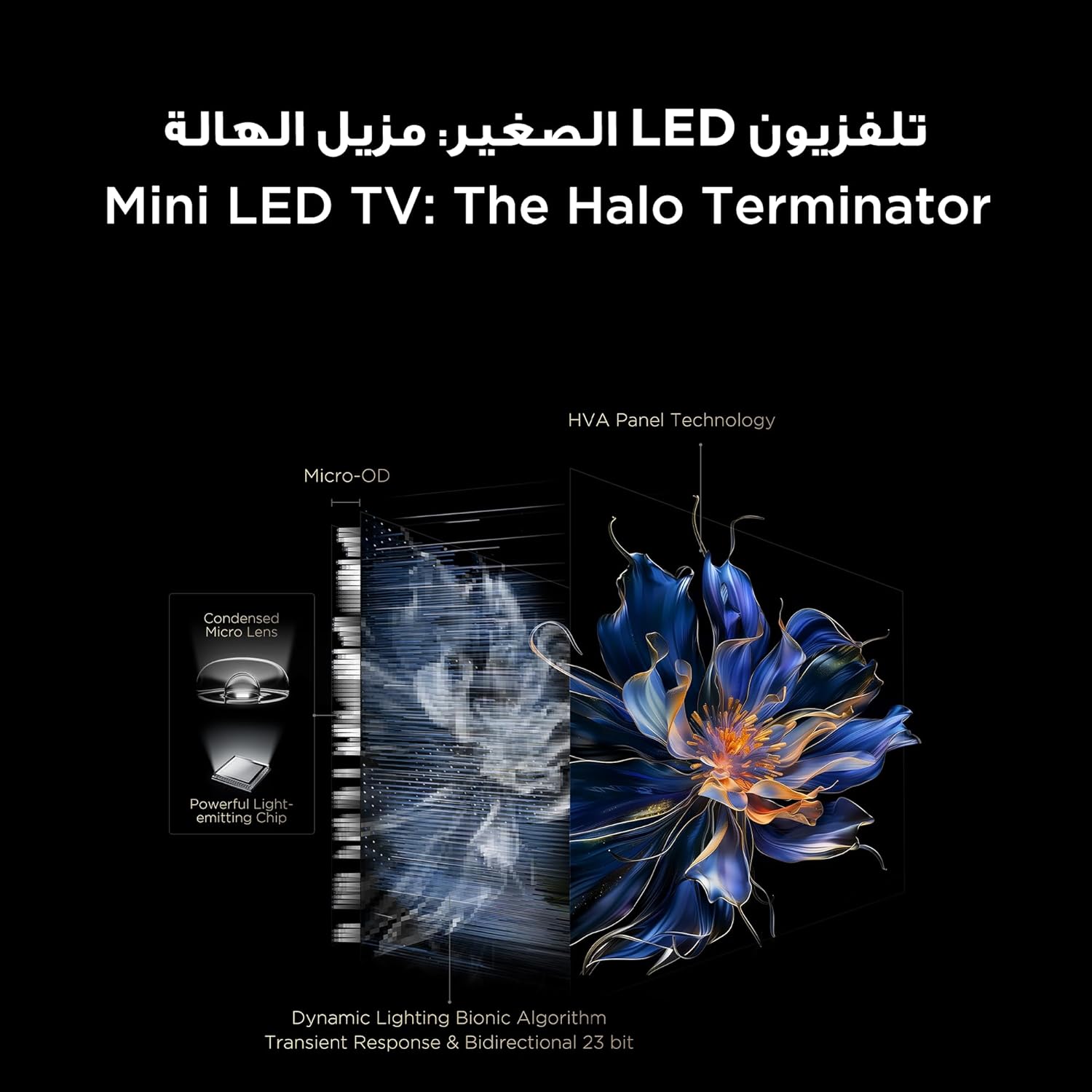
The TV features QD-MiniLED technology, offering precise dimming across up to 512 zones for enhanced contrast and brightness. With Quantum Dot technology, it delivers over a billion vibrant colors, covering 93% of the DCI-P3 color gamut. High Dynamic Range (HDR) support ensures stunning detail in both bright and dark scenes.
Visual representation of TCL QLED technology, showcasing its ability to produce over a billion vibrant colors.

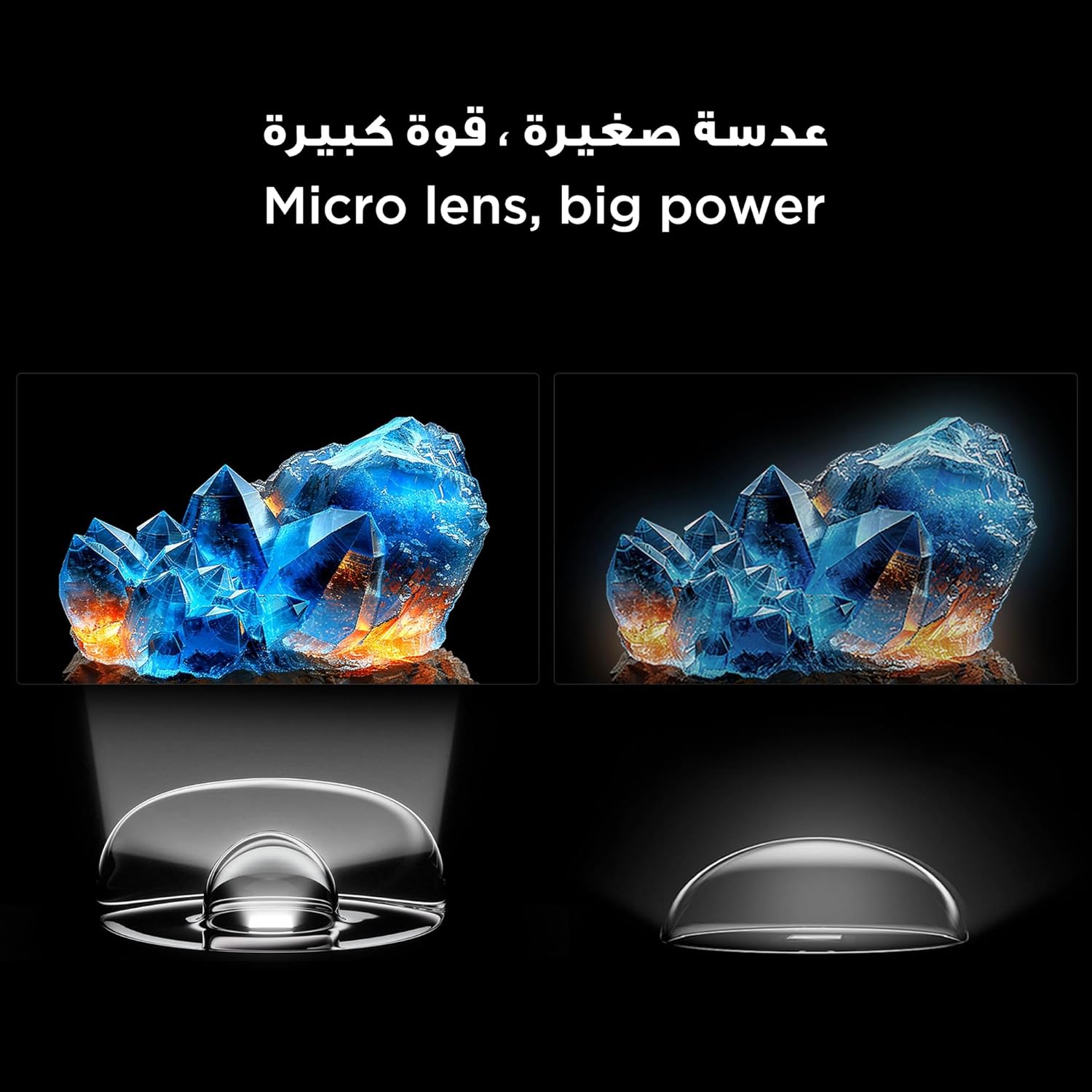
An illustration of the Mini LED TV technology, highlighting its advanced backlighting system for improved contrast and reduced halo effects.
Detail of the micro lens technology used in the Mini LED display, enhancing light control and picture quality.
The integrated AiPQ Pro Processor optimizes picture and sound in real-time, ensuring a superior viewing experience. For audio, the TV features an Onkyo 2.1 Hi-Fi sound system, delivering rich and immersive sound.

The AiPQ Pro Processor, responsible for intelligent picture and sound optimization.
The Onkyo 2.1 sound system provides a cinematic audio experience.
5.5 Caratteristiche di gioco
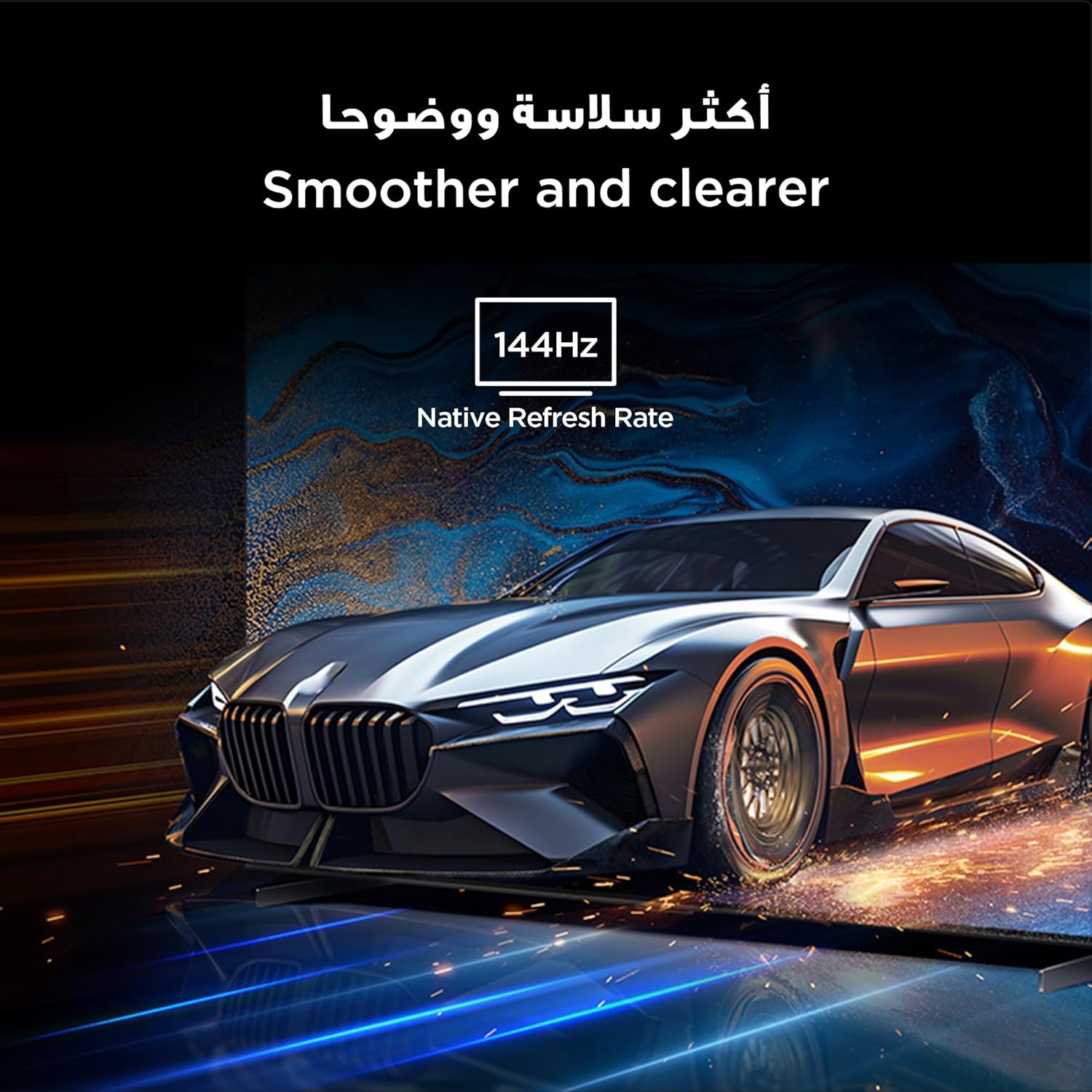
With a native 144Hz refresh rate, the TV provides ultra-smooth motion, ideal for fast-paced action and gaming. This ensures a clear and fluid visual experience without motion blur.
The 144Hz native refresh rate ensures smoother and clearer motion, especially beneficial for gaming and fast-action content.
6. Manutenzione
6.1 Pulizia dello schermo
Pulire delicatamente lo schermo con un panno morbido e privo di lanugine. Per i segni ostinati, strofinare leggermenteampPulisci il panno con acqua o con un detergente specifico per schermi. Evita di utilizzare prodotti chimici aggressivi o materiali abrasivi.
6.2 Cura generale
Keep the TV free from dust by regularly wiping the casing with a dry, soft cloth. Ensure ventilation openings are not blocked. Do not place heavy objects on the TV.
7. Risoluzione Dei Problemi
Se riscontri problemi con la tua TV, fai riferimento alle seguenti soluzioni comuni:
| Problema | Possibile soluzione |
|---|---|
| Nessun potere | Controlla che il cavo di alimentazione sia collegato saldamente e che la presa di corrente funzioni. Prova una presa diversa. |
| Nessuna immagine, ma l'audio è presente | Assicurarsi che sia selezionata la sorgente di ingresso corretta. Controllare i collegamenti dei cavi ai dispositivi esterni. |
| Nessun suono, ma l'immagine è presente | Controllare i livelli del volume e le impostazioni di disattivazione dell'audio. Verificare i collegamenti dei cavi audio. |
| Il telecomando non funziona | Sostituisci le batterie. Assicurati che non ci siano ostacoli tra il telecomando e il televisore. |
| Qualità dell'immagine scadente | Regolare le impostazioni dell'immagine (luminosità, contrasto, nitidezza). Verificare la qualità del segnale in ingresso. |
| Impossibile connettersi al Wi-Fi | Ensure your router is on and within range. Re-enter the Wi-Fi password. Restart the TV and router. |
Se il problema persiste, contattare l'assistenza clienti TCL.
8. Specifiche
Detailed technical specifications for the TCL 98C6K TV:
| Caratteristica | Dettaglio |
|---|---|
| Produttore | TCL |
| Paese di origine | Cina |
| Numero di modello | 98C6K |
| Dimensioni del prodotto (L x P x A) | Dimensioni: 218.4 x 10.2 x 127 cm |
| Peso del prodotto | 52 kg |
| Dimensioni dello schermo | 98 pollici |
| Tecnologia di visualizzazione | QD-MiniLED |
| Risoluzione | 4K |
| Frequenza di aggiornamento | 144 Hz (nativo) |
| Caratteristiche speciali | Onkyo 2.1 Hi-Fi, IMAX Enhanced, Ultra-slim design, High HDR brightness, Multi-eye care, Chromecast, Google Assistant, AiPQ Pro Processor, AI mode |
| Componenti inclusi | Remote control, User manual, Stand, Power cable, Power adapter |
| Tecnologia di connettività | HDMI, USB, Bluetooth, Wi-Fi |
| Proporzioni | 16:9 |
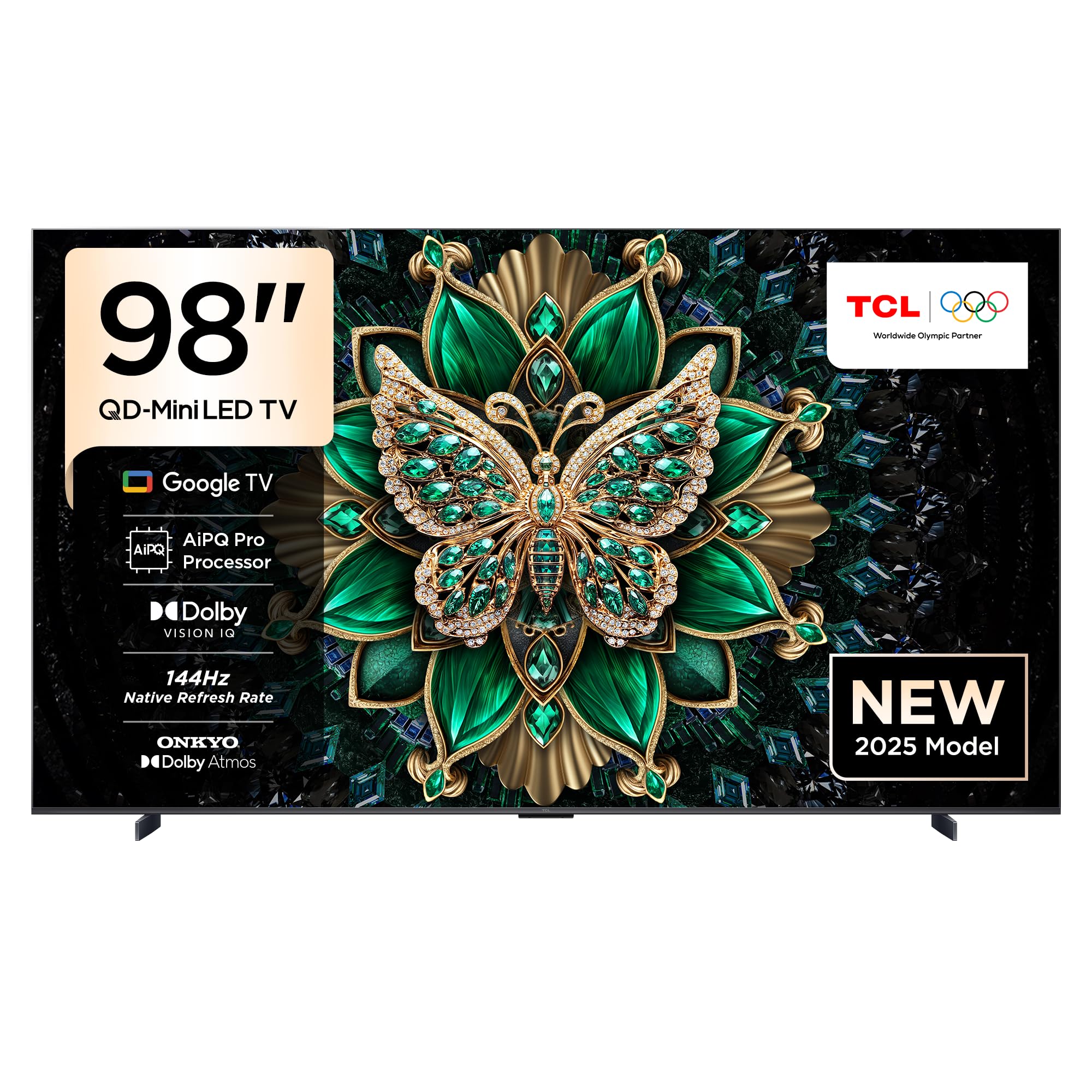
Davanti view of the TCL 98C6K 98-inch 4K QD-MiniLED Smart TV.

Fronte angolato view of the TCL 98C6K TV.
Lato profile of the TCL 98C6K TV, showcasinil suo design sottile.
9. Garanzia e supporto
Per informazioni sulla garanzia, fare riferimento alla scheda di garanzia inclusa con il prodotto o visitare il sito ufficiale TCL website. For technical support, product registration, or service inquiries, please contact TCL customer service through their official channels.
Puoi trovare ulteriore supporto e risorse su Negozio del marchio TCL.


