1. Introduzione
This manual provides instructions for the safe and efficient use of your GUY-TECH 12V AC Adapter. This adapter is designed to provide power to compatible electronic devices, specifically the IOMEGA Screenplay PRO HD Media Player, and other devices requiring a 12V power supply with a compatible plug type.
The adapter is compact and lightweight, designed for portability. It features high power exchange efficiency, low energy consumption, and incorporates protection mechanisms against over-voltage, over-current, and short circuits to ensure device safety.
Note: This adapter is a replacement unit and is not an original manufacturer product.
2. Informazioni sulla sicurezza
- Assicurarsi che il volume dell'adattatoretage and current specifications match your device's requirements before connecting. Incorrect voltage può danneggiare il tuo dispositivo.
- Non esporre l'adattatore ad acqua, umidità o temperature estreme.
- Evitare di far cadere o di sottoporre l'adattatore a forti urti.
- Do not attempt to open or repair the adapter. Refer to qualified personnel for service.
- Tenere l'adattatore lontano dalla portata dei bambini.
- Scollegare l'adattatore dalla presa di corrente quando non lo si utilizza per lunghi periodi.
- Assicurare una ventilazione adeguata attorno all'adattatore durante il funzionamento per evitare il surriscaldamento.
3. Istruzioni per l'installazione
- Verifica compatibilità: Before connecting, confirm that your device requires a 12V DC input and has a compatible power input jack. Refer to your device's manual for power specifications.
- Connetti al dispositivo: Insert the adapter's output plug firmly into the power input jack of your electronic device.
- Collegare alla presa di corrente: Plug the adapter's AC input plug into a standard AC 100V-240V wall outlet.
- Accendere il dispositivo: Once connected, you can power on your device.
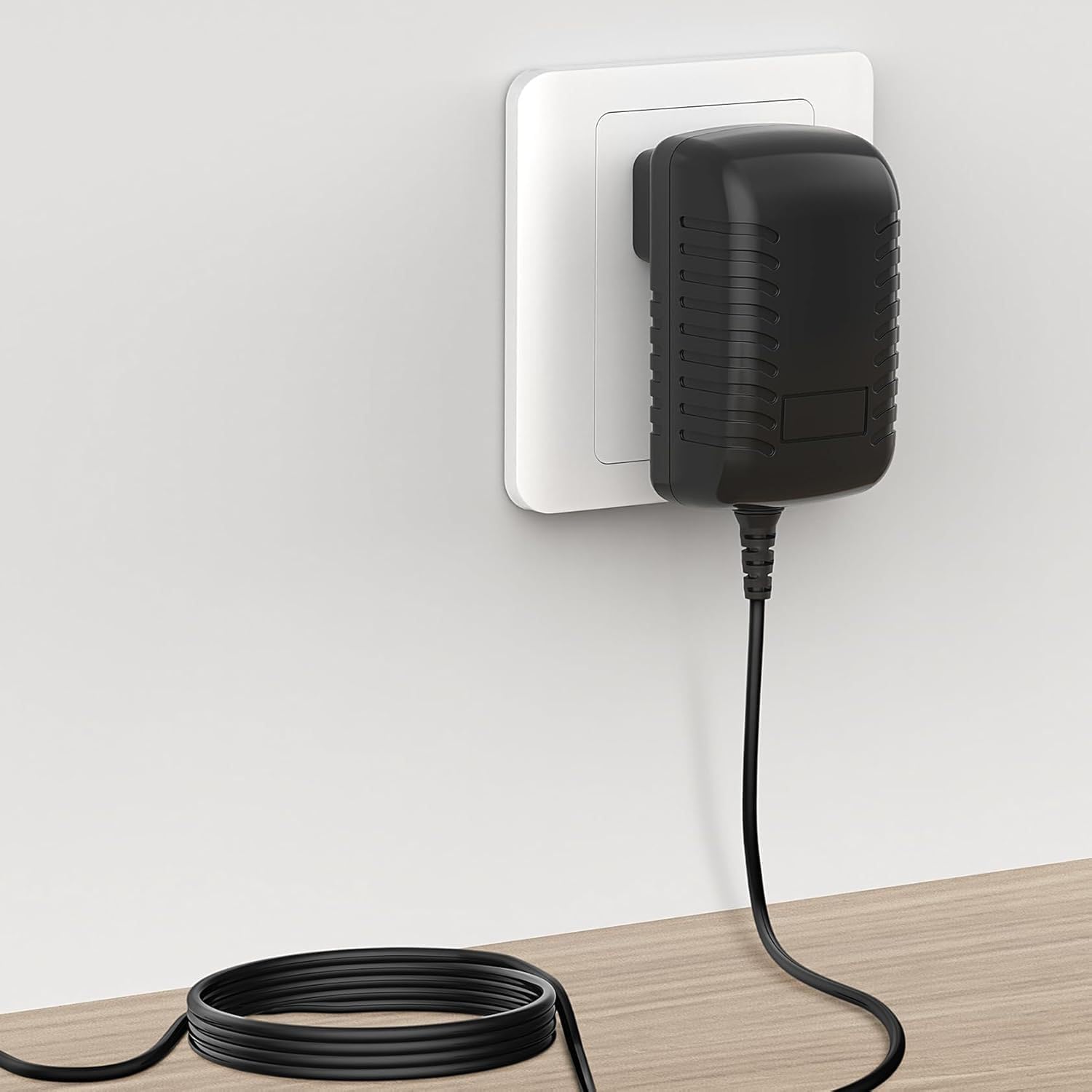
Figure 3.1: Adapter connected to a wall outlet and device.
4. Istruzioni per l'uso
The GUY-TECH 12V AC Adapter operates automatically once connected to a power source and a compatible device. It converts the AC input voltage (100V-240V) to a stable 12V DC output for your device.
- Ensure the adapter is placed in a well-ventilated area during operation to prevent heat buildup.
- Do not cover the adapter with cloths or other materials while it is in use.
- Se l'adattatore risulta eccessivamente caldo, scollegarlo immediatamente e verificare la corretta ventilazione o eventuali problemi con il dispositivo collegato.
5. Manutenzione
- Pulizia: Scollegare l'adattatore dalla presa di corrente e dal dispositivo prima di pulirlo. Utilizzare un panno morbido e asciutto per pulire l'esterno. Non utilizzare detergenti liquidi o solventi.
- Magazzinaggio: When not in use, store the adapter in a cool, dry place, away from direct sunlight and moisture. Avoid tightly coiling the power cord to prevent damage.
- Ispezione: Periodically inspect the power cord and adapter casing for any signs of damage, such as cuts, fraying, or cracks. If damage is found, discontinue use and replace the adapter.

Figure 5.1: Details of the adapter's construction, including the flexible power cord.
6. Risoluzione Dei Problemi
| Problema | Possibile causa | Soluzione |
|---|---|---|
| Il dispositivo non si accende. |
|
|
| L'adattatore risulta caldo durante l'uso. |
|
|
| Sparking when plugging into outlet. |
|
|
7. Specifiche
| Marca | GUY-TECH |
| Modello | Adattatore CA da 12 V |
| Ingresso volumetage | AC 100V - 240V (Worldwide Use) |
| Volume di uscitatage | 12V DC (Output current not specified, ensure compatibility with device requirements) |
| Tipo di connettore | Plug (American Standard) |
| Dispositivi compatibili | IOMEGA Screenplay PRO HD Media Player, and other devices requiring 12V DC with compatible plug. |
| Caratteristica speciale | Design adatto ai viaggi |
| Colore | Nero |
| Materiale | Composito, Metallo, Plastica |
| Certificazioni | CCC, CE, RoHS |
| Caratteristiche di protezione | oltre il volumetage Output Protection, Over Current Output Protection, Short Circuit Output Protection |

Figure 7.1: Adapter dimensions for reference.
8. Informazioni di supporto
For technical assistance or inquiries regarding your GUY-TECH 12V AC Adapter, please refer to the retailer or manufacturer's support channels. Ensure you have your product model information (12V AC Adapter) and purchase details available when contacting support.
This product is manufactured by SHENZHEN XINGSENXIANG.