1. Introduzione
This manual provides essential information for setting up, operating, and maintaining your TCL 85T69C 85-inch QLED 4K HDR Smart TV. This television integrates advanced QLED technology for vibrant colors, 4K HDR for superior contrast, and is powered by Google TV for a smart and intuitive user experience. It also features Onkyo 2.1 sound for immersive audio and Game Master features for an optimized gaming experience.

Figura 1: Fronte view of the TCL 85T69C 85-inch QLED 4K HDR Smart TV.
2. Informazioni sulla sicurezza
Before operating the TV, please read all safety instructions carefully. Keep this manual for future reference. Ensure proper ventilation and avoid placing the TV near heat sources or in direct sunlight. Do not expose the TV to rain or moisture. For cleaning, use a soft, dry cloth. Always unplug the TV before cleaning or performing any maintenance.
3. Cosa c'è nella scatola
Verificare che tutti i componenti siano presenti:
- Cavo di alimentazione
- Telecomando
- In piedi
4. Impostazione
4.1. Dimensioni e posizionamento
The TV dimensions are approximately 37.2 x 189 x 115.2 cm (depth x width x height) and it weighs 46 kg. Ensure adequate space for placement and ventilation.

Figure 2: Diagram showing the dimensions of the TCL 85T69C 85-inch TV and its remote control.
4.2. Installazione dello stand
Carefully attach the provided stand to the television following the instructions in the quick start guide. Ensure all screws are securely fastened.
4.3. Montaggio a parete
The TV is VESA compatible. For wall mounting, use a compatible VESA mount (not included) and consult a professional installer to ensure safe and secure installation.
4.4. Connessioni
Connect your external devices to the appropriate ports on the TV. The TV features multiple connectivity options:
- HDMI x 3: For connecting devices like gaming consoles, Blu-ray players, or set-top boxes.
- USB x 2: Per collegare dispositivi di archiviazione USB per riprodurre contenuti multimediali o per assistenza.
- LAN (Ethernet): Per una connessione Internet cablata.
- Ottico (uscita audio digitale): Per il collegamento a sistemi audio esterni.
- Cavo/Satellite: For connecting antenna or satellite cables.
- Slot CI: For Conditional Access Modules (CAMs) for encrypted channels.
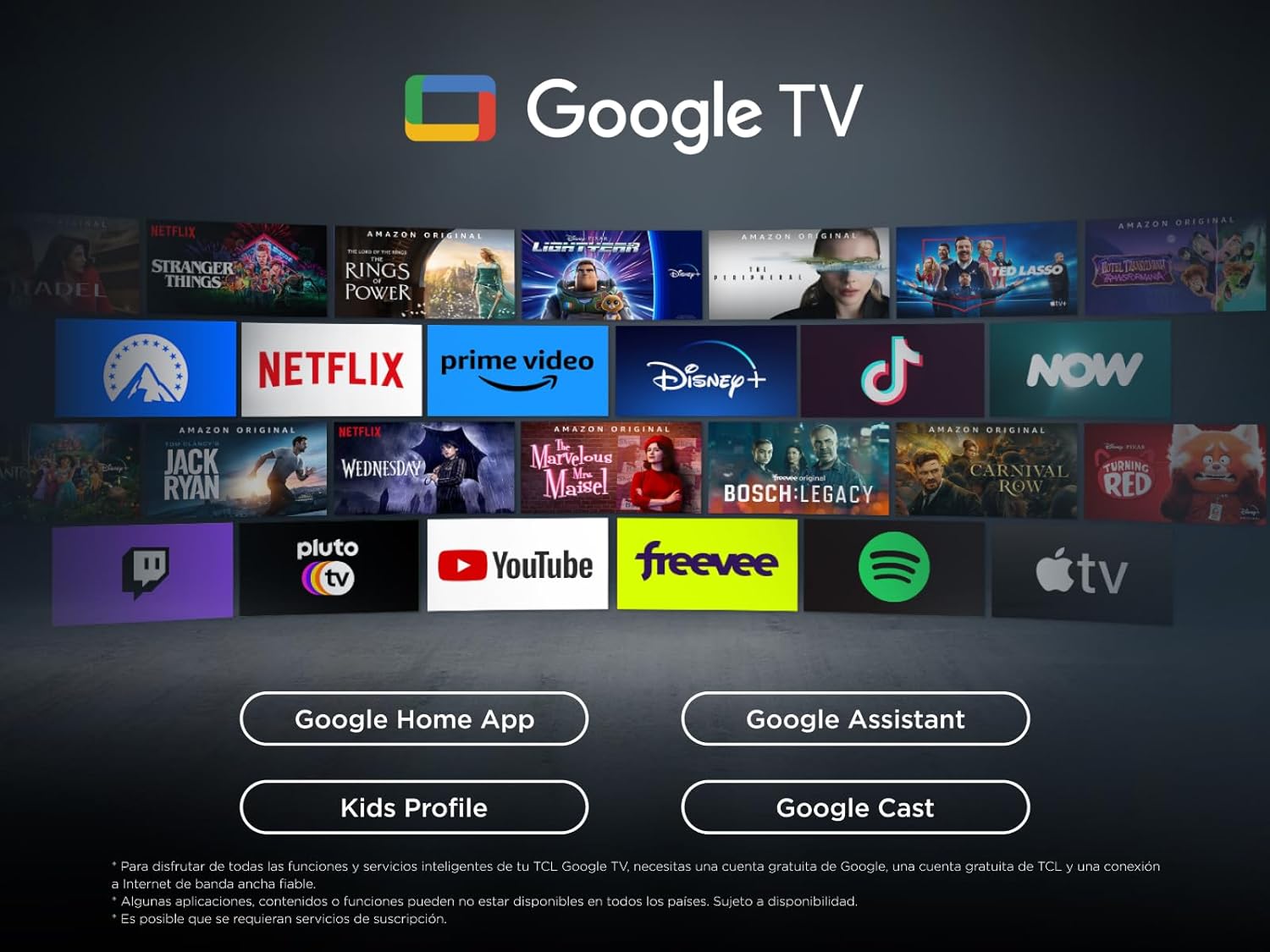
Figura 3: Oltreview of the TV's connectivity ports including HDMI, USB, LAN, Optical, Cable, Satellite, and CI Slot.
4.5. Accensione iniziale
After connecting all necessary cables, plug in the power cable and turn on the TV. Follow the on-screen instructions to complete the initial setup, including network connection and Google TV configuration.
5. Utilizzo della TV
5.1. Controllo remoto
The remote control allows you to navigate Google TV, adjust settings, and control connected devices. Refer to the remote control guide for detailed button functions.
5.2. Funzionalità di Google TV
Your TCL TV is powered by Google TV, offering a personalized entertainment experience. Access a wide range of streaming apps, live TV, and content recommendations tailored to your preferences.

Figure 4: The Google TV interface displaying various streaming applications and content.
5.2.1. Assistente Google
Use the built-in Google Assistant for hands-free voice control. Press the Google Assistant button on your remote or use the far-field voice control (if available) to search for content, control smart home devices, and get information.
5.2.2. Casting
Easily cast content from your mobile device, tablet, or laptop to your TCL TV using Google Cast, Miracast, or Airplay (if supported).
5.3. Impostazioni immagine
Ottimizza il tuo viewesperienza con tecnologie di imaging avanzate:
- Tecnologia QLED: Enjoy over a billion colors and shades for realistic image quality and an ultra-wide color gamut.
- LED diretto: Provides improved image quality and energy efficiency.
- Pannello HVA: Offers high contrast, lower energy consumption, and a wider viewangolo di ing.
- Processore AiPQ: TCL's algorithm processes content for high and stable 4K quality, clear motion, high contrast, and subtle details.
- Multi HDR Format: Supports HDR10, HLG, HDR10+, and Dolby Vision for stunning HDR from any source.

Figure 5: Visual representation of key features including QLED, AiPQ Processor, Dolby Atmos, Dolby Vision, HDR+, and Google TV.
5.4. Impostazioni audio
Experience immersive audio with the integrated sound system:
- Onkyo 2.1 Sound: Integrated Onkyo speakers with a deep bass subwoofer deliver clear and immersive Dolby Atmos sound.
- Dolby Atmos: Offre un'esperienza audio multidimensionale.
- DTS virtuale:X: Creates virtual 3D surround sound.
- MultiSound: Allows simultaneous audio output from TV speakers and headphones.
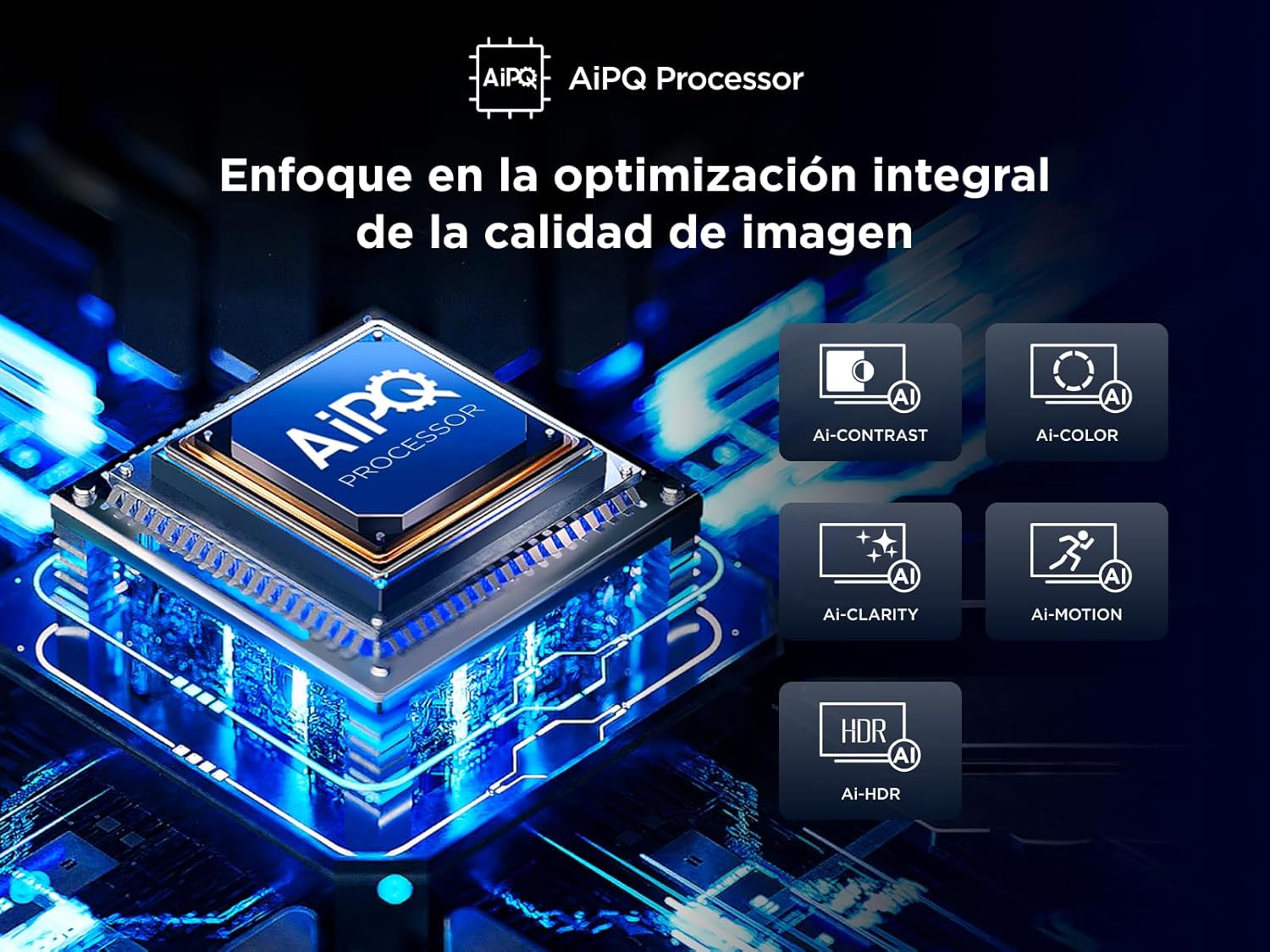
Figure 6: Illustration of the Onkyo 2.1 sound system creating a theatrical audio experience.
5.5. Caratteristiche di gioco
The T69C series is designed for gamers:
- Maestro di gioco: Optimizes settings for gaming, ensuring low latency and best image quality.
- HDMI 2.1 and ALLM: Automatically provides the lowest latency for gaming.
- VRR (frequenza di aggiornamento variabile): Eliminates screen tearing for smoother gameplay.
- Barra di gioco: Quick access to game-related settings.
6. Manutenzione
Per garantire la longevità e le prestazioni ottimali del tuo televisore, segui queste linee guida per la manutenzione:
- Pulizia dello schermo: Pulire delicatamente lo schermo con un panno morbido e privo di lanugine. Per macchie ostinate, strofinare leggermenteampen the cloth with water or a screen cleaner specifically designed for TVs. Avoid harsh chemicals.
- Pulizia del corpo: Utilizzare un panno morbido e asciutto per pulire la cornice e il supporto del televisore.
- Aggiornamenti software: Il televisore potrebbe ricevere aggiornamenti software automatici. Assicurati che il televisore sia connesso a Internet per ricevere questi aggiornamenti, che possono migliorare le prestazioni e aggiungere nuove funzionalità.
7. Risoluzione Dei Problemi
Se riscontri problemi con la tua TV, fai riferimento alle seguenti soluzioni comuni:
- Nessuna immagine/suono: Check power connections, input source selection, and external device connections.
- Scarsa qualità dell'immagine: Adjust picture settings (brightness, contrast, sharpness), check cable connections, and ensure the content source is high quality.
- Nessuna connessione internet: Verify Wi-Fi password, check router status, or try a wired LAN connection.
- Il telecomando non funziona: Replace batteries, ensure no obstructions between remote and TV, or try pairing the remote again.
For more complex issues, consult the full electronic manual available through the Google TV interface or contact TCL customer support.
8. Specifiche
| Caratteristica | Specificazione |
|---|---|
| Marca | TCL |
| Numero di modello | 85T69C |
| Dimensioni dello schermo | 85 pollici |
| Tecnologia di visualizzazione | QLED |
| Risoluzione | 4K |
| Frequenza di aggiornamento | Frequenza 60 Hz |
| Tecnologia di connettività | Bluetooth, Ethernet, HDMI, USB, Wi-Fi |
| Servizi Internet supportati | Google TV, Roku Media |
| Dimensioni (PxWxH) | Dimensioni: 37.2 x 189 x 115.2 cm |
| Peso | 46 kg |
| Valutazione dell'efficienza energetica | F |
Per informazioni dettagliate sull'efficienza energetica, consultare il database EPREL: https://eprel.ec.europa.eu/qr/2218566
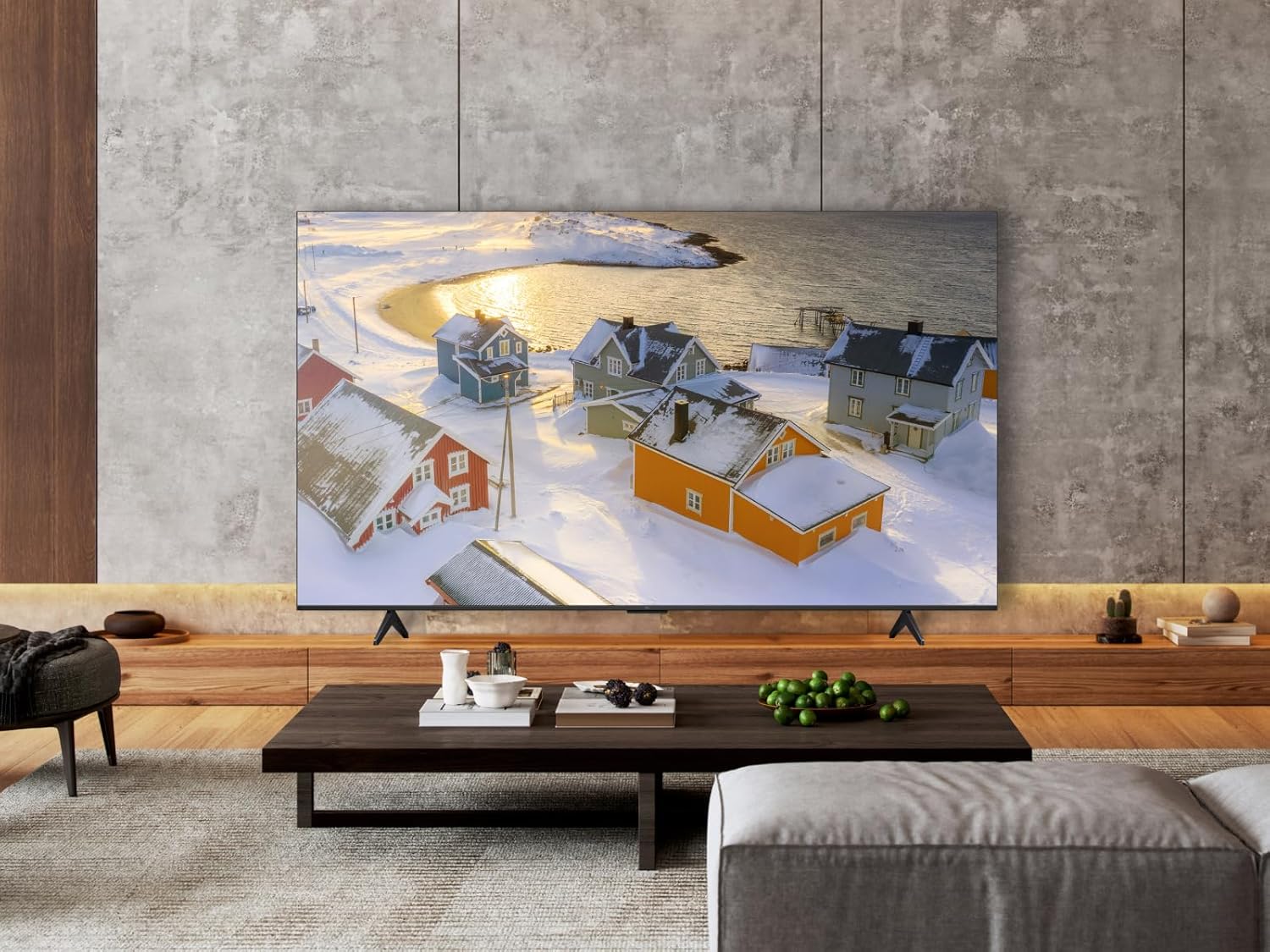
Figure 7: Energy efficiency label for the TCL 85T69C TV.
9. Garanzia e supporto
Your TCL 85T69C TV comes with a manufacturer's warranty. Please refer to the warranty card included in the packaging for specific terms and conditions. For technical support, service, or additional inquiries, please visit the official TCL support websito o contattare la hotline del servizio clienti.


