Prodotto finitoview
The CAMSTRO 3K Wireless Video Doorbell provides advanced home security features including 3K Full HD video, two-way audio, human detection, and smart home integration. Designed for outdoor use, it offers reliable monitoring and communication at your doorstep.
Cosa c'è nella scatola
- Video Doorbell Body X 1
- Manuale di istruzioni X 1
- Indoor Ding Dong X 1
- Mounting Screw Bag X 1
- Cavo di alimentazione USBX1

Guida all'installazione
1. Ricarica del campanello
Before initial use, fully charge the doorbell using the provided USB Power Cable. The charging port is located on the side of the doorbell unit. An indicator light will show charging status.
2. Inserting Micro SD Card (Optional)
For local video storage, insert a Micro SD card (up to 128GB, not included) into the designated slot on the doorbell unit. Ensure the doorbell is powered off before inserting or removing the SD card.
3. Download e registrazione dell'app
Download the 'CloudEdge' app from your smartphone's app store. Register an account using your email or phone number and follow the in-app instructions to add your device.

4. Connecting to 2.4GHz Wi-Fi
The doorbell camera only supports 2.4GHz Wi-Fi networks. Ensure your smartphone is connected to a 2.4GHz network during the setup process. Follow the app's prompts to connect the doorbell to your home Wi-Fi.
5. Pairing the Chime
The included indoor chime (Ding Dong) connects wirelessly to the doorbell. Follow the instructions in the user manual to pair the chime with your doorbell. The chime operates on AAA batteries (not included).

6. Installazione del dispositivo
The doorbell can be installed using either the provided adhesive tape or screws. Choose the method suitable for your mounting surface. Ensure the doorbell is placed in a location with good Wi-Fi signal strength and a clear view del tuo ingresso.

Istruzioni per l'uso
1. 3K Full HD Video and Night Vision
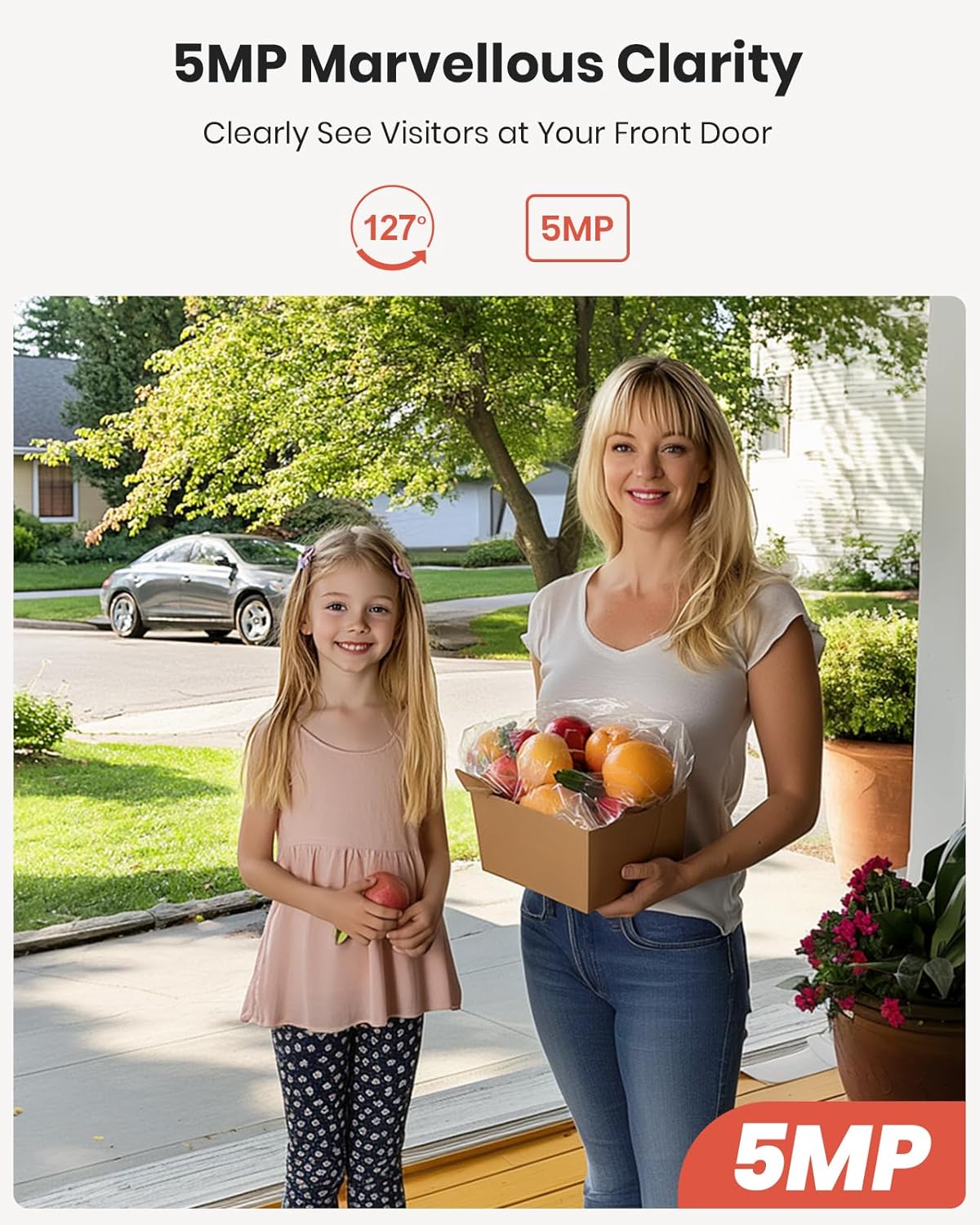
Experience clear 3K Full HD video with a 127° diagonal lens, allowing you to see visitors with enhanced detail. The 33ft night vision ensures clear visibility even in low-light conditions, improving outdoor security.
2. Two-Way Audio and Voice Changer
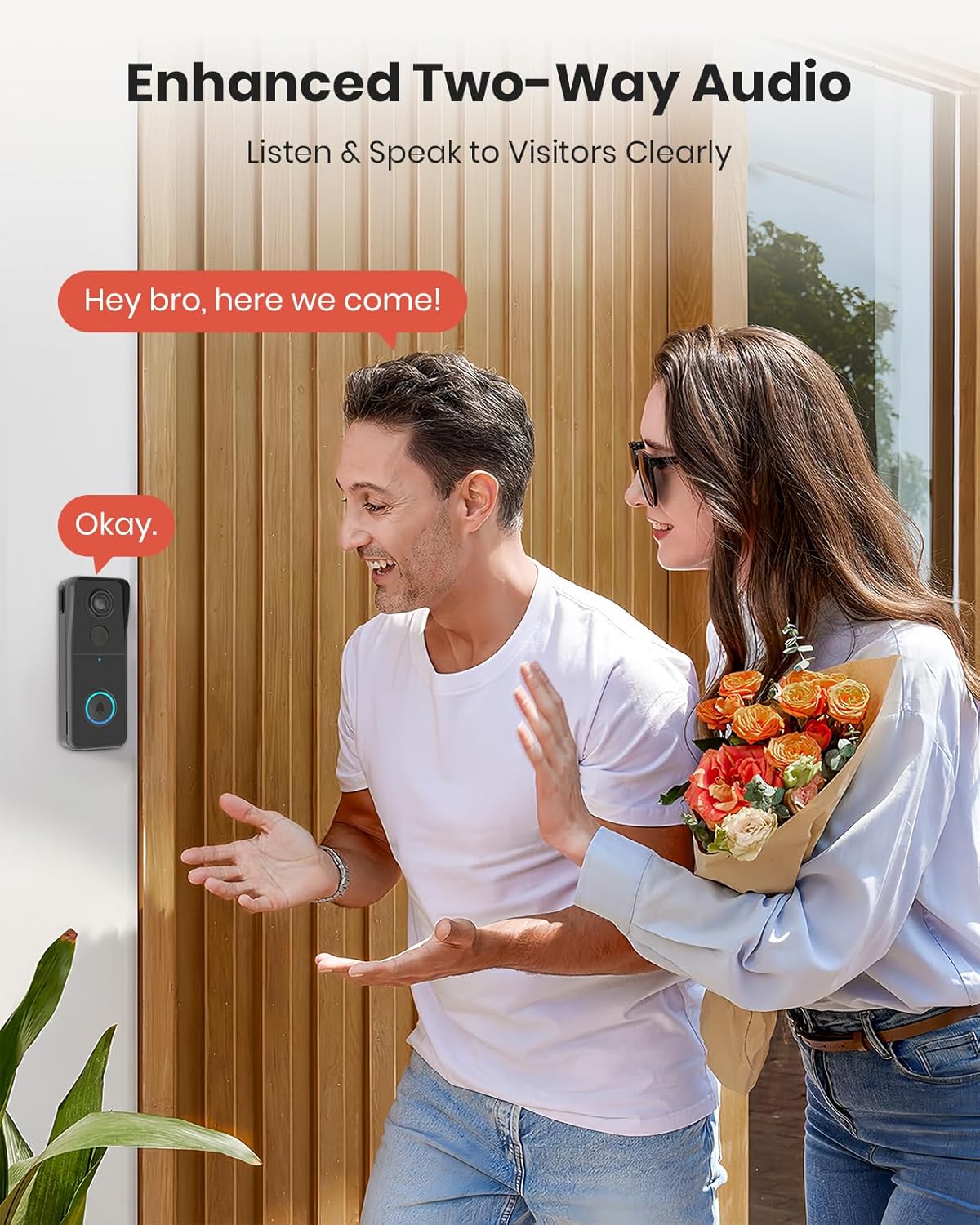
Communicate clearly with visitors using the two-way audio feature. For added privacy or security, utilize the voice changer function to disguise your voice during interactions.
3. Human Detection and Customizable Zones
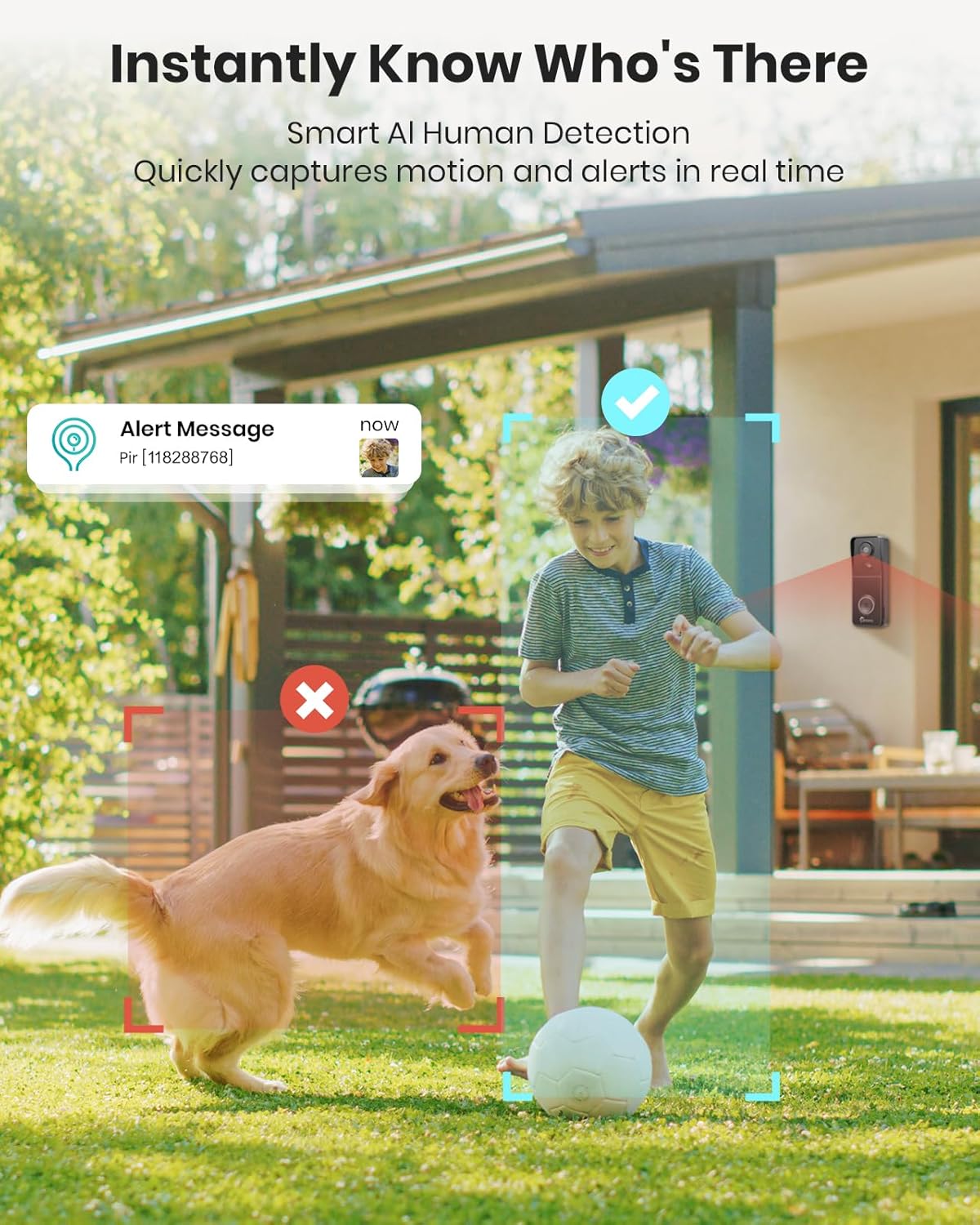
The doorbell features PIR (Passive Infrared) human detection, sending real-time alerts and push notifications to your device when motion is detected. Customize detection areas within the app to minimize false alarms from pets or passing vehicles.
4. Opzioni di archiviazione
The doorbell supports both cloud storage and local storage via a Micro SD card (up to 128GB, not included). When storage space is full, the system will automatically override previous videos, ensuring continuous recording.
5. Multi-Device Sharing and Smart Home Integration
Share live video access with family members through the app. The doorbell is compatible with Amazon Alexa and Google Assistant, allowing for voice commands and integration into your smart home ecosystem.

6 Resistenza alle intemperie
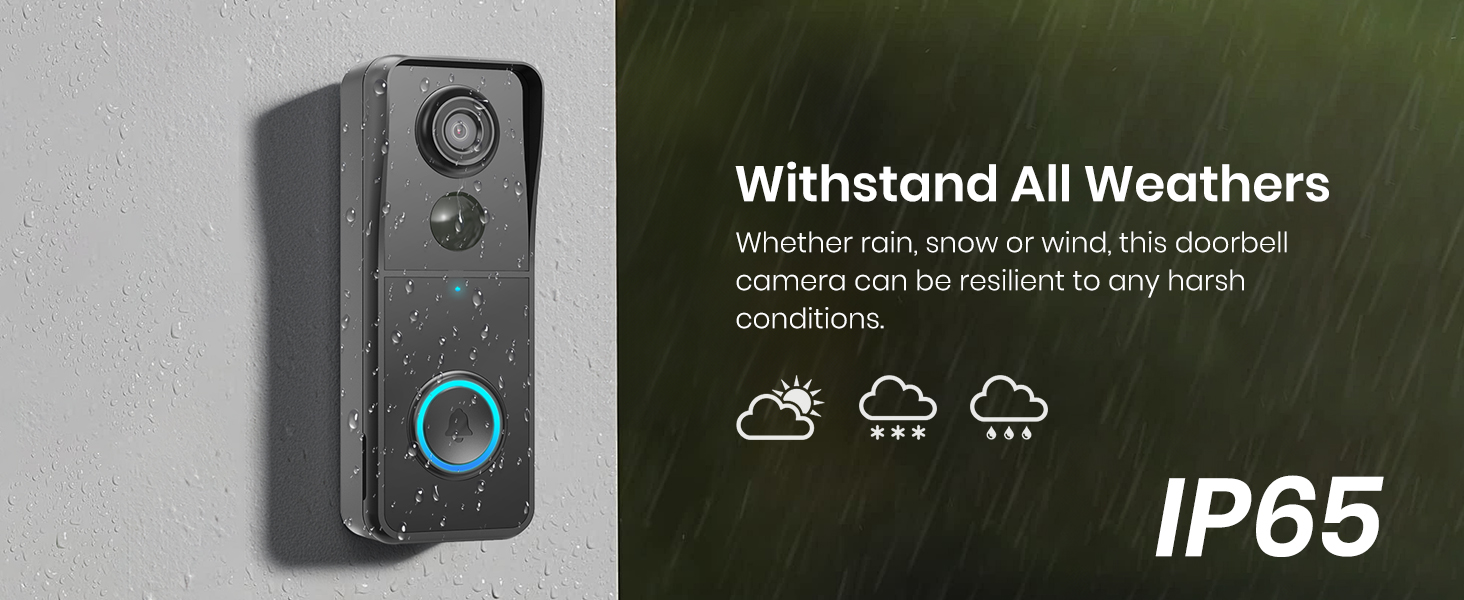
With an IP65 rating, the doorbell camera is designed to withstand various weather conditions, including rain, snow, and wind, ensuring reliable operation year-round.

Manutenzione
To ensure optimal performance, regularly clean the camera lens and surrounding area with a soft, damp cloth. Avoid using harsh chemicals. Monitor the battery level through the app and recharge the doorbell as needed. Battery life can vary based on usage and environmental factors.
Risoluzione dei problemi
- Problemi di connettività Wi-Fi: Ensure your router is broadcasting a 2.4GHz Wi-Fi signal. The doorbell does not support 5GHz Wi-Fi. Keep the doorbell within range of your Wi-Fi router.
- Falsi allarmi frequenti: Adjust the motion detection sensitivity and customize detection zones within the app to reduce unwanted notifications.
- Durata breve della batteria: Eventi frequenti di rilevamento del movimento, in diretta viewing, and two-way audio usage can reduce battery life. Ensure the doorbell is fully charged and consider reducing detection sensitivity if battery drain is excessive.
- Nessun suono di campanello: Check if the indoor chime has fresh AAA batteries installed and is properly paired with the doorbell.
Specifiche
| Caratteristica | Valore |
|---|---|
| Uso interno/esterno | All'aperto |
| Dispositivi compatibili | Smartphone |
| Fonte di alimentazione | Alimentato a batteria |
| Protocollo di connettività | Wifi |
| Tipo di controllore | Amazon Alexa |
| Tipo di montaggio | Supporto per campanello |
| Risoluzione di acquisizione video | 3K |
| Colore | Nero |
| Numero di articoli | 1 |
| Componenti inclusi | Indoor Ding Dong X 1, Instruction Manual X 1, Mounting Screw Bag X 1, USB Power Cable X 1, Video Doorbell Body X 1 |
| Dimensioni dell'articolo L x P x A | 3.94 x 1.97 x 1.18 pollici |
| Livello di resistenza all'acqua | Impermeabile |
| Sono necessarie batterie? | SÌ |
| Peso dell'articolo | 0.4 chilogrammi |
| Formato di acquisizione video | MP4 |
| Conteggio unità | 1.0 Conteggio |
| Dimensioni del prodotto | 3.94 x 1.97 x 1.18 pollici |
| Peso dell'articolo | 14 once |
| ASIN | B0F9NQNBTF |
| Numero modello articolo | Numero di modello: M140 |
| Batterie | 1 Batteria non standard necessaria. (inclusa) |
| Data prima disponibilità | 20 luglio 2025 |
| Produttore | CAMSTRO |
| Usi consigliati per il prodotto | Sicurezza esterna |
| Marca | CAMSTRO |
| Nome del modello | ML011 |
| Tecnologia di connettività | Senza fili |
| Caratteristica speciale | 2-Way Audio, 3K HD, Night Vision, Weather Proof |
Garanzia e supporto
For warranty information or technical support, please refer to the contact details provided in the product packaging or visit the official CAMSTRO webluogo. Conserva la ricevuta di acquisto per eventuali richieste di garanzia.