Introduzione
Questo manuale fornisce informazioni essenziali per l'installazione, il funzionamento e la manutenzione del tuo Blackview Mega2 WIFI A733 12-inch Android Tablet. Please read this guide thoroughly to ensure proper usage and to maximize your device's performance and longevity.
Cosa c'è nella scatola
- Neroview Mega2 WIFI Tablet
- Copertura protettiva
- Penna stilo
- Adattatore CA
- Cavo USB
- Manuale d'uso

Immagine: Contenuto del Neroview Mega2 WIFI tablet box, showing the tablet, protective cover, stylus pen, AC adapter, USB cable, and user manual.
Prodotto finitoview
Il Neroview Mega2 WIFI A733 is a 12-inch Android tablet designed for versatile use. It features a sleek full-metal body, measuring 8.0mm thin and weighing 615g. The device includes an 8MP front camera and a 16MP rear camera. Physical buttons typically include power and volume controls, while ports include a USB-C for charging and data transfer, and a microSD card slot for storage expansion.

Immagine: Frontale view del Neroview Mega2 WIFI tablet, highlighting its large display and slim profile.
Impostare
1. Ricarica del tablet
Before first use, fully charge your tablet using the provided AC adapter and USB cable. Connect the USB cable to the tablet's charging port and the adapter to a power outlet. The battery indicator on the screen will show charging progress.
2. Accensione/Spegnimento
Per accendere, tenere premuto il pulsante di accensione finché non si accende il neroview logo appears. To power off, press and hold the power button, then select 'Power off' from the options on the screen.
3. Configurazione iniziale
Upon first startup, follow the on-screen prompts to select your language, connect to a Wi-Fi network, set up your Google account, and configure basic settings.
Istruzioni per l'uso
Display e immagini
The tablet features a 12-inch FHD+ 2K IPS screen with a 90Hz refresh rate. This provides sharp, detailed visuals and smooth transitions. The IPS technology ensures wide viewing angles and accurate colors. It is Widevine L1 certified for high-definition streaming on platforms like Netflix and Amazon Prime Video.

Immagine: Lo schermo del tablet mostraasing its 90Hz display and 2K resolution for enhanced visual experience.

Image: Comparison of the 12-inch 90Hz display of the Mega2 WIFI tablet with a smaller 10.1-inch display, emphasizing its 2K resolution, 16:10 aspect ratio, 84.9% screen-to-body ratio, 178° IPS full viewing angle, and 167 million colors.
Prestazione
The tablet is powered by an Allwinner A733 octa-core processor, featuring 12GB physical RAM and 24GB virtual RAM, totaling 36GB. It includes 256GB of internal storage, expandable up to 2TB via a TF card. This configuration supports smooth multitasking and efficient handling of applications.
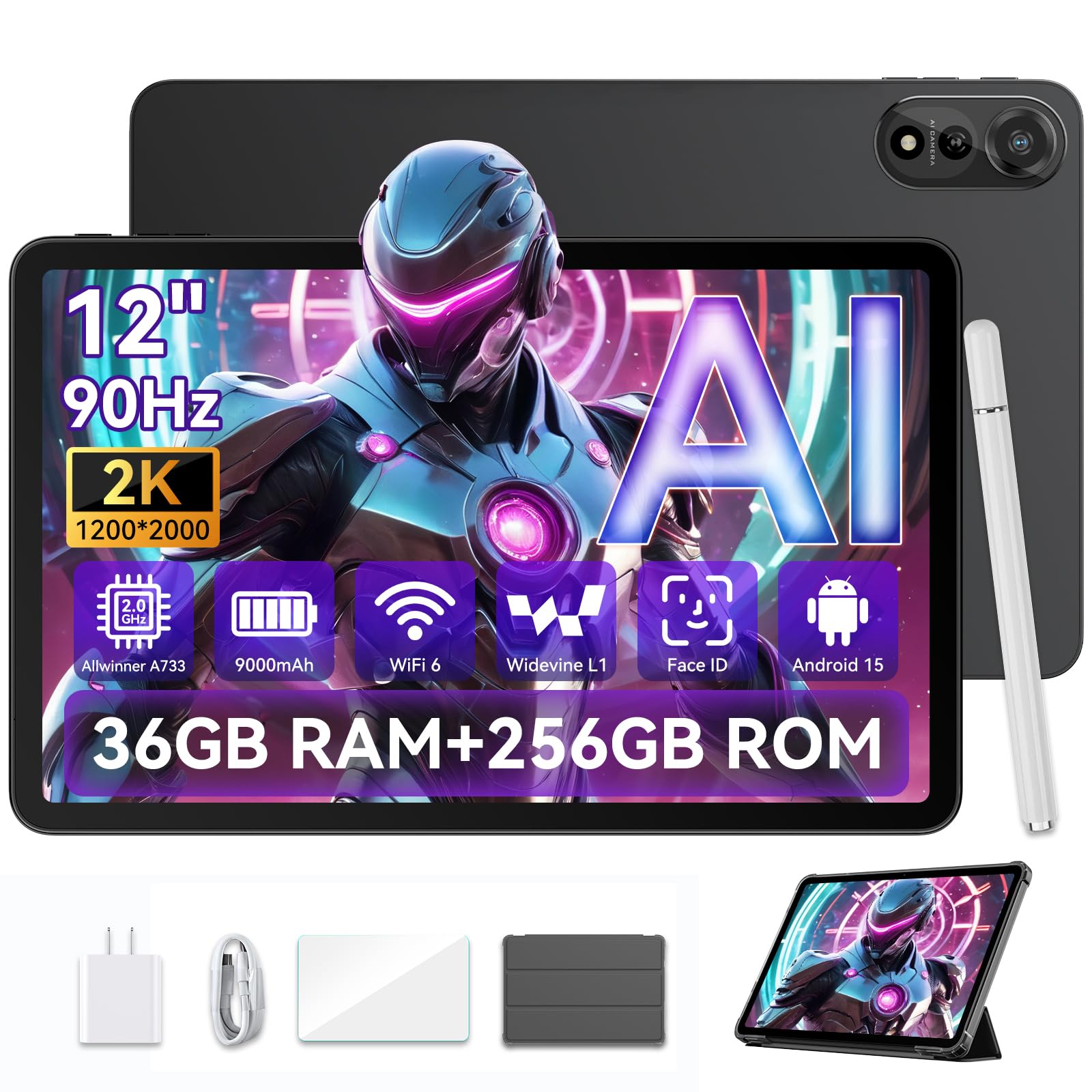
Image: Diagram illustrating the Allwinner A733 Octa-core AI chip with 2.0GHz clock speed, 36GB RAM (12GB + 24GB expansion), and 256GB ROM (expandable to 2TB).

Immagine: dettagliata view of the Allwinner A733 AI chip, emphasizing its 3T NPU computing power, 3 trillion operations per second, 12nm process, and maximum main frequency of 2.0GHz.
Durata della batteria e ricarica
The tablet is equipped with a 9000mAh battery, supporting up to 12 hours of video playback and 15 hours of mixed usage. It supports 18W fast charging. An AI intelligent power-saving algorithm and AI charging protection algorithm are integrated to optimize battery performance.

Image: Illustration of the 9000mAh battery and 18W fast charging, showing estimated usage times for various activities.

Image: Diagram showing the 9000mAh battery with 18W fast charging, AI intelligent power saving algorithm, AI charging protection algorithm, intelligent brightness adjustment, and support for OTG charging.
Cameras and AI Imaging
The tablet features an 8MP front camera and a 16MP rear camera. It includes built-in AI imaging functions such as AI Photo Editor for reducing blur, cleaning background clutter, and brightening dark shots. Other AI features include gesture control, smile detection, and sitting posture reminders.

Image: Close-up of the tablet's rear camera module, highlighting the 8MP front and 16MP rear AI cameras with Google Smart Lens integration.

Immagine: Examples of AI Photo Editor capabilities: Magic Eraser, Photo Deblur, Color Focus, One-click Sky Change, Photo Blur, and AI Portrait Light.
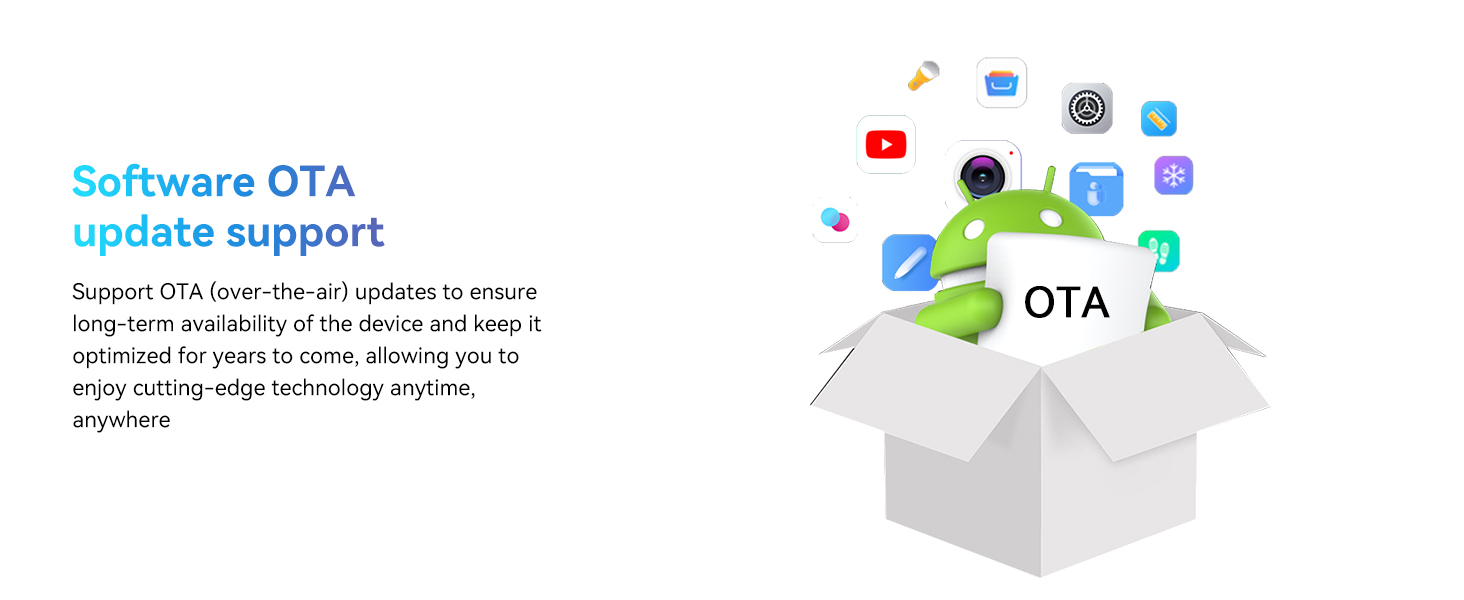
Image: Features of the 16MP rear and 8MP front AI cameras, including AI smart focus, AI smart light adjustment, AI gesture photography, and support for face unlock.
Immagine: Oltreview of AI features: Sitting Posture Detection Reminder, AI-ISP Graphics Processing, Video resolution optimization, and AI Gesture across the air.
Connettività
The tablet supports WiFi 6 for ultra-fast wireless speeds and Bluetooth 5.2 for seamless connection to peripherals. It also includes GPS for navigation.

Image: Comparison of WiFi 6 vs 5G WiFi, highlighting WiFi 6's maximum speed of 1200 MB/s, support for 2.4GHz+5GHz frequency band, and enhancement for 4K/8K content transmission and AR/VR applications.

Image: Smart Connectivity features including Wi-Fi 6 (Dualband 2.4GHz + 5GHz) and Bluetooth 5.2 for faster and more stable connections.
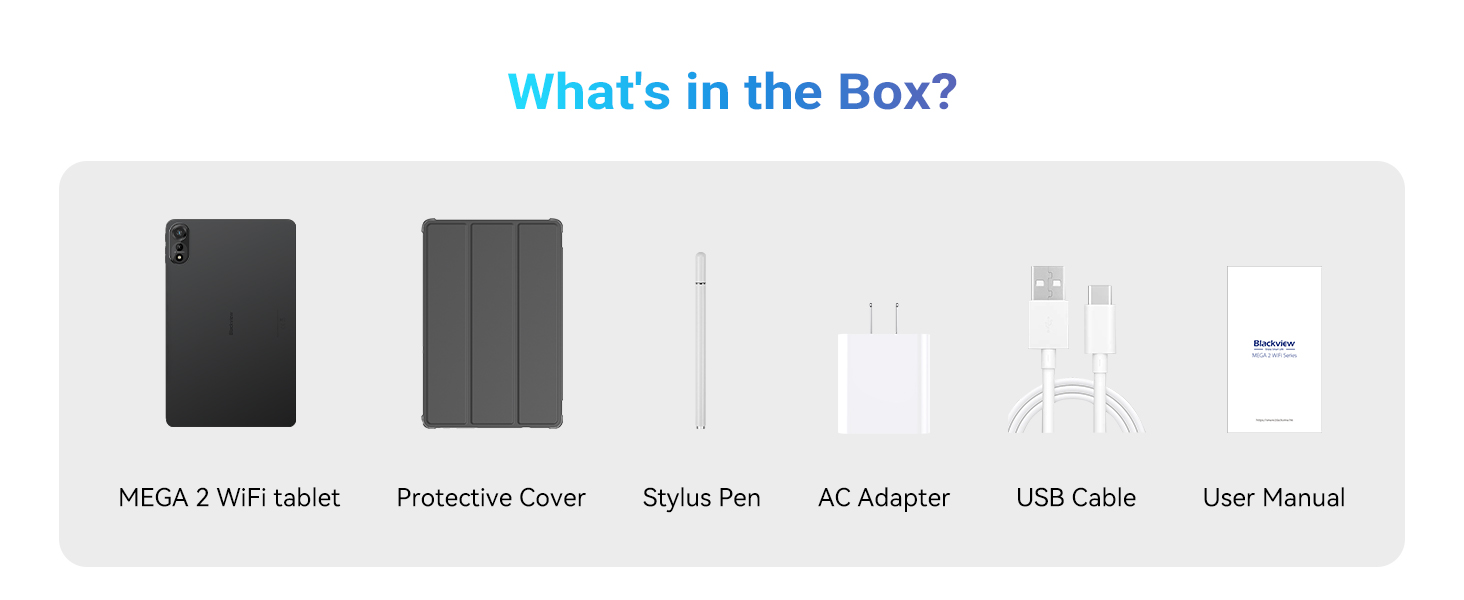
Image: The tablet displaying a navigation map, indicating support for GPS, Glonass, Galileo, and Beidou satellite systems.
Utilizzo della penna stilo
The included stylus pen allows for precise input, drawing, and note-taking. Simply touch the pen to the screen to interact with the tablet. No pairing is typically required for basic functionality.
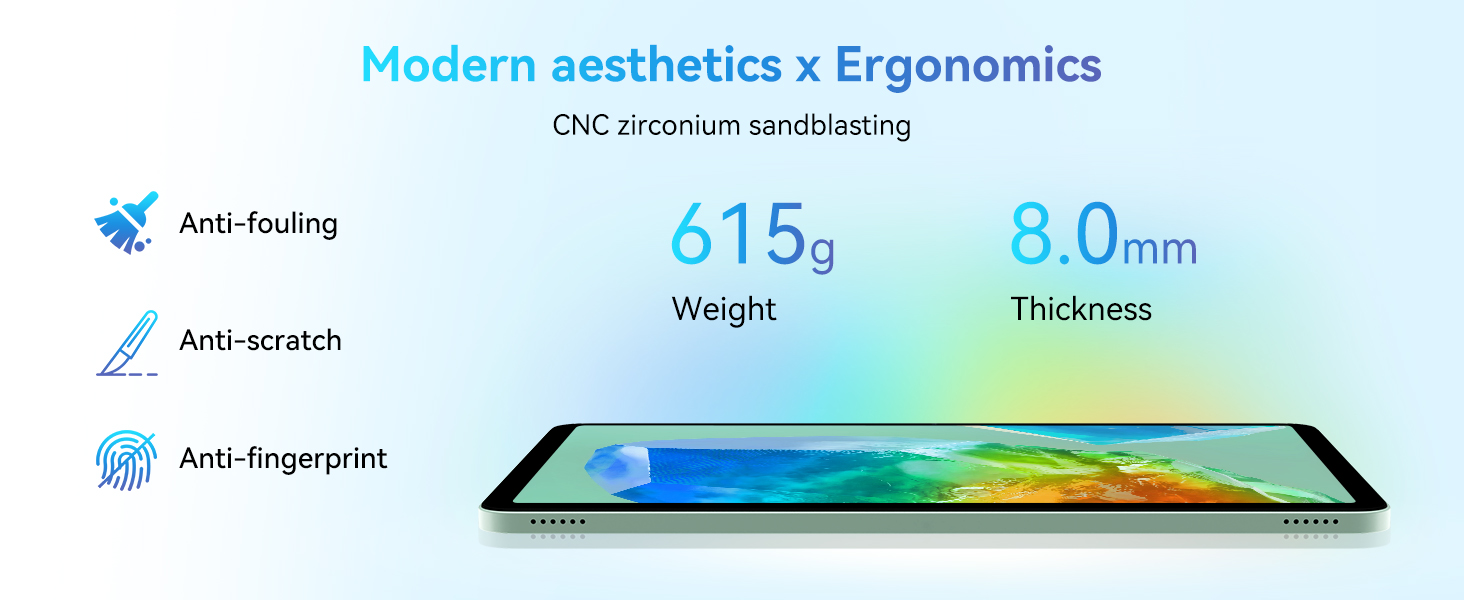
Image: A stylus pen being used on the tablet screen, illustrating its use for drawing and creative expression.
Sistema operativo
The tablet runs on Android 15 with DokeOS 4.1, offering an intelligent, efficient, and personalized user experience. Features include an intelligent algorithm, independent space for privacy, high-speed data transfer, partial screen recording, USB connection verification, application forced stop, and personalized themes.

Image: Screenshots illustrating Android 15 and DokeOS 4.1 features such as intelligent algorithm, independent space, high-speed transfer, and personalized themes.

Immagine: dettagliata view of Android 15 x DokeOS 4.1 features, including intelligent algorithm, independent space, high-speed transfer, partial screen recording, USB connection verification, application forced stop, and personalized theme.
Controllo dei gesti AI
The tablet supports AI gesture control, allowing you to navigate by hand movements. This includes gestures for scrolling up, scrolling down, going back, and taking screenshots without touching the screen.
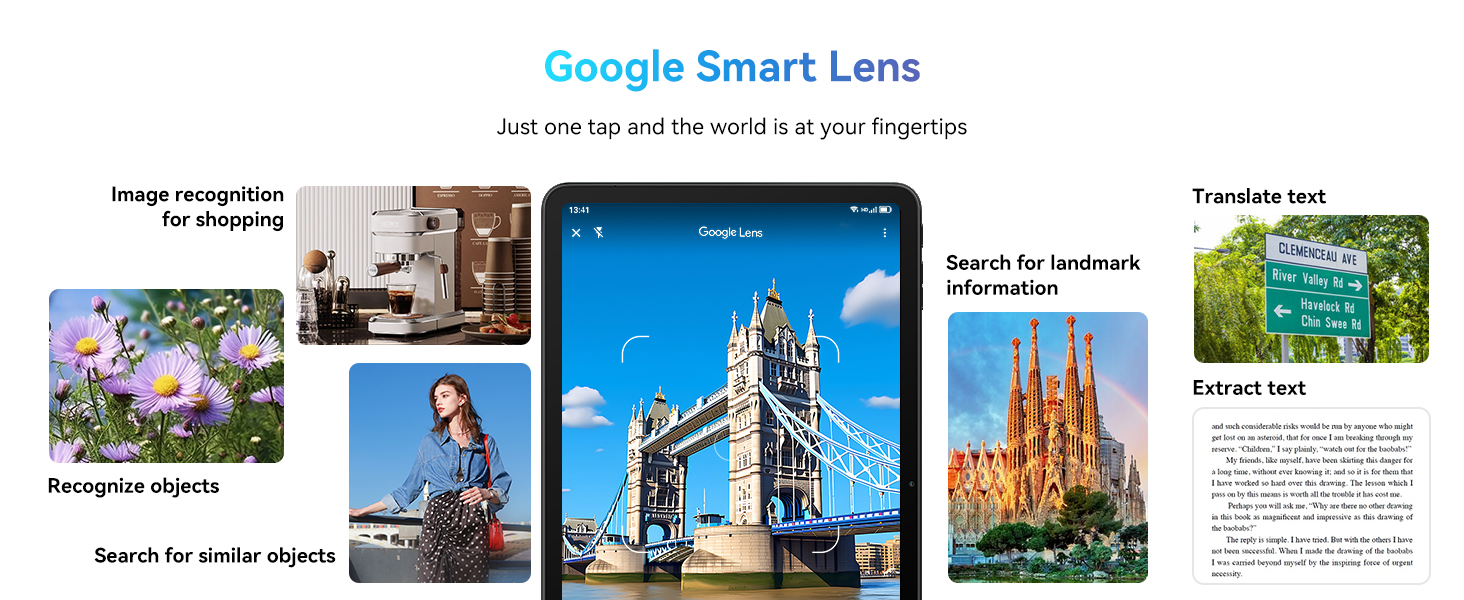
Image: Illustration of AI gesture control, showing a hand interacting with the tablet screen to scroll and perform actions remotely.
PC Mode 2.0
The tablet supports PC Mode 2.0 with WPS pre-installed, enabling a multi-window view and enhanced multitasking capabilities, ideal for productivity tasks.

Image: The tablet connected to a keyboard, demonstrating PC Mode 2.0 with WPS pre-installed for multi-window and multitasking.
Manutenzione
Pulizia
To clean your tablet, use a soft, lint-free cloth. Avoid abrasive materials or harsh chemicals. For the screen, a screen cleaner specifically designed for electronics can be used.
Aggiornamenti software
The tablet supports OTA (over-the-air) software updates. Regularly check for and install updates to ensure your device has the latest features, security patches, and optimized performance. You can usually find this option in the tablet's settings under 'System' or 'About tablet'.

Image: Illustration of software OTA update support, showing an Android robot with an 'OTA' box, signifying long-term device optimization through updates.
Risoluzione dei problemi
Problemi comuni e soluzioni
- Il tablet non si accende: Assicurarsi che la batteria sia carica. Collegare il caricabatterie e attendere qualche minuto prima di riprovare ad accendere.
- Schermo non reattivo: Try restarting the tablet by holding the power button for an extended period (e.g., 10-15 seconds) until it reboots.
- Problemi di connessione Wi-Fi: Controlla se il Wi-Fi è abilitato nelle impostazioni. Riavvia il router e il tablet. Assicurati di essere nel raggio d'azione del segnale Wi-Fi.
- Le app si bloccano o si bloccano: Close background applications. Clear the cache of the problematic app in settings. If the issue persists, consider reinstalling the app.
- Prestazioni lente: Chiudi le app non utilizzate. Cancella quelle non necessarie files and data. Consider performing a factory reset if performance issues are severe (back up your data first).
Specifiche
| Caratteristica | Specificazione |
|---|---|
| Marca | Neroview |
| Nome del modello | Mega2 WIFI A733 |
| Sistema operativo | Androide 15 |
| Dimensioni dello schermo | 12 pollici |
| Risoluzione dello schermo | 2048x1536 (Max: 1200*2000 Pixels) |
| Processore | Allwinner A733 Octa-Core, 2 GHz |
| Memoria RAM | 36 GB (12 GB fisici + 24 GB virtuali) |
| Capacità di archiviazione della memoria | 256 GB (espandibile a 2 TB) |
| Tipo senza fili | 802.11ax (Wi-Fi 6) |
| Bluetooth | Bluetooth 5.2 |
| Capacità della batteria | 9000mAh |
| Durata media della batteria | 24 ore (dipende dall'utilizzo) |
| Peso dell'articolo | 3.3 libbre (circa 615 g) |
| Dimensioni del prodotto | 8 x 3 x 0.8 pollici |
| Colore | Grigio |
Garanzia e supporto
Il tuo neroview Mega2 WIFI A733 tablet comes with a 720-day worry-free warranty. For any questions, technical assistance, or warranty claims, please contact customer support via the Amazon order page. Free replacement services are offered for eligible issues.
Video ufficiali dei prodotti
Neroview Android 15 Tablet Overview
Video: Un oltreview del Neroview Android 15 Tablet, highlighting its 12-inch FHD+2K display, 36GB RAM, and 256GB storage. This video provides a visual introduction to the tablet's key features and design.
Neroview Android 15 Tablet Features
Video: A detailed look at the features of the Blackview Android 15 Tablet, including its 12-inch FHD+2K display. This video demonstrates various functionalities and user interface elements.


