Introduzione
This manual provides detailed instructions for the installation, programming, operation, and maintenance of your Comfort Direct RH787T / TR29 Fan Remote Control. Please read this manual thoroughly before use to ensure proper function and safety.
Contenuto della confezione
- RH787T / TR29 Remote Control
- Staffa di montaggio a parete
- One 23A/12V Battery
- Viti di montaggio (se applicabile)
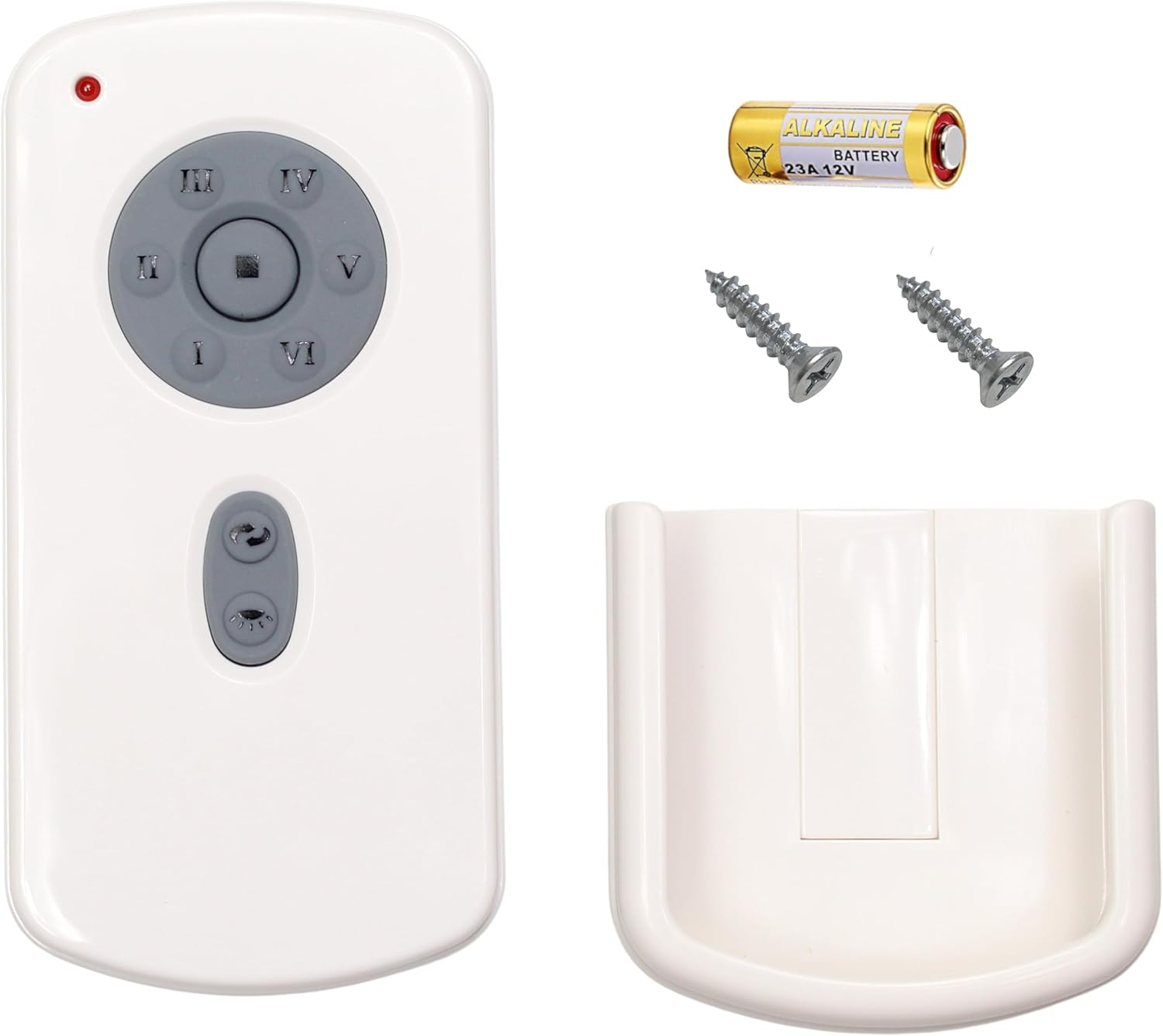
Image: Package contents including the remote, battery, screws, and wall mount.
Installazione e programmazione
Installazione della batteria
- Aprire il coperchio del vano batterie sul retro del telecomando.
- Insert the included 23A/12V battery, ensuring correct polarity (+/-).
- Chiudere il coperchio del vano batterie.
Programmazione del telecomando
Follow these steps to program your remote control to your DC ceiling fan:
- Turn off power to the fan, either using an on/off switch on the wall or at the circuit breaker.
- Set the dip switches located in the battery compartment of your remote control to the desired setting. Ensure the 23A/12V battery is installed.
- Restore power to your fan. Within 1 minute of restoring power, press and hold the [SET] button in the battery compartment for approximately 5 seconds.
- The fan light will blink twice, indicating that your fan is now synced to your remote control.
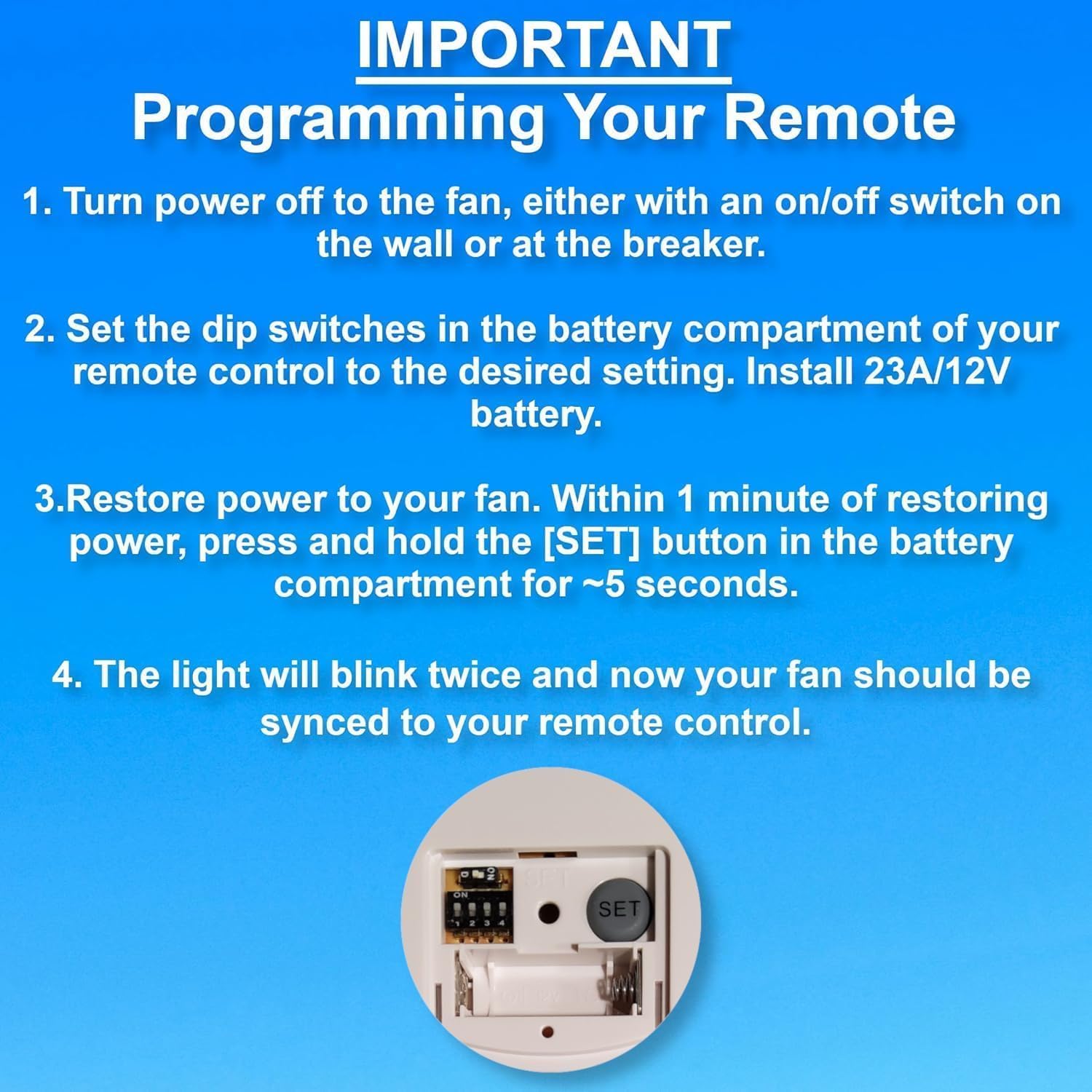
Image: Programming steps for the remote control, highlighting the dip switches and SET button.

Image: Back of the remote control with dip switches and SET button visible.
Istruzioni per l'uso
The remote control features buttons for fan speed, light control, and timer functions.
- Velocità della ventola: Buttons labeled LOW, MED, HI control the fan speed. The STOP button turns the fan off.
- Controllo della luce: The LIGHT ON/OFF button toggles the light. Press and hold to dim or brighten the light.
- Funzione timer: Buttons labeled 1H, 2H, 4H, 8H allow you to set the fan to turn off automatically after the selected duration.
Risoluzione dei problemi
If you experience issues with your remote control, refer to the following guide:

Image: Troubleshooting symptoms for the remote control's red indicator light.
Red Indicator Light Symptoms:
| Sintomi di un telecomando difettoso | Sintomi di un buon telecomando |
|---|---|
| 1. La spia rossa non si accende quando si premono i pulsanti. | 1. La spia rossa si illumina solo quando vengono premuti i pulsanti. |
| 2. La spia rossa si illumina quando non viene premuto alcun pulsante. | |
| 3. La spia rossa rimane sempre accesa. | 2. La spia rossa rimane accesa quando si PREMERE e TENERE PREMUTI i pulsanti. |
| Azione: sostituire il telecomando se si verifica uno qualsiasi di questi sintomi. | Action: DO NOT replace remote control if you experience these symptoms. You have a different problem with your fan. |
Manutenzione
- Pulire il telecomando con un panno morbido e asciutto. Non utilizzare detergenti abrasivi o solventi.
- Replace the 23A/12V battery when the remote's performance degrades or the indicator light behaves abnormally.
- Conservare il telecomando in un luogo asciutto, lontano da temperature estreme e dalla luce solare diretta.
Specifiche
| Marca | Comfort Direct |
| Nome del modello | CD787T (RH787T / TR29 Compatible) |
| Colore | Bianco |
| Fonte di alimentazione | Battery Powered (1 x 23A/12V battery included) |
| Metodo di controllo | Remote, Touch (buttons) |
| Caratteristica speciale | Frequenza radio |
| Numero di livelli di potenza | 3 (Basso, Medio, Alto) |
| Uso interno/esterno | Al chiuso |
| Peso dell'articolo | 3.87 once |
| Dimensioni del pacco | 5.59 x 3.19 x 1.69 pollici |
Garanzia e supporto
Questo prodotto viene fornito con un Garanzia del produttore di 1 anni. For warranty claims or technical support, please contact Comfort Direct customer service.
For additional information or support, please visit the pagina del prodotto su Amazon.


