1. Introduzione
This manual provides essential information for the safe and efficient operation of your SWOFY M503Pro MP3 Player. Please read it thoroughly before using the device to ensure optimal performance and longevity.
2. Informazioni sulla sicurezza
- Use ONLY the 5V/1A USB-C charger provided or a compatible charger. Fast chargers may cause overheating or permanent battery damage.
- Evitare di caricare alla luce diretta del sole, in ambienti umidi o vicino a fonti di calore.
- Se il dispositivo si surriscalda durante la ricarica, scollegarlo immediatamente e lasciarlo raffreddare in un luogo ben ventilato.
- Operating Temperature: 0°C to 35°C. Storage Temperature: -10°C to 45°C.
- Non esporre il dispositivo a liquidi, sabbia o pressioni estreme (ad esempio, sedendosi sopra).
3. Contenuto della confezione
Verificare che tutti gli articoli siano presenti nel pacco:
- SWOFY M503Pro MP3 Player
- Cavo di ricarica da USB-A a USB-C
- Wired Earphones (3.5mm jack)
- Custodia protettiva
- Pellicola protettiva per lo schermo
- Manuale d'uso
- Scheda Micro SD da 64 GB (preinstallata o inclusa separatamente)
4. Dispositivo suview

Figura 1: Fronte e retro view of the SWOFY M503Pro MP3 Player, showcasing its sleek design and 4-inch touch screen.
Pulsanti e porte fisiche
- Pulsante di accensione: Located on the side, press and hold to power on/off or short press to lock/unlock the screen.
- Pulsanti del volume: Located on the side, use to adjust audio volume.
- Ripristina foro: A small pinhole for resetting the device if it becomes unresponsive.
- Porta USB-C: Per la ricarica e il trasferimento dei dati.
- Uscita audio da 3.5 mm: Per collegare cuffie cablate.
- Slot per scheda microSD: Per espandere lo spazio di archiviazione fino a 512 GB.
- Oratore: Altoparlante integrato per la riproduzione audio senza cuffie.

Figura 2: lato view of the MP3 player, highlighting the power button, volume controls, and Micro SD card slot.
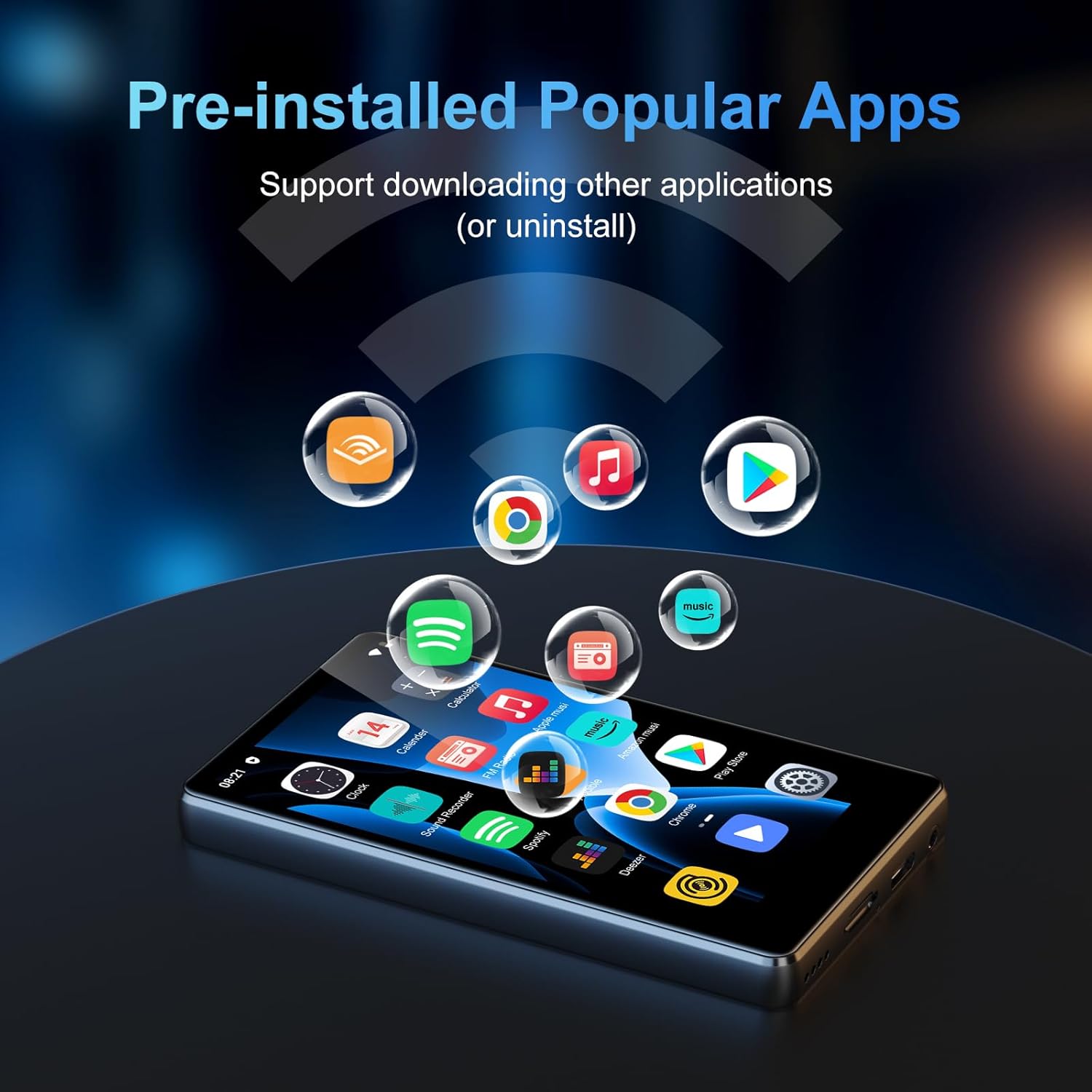
Figura 3: In basso view of the MP3 player, showing the USB-C port, 3.5mm audio jack, and speaker grille.
5. Impostazione
5.1 Carica iniziale
Before first use, fully charge the device. Connect the provided USB-C cable to the player and a 5V/1A USB charger. A full charge typically takes approximately 2.5 hours.
5.2 Accensione/spegnimento
- Accensione: Tenere premuto il pulsante di accensione per 3 secondi.
- Spegni: Press and hold the Power Button, then select 'Power Off' on the screen.
- Blocco/sblocco schermo: Premere brevemente il pulsante di accensione.
5.3 Configurazione iniziale
Upon first power-on, follow the on-screen prompts to set up the device:
- Seleziona la lingua preferita.
- Set the time zone and date.
- Accetta i Termini di servizio e l'Informativa sulla privacy di Google per attivare i servizi di Google Play.
5.4 Connessione al Wi-Fi
- Vai a Impostazioni > Rete e Internet > Wifi.
- Attiva il Wi-Fi.
- Seleziona la rete desiderata dall'elenco e inserisci la password, se richiesta.
- The device supports dual-band Wi-Fi (2.4G/5G) for stable connectivity.
5.5 Connessione a dispositivi Bluetooth
- Vai a Impostazioni > Dispositivi connessi > Bluetooth.
- Attiva il Bluetooth.
- Il dispositivo eseguirà la scansione dei dispositivi Bluetooth disponibili.
- Select your Bluetooth headphones, speaker, or other device to pair.
- The player automatically connects to the last paired device.
Video 1: Demonstrates the Bluetooth and Wi-Fi connectivity features of the SWOFY M503Pro MP3 Player, showing how to pair with external devices.
5.6 Inserimento della scheda Micro SD
The device comes with 80GB of internal storage (2GB RAM + 16GB ROM + 64GB card). You can expand storage up to 512GB using a Micro SD card.
- Individuare lo slot per la scheda Micro SD sul lato del dispositivo.
- Inserire delicatamente la scheda Micro SD nello slot finché non scatta in posizione.
- Per rimuoverla, spingere delicatamente la scheda finché non scatta fuori.

Figure 4: Illustrates the large capacity memory of the MP3 player, including the Micro SD card slot for expandable storage.
6. Istruzioni per l'uso
6.1 Navigazione
The device features a 4-inch 1080P HD full-color touch screen for intuitive navigation. Swipe left/right to browse apps and tap to select.
6.2 Riproduzione di musica
The SWOFY M503Pro supports various music formats including MP3, OGG, FLAC, AAC, WAV, WMA, and APE. Use the pre-installed HiByMusic app for offline playback or streaming apps like Spotify and Amazon Music.
- Suono HiFi Lossless: Enjoy premium audio quality.
- Altoparlante incorporato: Play music or videos without headphones.
- Equalizzatore personalizzato: Regola le impostazioni audio in base alle tue preferenze.
- Playlist Creation: Organize your music into custom playlists.
- Synchronized Lyrics: View lyrics while music plays.
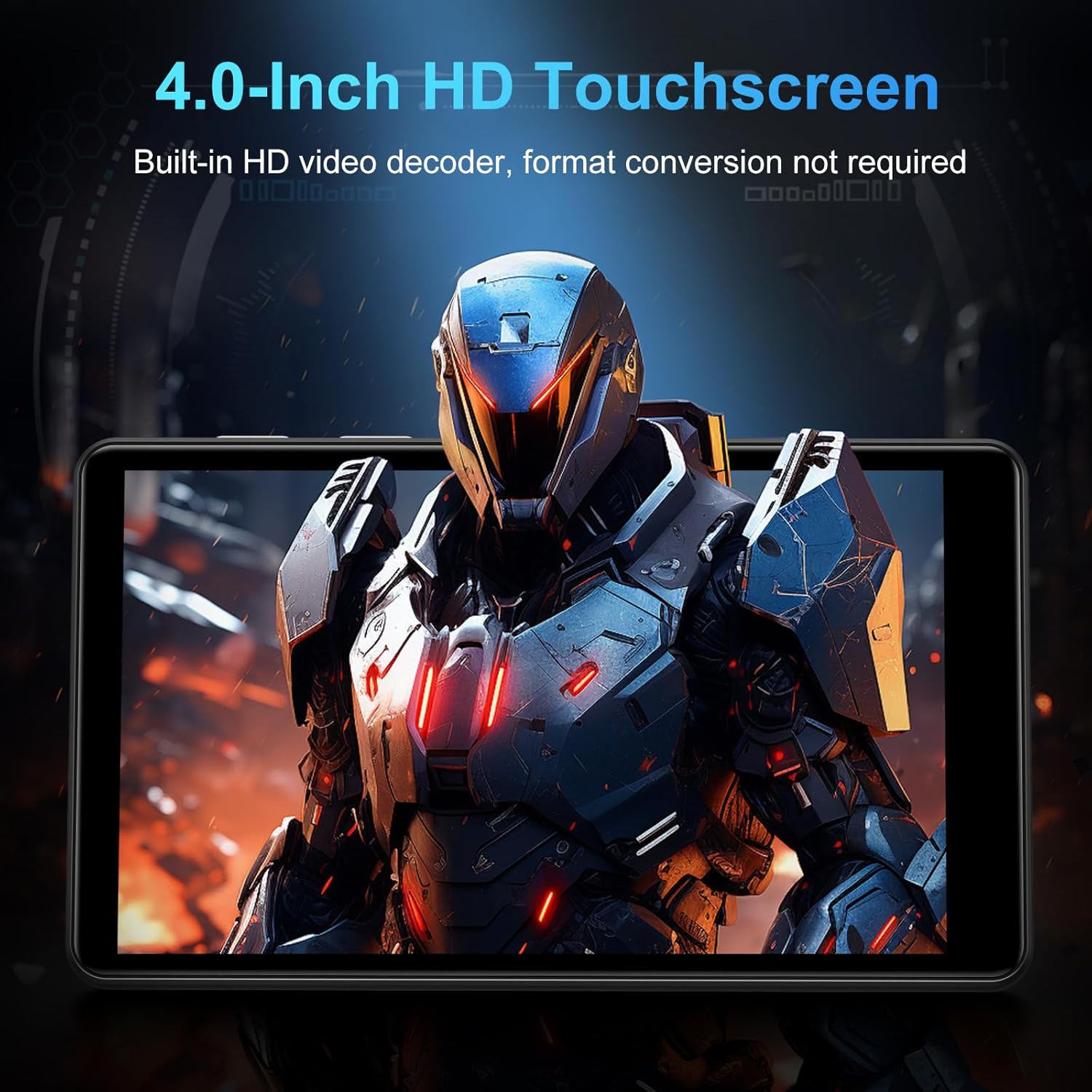
Figure 5: The MP3 player displaying music playback on its screen, with a user wearing headphones, emphasizing HiFi lossless sound quality.
6.3 Riproduzione video
The 4-inch 1080P HD screen allows direct online or offline playback of 720P and 1080P videos without format conversion. Supported video formats include RM, RMVB, FLV, MP4, DAT, MKV, MPG, MOV, and TS.

Figure 6: The MP3 player displaying a video on its 4-inch HD screen, demonstrating its video playback capabilities.
6.4 Applicazioni preinstallate
The device comes with a rich lineup of pre-installed mainstream media apps and practical tools:
- Apple Music, Spotify, Audible, Amazon Music, Deezer
- FM Radio, Video Player, Calendar, Sound Recorder
- Browser (Cromo)
- Google Play Store (for downloading additional apps)

Figure 7: The MP3 player's screen displaying various pre-installed applications like Spotify, Amazon Music, and Audible.
Video 2: Un video del venditore mostraasing the SWOFY M503Pro MP3 Player's interface and various pre-installed applications.
6.5 One-Key Lock Screen and Screenshot
- Blocca schermo: Short press the Power Button to prevent accidental touches.
- Schermata: Press and hold the Power Button to capture a screenshot.
7. Specifiche
| Caratteristica | Dettaglio |
|---|---|
| Nome del modello | M503Pro |
| Numero modello articolo | M503 pro-80GB |
| Marca | SWOFY |
| Capacità di archiviazione della memoria | 80 GB (2GB RAM + 16GB ROM + 64GB card) |
| Archiviazione espandibile | Fino a 512 GB tramite scheda Micro SD |
| Dimensioni dello schermo | 4 pollici |
| Tecnologia di visualizzazione | 1080P HD LCD Touch Screen |
| Sistema operativo | Androide 9.0 |
| Processore | Advanced CPU (Octa-Core) |
| Tecnologia di connettività | Bluetooth, Wi-Fi (Dual-band 2.4G/5G) |
| Capacità della batteria | 2000mAh |
| Tempo di riproduzione della musica | Fino a 40 ore |
| Tempo di standby | 3-5 mesi |
| Porta di ricarica | USB-C |
| Formati audio | MP3, OGG, FLAC, AAC, WAV, WMA, APE |
| Formati video | RM, RMVB, FLV, MP4, DAT, MKV, MPG, MOV, TS |
| Peso dell'articolo | 8.4 once |
8. Risoluzione Dei Problemi
8.1 Device Won't Turn On/Is Unresponsive
- Assicurarsi che il dispositivo sia completamente carico. Collegarlo al caricabatterie per almeno 30 minuti.
- Perform a soft reset: Use a thin pin to press the reset hole on the side of the device.
8.2 Nessun suono
- Check the volume level using the side buttons or on-screen controls.
- Ensure headphones are properly connected if using them. Try a different pair of headphones to rule out faulty earphones.
- If using Bluetooth, ensure the device is properly paired and connected. Try unpairing and re-pairing.
8.3 App che si bloccano o si bloccano
- Svuota la cache dell'app: vai su Impostazioni > App e notifiche, seleziona l'app problematica, quindi Archiviazione e cache > Cancella cache.
- Assicurarsi che sia disponibile spazio di archiviazione sufficiente. Eliminare ciò che non è necessario files o app.
- Riavviare il dispositivo.
8.4 Problemi di connettività (Wi-Fi/Bluetooth)
- Ensure Wi-Fi/Bluetooth is enabled in Impostazioni.
- Riavviare il dispositivo e il router/accessorio Bluetooth.
- Dimentica la rete/il dispositivo e riconnettiti.
9. Manutenzione
- Pulisci lo schermo e il corpo con un panno morbido e asciutto. Evita detergenti abrasivi.
- Tenere il dispositivo lontano da forti campi magnetici.
- Conservare in luogo fresco e asciutto quando non in uso.
10. Garanzia e supporto
Your SWOFY M503Pro MP3 Player comes with a standard manufacturer's warranty. For detailed warranty information, technical support, or service inquiries, please refer to the contact information provided in your product packaging or visit the official SWOFY websito.


