Introduzione
This manual provides comprehensive instructions for the installation, operation, and maintenance of your Inefala 4+128GB Android 15 Car Stereo. This unit is specifically designed for Peugeot 3008 models manufactured between 2009 and 2015, featuring a 9-inch In-Cell screen and advanced functionalities like wireless CarPlay, Android Auto, Mirror Link, GPS navigation, WiFi, Bluetooth 5.0, FM/RDS radio, equalizer, rear camera support, and steering wheel control integration. Please read this manual thoroughly before use to ensure proper functionality and safety.
Prodotto finitoview
The Inefala Car Stereo enhances your driving experience with its powerful Android 15 operating system, offering fast performance and a fluid interface. The 9-inch In-Cell screen provides a thinner, clearer, and more responsive display. Key features include:
- Sistema Android 15: Latest and most advanced operating system for vehicle devices.
- 4 GB di RAM + 128 GB di spazio di archiviazione: Powerful and stable performance with amplo stoccaggio.
- 9-inch In-Cell Screen: Thinner, clearer, and more responsive display with integrated touch sensors.
- CarPlay e Android Auto wireless: Integrazione perfetta con lo smartphone per navigazione, musica, chiamate e messaggi.
- Collegamento specchio: Display your smartphone screen on the car stereo via WiFi (for iOS and Android).
- Navigazione GPS: Supports online and offline maps, with real-time road conditions.
- Connettività WiFi: High-speed internet access for app downloads, online shopping, and music streaming.
- Bluetooth 5.0: Wireless music streaming, hands-free calling, and file trasferimento.
- Radio FM/RDS: Supports 54 preset radio stations and online music transmission.
- 32-Band EQ DSP: Advanced sound tuning for an optimized audio experience.
- Supporto telecamera posteriore: Visualizzazione automatica della parte posteriore view in retromarcia (telecamera AHD inclusa).
- Comandi al volante (SWC): Integrate with existing vehicle controls for safe operation.
- Dual Screen & Picture-in-Picture: Eseguire due applicazioni contemporaneamente.
- Temi desktop dell'interfaccia utente: Customizable interface with a large selection of wallpapers.
Configurazione e installazione
This section outlines the general steps for installing your Inefala Car Stereo. Professional installation is recommended. Ensure the vehicle's power is disconnected before beginning installation.
Contenuto della confezione
Verificare che tutti i componenti siano presenti nella confezione:
- Peugeot 3008 Radio Unit
- Cavo di alimentazione
- Scatola Canbus
- RCA
- Antenna GPS
- Cavo di ingresso telecamera posteriore
- Telecamera posteriore AHD
- Microfono esterno
- 2 cavi USB
- Cavo adattatore USB
- Radio Antenna
- 2 Accessori
- Staffe di supporto
- Strumenti di installazione

Image: Package List and Unit Dimensions. This image illustrates the various components included in the package and the dimensions of the 9-inch car stereo unit.
Cablaggio e connessioni
Refer to the wiring diagrams for correct connections. Ensure all cables are securely connected to prevent signal interference.

Image: Port Details. This diagram labels the various ports on the back of the car stereo unit and provides a detailed view of the RCA cable connections.
Cablaggio della telecamera posteriore
Importante: L'ingresso per la retromarcia deve essere collegato anche se la telecamera per la retromarcia non viene utilizzata. In caso contrario, i segnali WiFi e Bluetooth potrebbero essere compromessi.
- Collegare il cavo 1 e il cavo 5 al polo positivo del cavo della luce di retromarcia dell'auto.
- Collegare il cavo 2 al polo negativo del cavo della luce di retromarcia dell'auto.
- Connect Cable 3 and Cable 4 to the reverse trigger wire of the power cable. (No need to connect if this wire is not used. Pull it out and connect it if the last step doesn't work).

Image: Reversing Camera Wiring. This technical diagram shows the installation steps and wiring configuration for the backup camera system.
Configurazione del controllo del volante (SWC)
- Senza scatola CANBUS: L'attivazione dei comandi al volante richiede l'apprendimento delle impostazioni principali.
- Con scatola CANBUS:
- Collegare la porta bianca a 20 pin del cavo di alimentazione al Canbus stesso e la porta bianca a 8 pin rimanente alla porta corrispondente sul retro della radio.
- Abbina il modello dell'auto. Percorso di abbinamento CANBUS: Impostazioni -> Impostazioni di fabbrica (password 1234) -> Impostazioni CAN.

Image: Steering Wheel Control Setup. This image displays the steering wheel and the corresponding on-screen menu for customizing control functions.
Effetto installazione
After installation, the product screen will be positioned higher than the center control frame, providing an elevated display effect.

Image: Installation Effect. This comparison shows the dashboard before and after the car stereo installation, highlighting the integrated look.
Istruzioni per l'uso
CarPlay wireless e Android Auto
Connect your smartphone to the car stereo via WiFi or Bluetooth to use Wireless CarPlay or Android Auto. This allows you to access navigation, make calls, send messages, and listen to music directly from your phone's interface on the car's screen. Note: For Huawei and some Samsung phones, Google Services and the Android Auto app must be supported and installed on the phone.

Image: Wireless CarPlay and Android Auto. This image highlights the various functions available through wireless smartphone integration, such as music, navigation, and communication.
Collegamento specchio
Mirror Link allows you to display your smartphone's screen directly onto the car stereo's display. This feature supports both iOS and Android devices, enabling you to view apps and content from your phone on the larger car screen.

Image: Mirror Link. This image demonstrates how a smartphone's display can be wirelessly or wired mirrored onto the car stereo screen.
Navigazione GPS e WiFi
The unit supports both online and offline GPS navigation. You can download navigation apps via WiFi and receive real-time road condition updates to avoid traffic. High-speed internet access through WiFi also allows for app downloads, online streaming, and browsing.

Image: GPS Navigation. The car stereo displays a detailed map with navigation routes and points of interest.
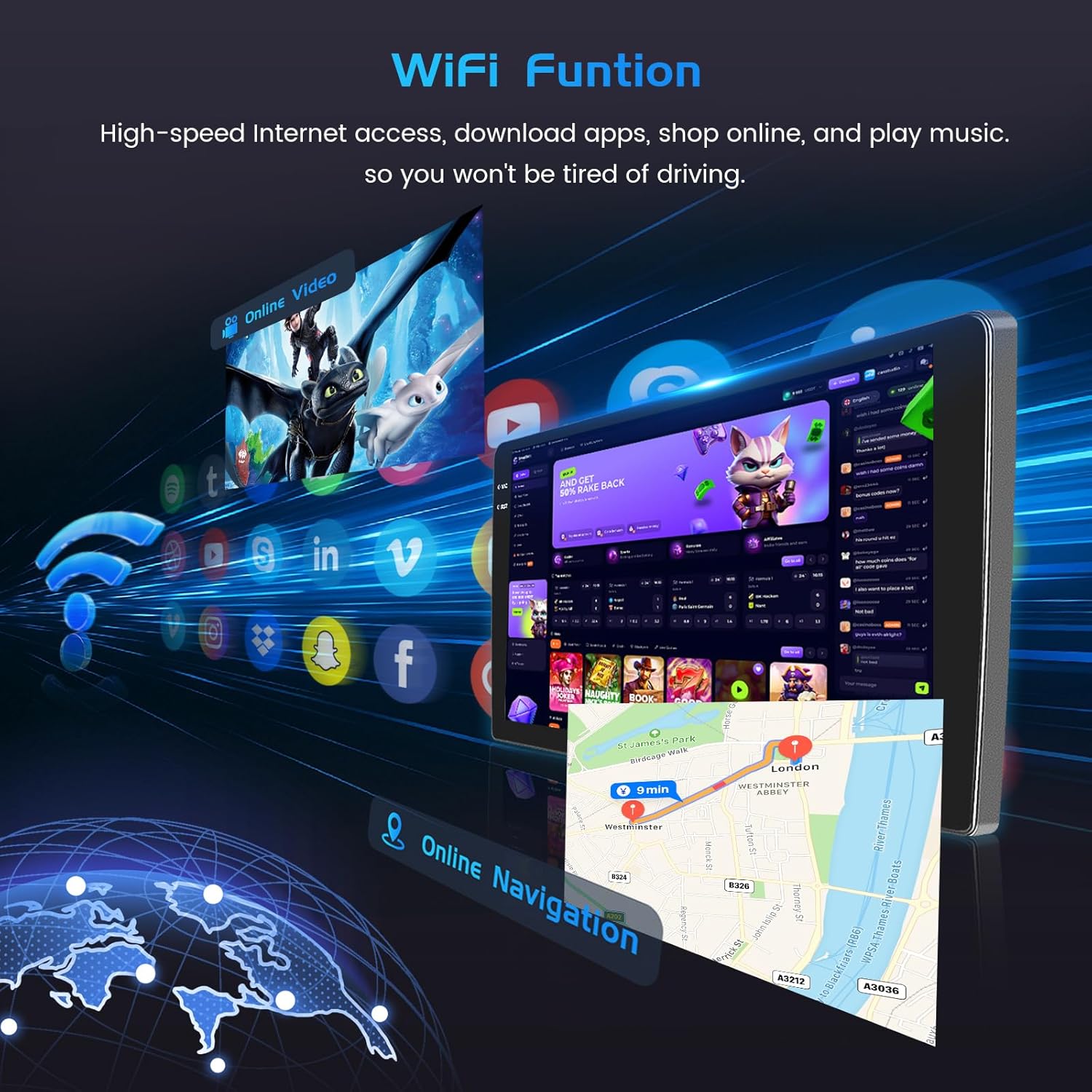
Image: WiFi Function. This image illustrates the car stereo's ability to connect to WiFi, enabling online navigation and access to various applications.
Bluetooth 5.0 e radio FM/RDS
Pair your device via Bluetooth 5.0 for wireless music streaming, hands-free calls, and file transfers. The FM/RDS radio supports 54 preset stations and allows for online music transmission, ensuring a quality audio experience.

Image: FM/RDS Radio and Bluetooth. This image displays the radio tuning interface and a hands-free Bluetooth call screen on the car stereo.
Controllo vocale
The system supports voice control, enhancing driving intelligence and security. Use voice commands to operate various functions, keeping your hands on the wheel and eyes on the road.
Video: Product Features Exhibit. This video demonstrates various features of the car stereo, including UI themes, CarPlay/Android Auto music and navigation, video playback, hands-free calls, voice control, dual screen functionality, FM/RDS radio, weather forecast, network radio, Bluetooth calls, 32-band EQ, GPS navigation, and rear view visualizzazione della fotocamera.
Dual Screen and UI Themes
Utilize the dual screen feature to run two applications simultaneously, such as navigation and music. Customize your interface with a wide selection of UI desktop themes and wallpapers to personalize your driving experience.

Image: In-Cell Touch Screen Features. This image highlights the high resolution of the In-Cell screen and its capabilities for split-screen multitasking and picture-in-picture viewing.

Image: UI Desktop Themes. This image showcases a selection of customizable desktop themes for the car stereo's user interface.
Manutenzione
Per garantire la longevità e le prestazioni ottimali della tua autoradio Inefala, segui queste linee guida generali di manutenzione:
- Pulizia: Utilizzare un panno morbido e asciutto per pulire lo schermo e l'esterno. Evitare detergenti abrasivi o solventi.
- Aggiornamenti software: Controllare periodicamente la presenza di aggiornamenti software per garantire che il sistema funzioni in modo efficiente e disponga delle funzionalità più recenti.
- Condizioni ambientali: Evitare di esporre l'unità a temperature estreme, alla luce solare diretta per periodi prolungati o a umidità eccessiva.
- Connessioni via cavo: Controllare regolarmente tutti i collegamenti dei cavi per assicurarsi che siano sicuri e privi di danni.
Risoluzione dei problemi
Se riscontri problemi con l'autoradio, fai riferimento ai seguenti passaggi comuni per la risoluzione dei problemi:
- Nessun potere: Controllare tutti i collegamenti elettrici. Assicurarsi che l'accensione del veicolo sia accesa. Verificare i fusibili.
- Nessun suono: Controllare i collegamenti degli altoparlanti. Assicurarsi che il volume non sia disattivato o troppo basso. Verificare le impostazioni audio.
- Problemi di connessione Bluetooth: Assicurati che il Bluetooth sia abilitato sia sullo stereo che sul telefono. Elimina le associazioni precedenti e prova a riconnetterti.
- Perdita del segnale GPS: Assicurarsi che l'antenna GPS sia installata correttamente e abbia una visuale libera view del cielo.
- Comandi al volante non funzionanti: Recheck CANBUS connections or perform key learning in settings if no CANBUS is used.
- Schermo non reattivo: Prova a riavviare l'unità. Se il problema persiste, potrebbe essere necessario un ripristino delle impostazioni di fabbrica (nota: questa operazione cancellerà tutti i dati utente).
- Problemi Wi-Fi: Ensure the WiFi antenna is connected. Check network settings and password.
Per problemi persistenti, contattare l'assistenza clienti.
Specifiche
| Caratteristica | Dettaglio |
|---|---|
| Produttore | Inefala |
| Numero di modello | Inefala-A7506A4294H6MI2IT53-C490 |
| ASIN | B0FJQKX22L |
| Dimensioni (confezione) | Dimensioni: 41 x 26.8 x 14.9 cm |
| Peso dell'articolo | 2.45 kg |
| Dimensioni dello schermo | 9 pollici |
| Tipo di schermo | In-Cell Screen |
| Sistema operativo | Androide 15 |
| Capacità di memoria | 128 GB |
| Tecnologia di connettività | Bluetooth, USB, Wi-Fi |
| Caratteristiche speciali | In-Cell Screen, 4+128G, Carplay, Android Auto, Mirror Link, Radio FM/RDS, EQ, WIFI, Bluetooth, GPS, SWC |
| Tipo di servizio del veicolo | Automobile |
| Tipo di montaggio | On Dashboard, On Panel |
Garanzia e supporto
Your Inefala Car Stereo comes with a standard manufacturer's warranty. For specific warranty terms and conditions, please refer to the documentation included with your purchase or contact Inefala customer support. For technical assistance, troubleshooting, or any product-related inquiries, please reach out to the seller or manufacturer directly. Keep your purchase receipt as proof of purchase for warranty claims.


