1. Finitaview
The Google Pixel Watch 4 is a meticulously crafted smartwatch designed by Google, featuring a durable Actua 360 domed display, extended battery life, and advanced health and fitness tracking capabilities. It integrates Google AI for personalized assistance and includes essential safety features.

Image: Google Pixel Watch 4 with Gemini, showcasinil suo design elegante.
2. Cosa c'è nella scatola
Verify that all items are present in your Google Pixel Watch 4 package:
- Google Pixel Watch 4 (45mm) LTE Moonstone
- Watch Band (Moonstone Active Band, includes both large and small sizes)
- Cavo di ricarica rapida USB-C
- Guida rapida

Image: The Google Pixel Watch 4 (41mm shown), active bands (large and small), and USB-C Fast Charging Cable. Quick Start Guide not shown.
3. Impostazione
3.1. Initial Unboxing and Band Attachment
Carefully remove the Google Pixel Watch 4 from its packaging. The watch comes with two sizes of active bands. Select the band size that best fits your wrist. To attach the band, align the band with the watch case and slide it in until you hear a click, indicating it is securely fastened. Ensure both sides of the band are properly attached.
3.2. Pairing with an Android Device
The Google Pixel Watch 4 is compatible with most Android devices running Android 11.0 or newer. To pair your watch:
- Power on your Google Pixel Watch 4.
- Assicurati che il Bluetooth sia abilitato sul tuo telefono Android.
- Open the Google Pixel Watch app on your phone. If you don't have it, download it from the Google Play Store.
- Follow the on-screen instructions in the app to detect and pair your watch. You may need to scan a QR code displayed on the watch face.
- Keep your watch and phone close during the pairing process.
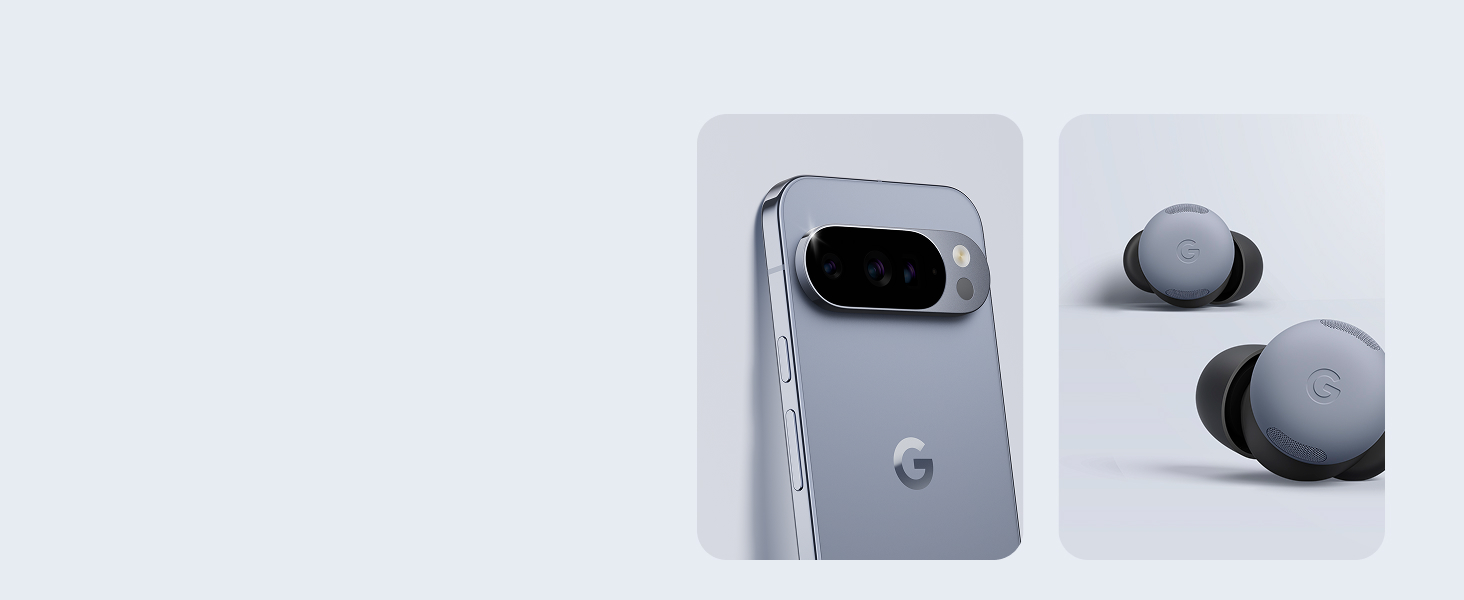
Image: The Google Pixel Watch 4 seamlessly integrates with other Pixel devices and Android phones.
3.3. Ricarica dell'orologio
The Google Pixel Watch 4 features a new side charging dock for fast charging. Connect the USB-C Fast Charging Cable to a compatible power adapter (not included) and then attach the magnetic charging dock to the side of your watch. The watch can achieve up to 15 hours of battery life in just 15 minutes of charging. A full charge can provide up to 40 hours of battery life, or up to 72 hours in Battery Saver mode.
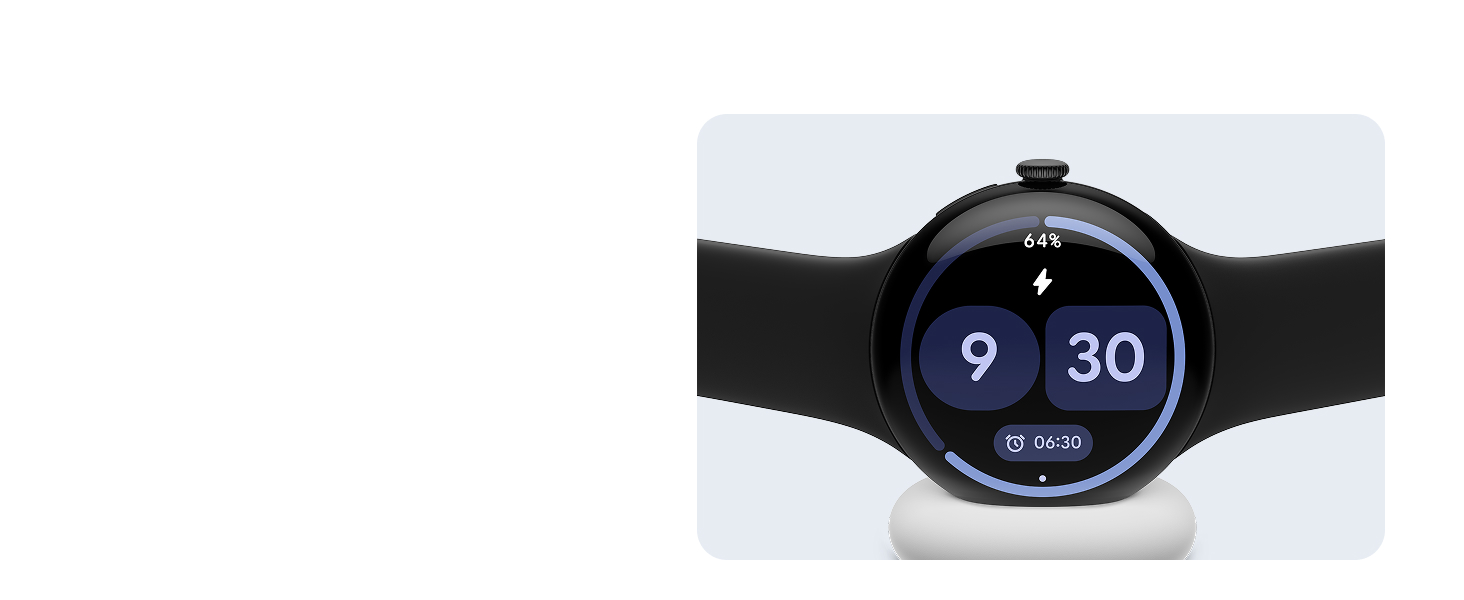
Image: The Google Pixel Watch 4 charging on its magnetic dock, highlighting its long-lasting battery and ultra-fast charging.
4. Utilizzo di Google Pixel Watch 4
4.1. Display e navigazione
The Pixel Watch 4 features an Actua 360 domed display that is 10% larger and 50% brighter than previous models, offering enhanced visibility. Navigate the watch using the touchscreen and the side crown/button. Swipe through menus, tap to select options, and use the crown for scrolling or accessing specific functions.
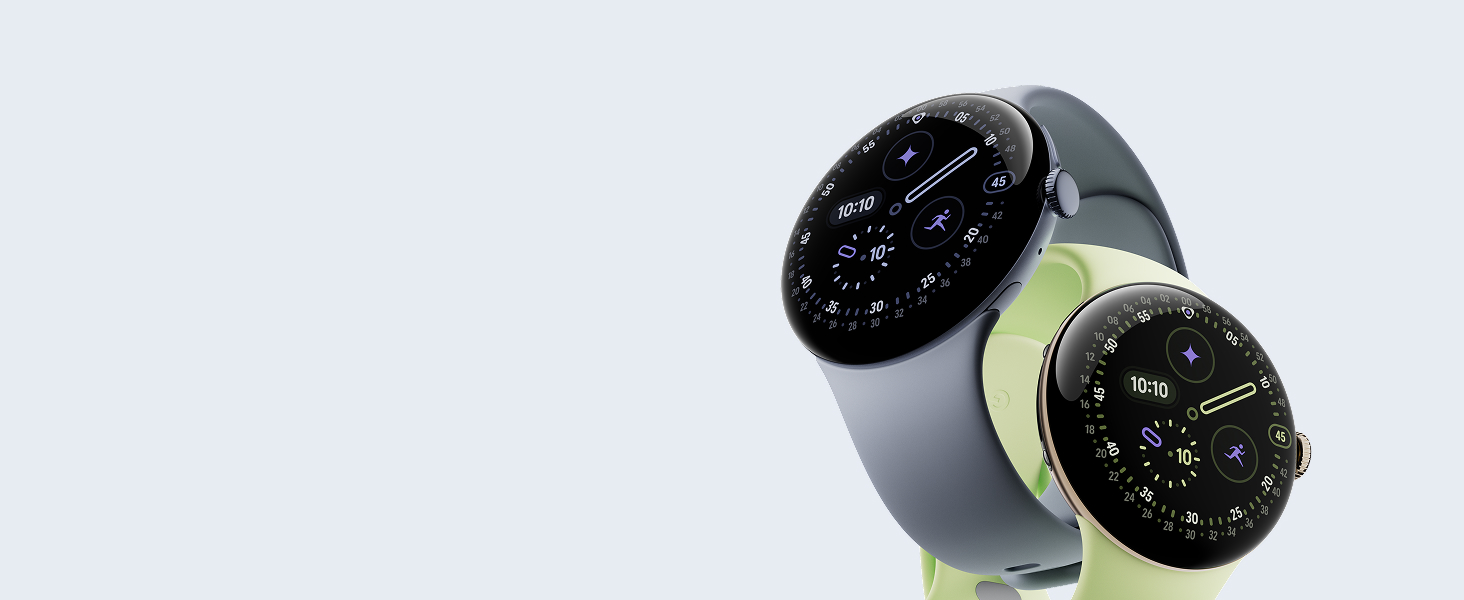
Image: A close-up of the Google Pixel Watch 4's display, emphasizing its precision craftsmanship and domed design.
4.2. Assistente AI di Google Gemini
The Google Pixel Watch 4 has Gemini, your built-in AI assistant, to provide quick responses and personalized help. Simply ask questions or use voice commands to interact with Gemini directly from your wrist. Gemini also powers hyper-relevant quick replies for texting.
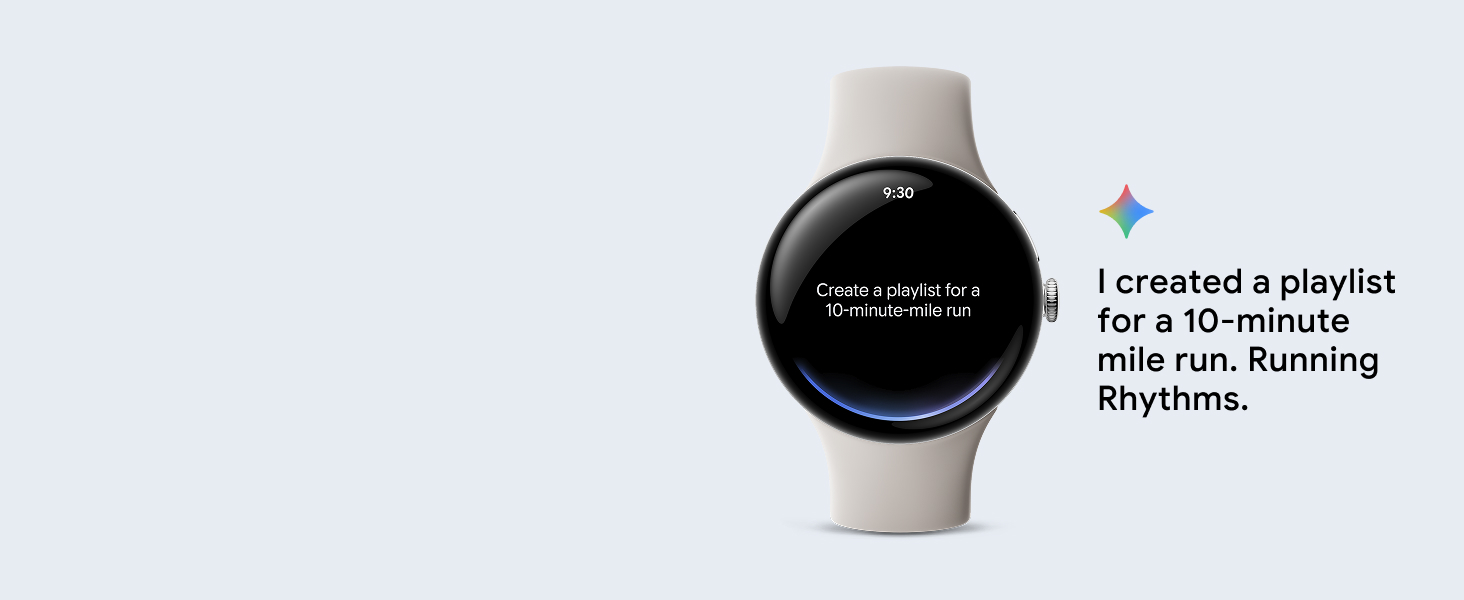
Image: The Google Pixel Watch 4 display showing the 'Ask Gemini' prompt, indicating hands-free access to the AI assistant.
4.3. Communication (LTE Model)
With the LTE model of the Google Pixel Watch 4, you can stay connected even without your phone nearby. Make and receive calls, and send texts directly from your wrist. This feature requires an LTE service plan from your mobile carrier.
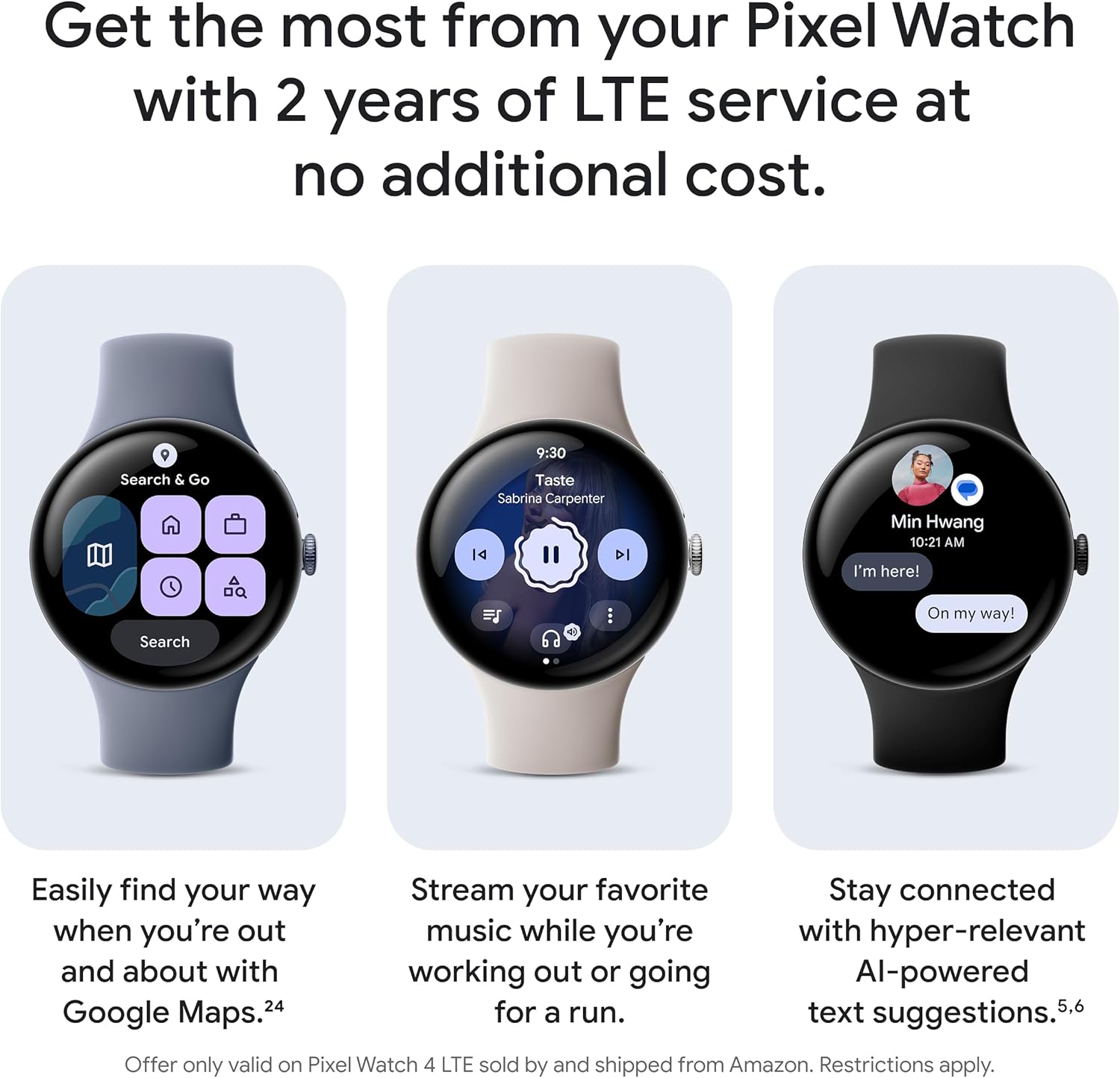
Image: The Google Pixel Watch 4 displaying various app icons, including communication and navigation apps, demonstrating connectivity.
4.4. Fitness Tracking (Fitbit Integration)
The Pixel Watch 4 integrates with Fitbit for comprehensive health and fitness tracking. Monitor your heart rate with Google's accurate tracking, analyze sleep patterns, and track key health metrics like SpO2 and HRV. It supports over 40 exercise modes and provides real-time stats on your wrist, along with high-precision dual-frequency GPS for accurate route tracking.

Image: The Google Pixel Watch 4 displaying activity tracking metrics, including exercise modes like running and walking.
4.5. Caratteristiche di sicurezza
The Pixel Watch 4 includes advanced safety features for your peace of mind. Loss of Pulse Detection can identify a loss of pulse event and automatically contact emergency services. In remote locations without cellular service, the watch can connect to emergency services via geostationary satellites.

Image: The Google Pixel Watch 4 displaying a 'No pulse detected' alert, demonstrating its emergency safety feature.
Video: An official product video from Google Inc. showcasing the key features and functionalities of the Google Pixel Watch 4, including its design, health tracking, and smart capabilities.
5. Manutenzione
5.1. Resistenza all'acqua
The Google Pixel Watch 4 has a water resistance rating of up to 50 meters. This means it is suitable for shallow-water activities like swimming in a pool or ocean. However, it is not recommended for scuba diving, waterskiing, or other activities involving high-velocity water or submersion below shallow depth. Avoid exposing the watch to soap, shampoo, conditioner, lotion, or perfume, as these can negatively affect water seals and acoustic membranes.
5.2. Istruzioni per la pulizia
To keep your watch clean and functioning optimally, regularly wipe the watch case and band with a soft, lint-free cloth. If necessary, dampLavare il panno con acqua fresca. Evitare l'uso di prodotti chimici aggressivi o materiali abrasivi.
5.3. User-Serviceable Battery
The Google Pixel Watch 4 is designed with user-serviceable components, including the battery. This allows for individual component repair or replacement if needed, extending the lifespan of your device. For detailed instructions on battery replacement, refer to official Google support resources or authorized service centers.
6. Risoluzione Dei Problemi
If you encounter issues with your Google Pixel Watch 4, try the following common troubleshooting steps:
- Problemi di connettività: Ensure Bluetooth is on and your watch is within range of your paired phone. For LTE models, verify your service plan is active.
- Batteria scarica: Check for excessive app usage or background processes. Adjust display brightness and use Battery Saver mode when needed.
- Display Unresponsive: Restart the watch by holding down the side button until the Google logo appears.
- Imprecisioni di tracciamento: Assicurati che l'orologio sia ben aderente al polso. Pulisci regolarmente i sensori.
- Aggiornamenti software: Regularly check for and install software updates through the Google Pixel Watch app to ensure optimal performance and access to the latest features.
For more detailed troubleshooting or persistent issues, visit the official Google support websito o contattare il servizio clienti.
7. Specifiche
| Caratteristica | Dettaglio |
|---|---|
| Numero di modello | GA10849-USA |
| Dimensioni dello schermo | 45 millimetri |
| Forma | Girare |
| Sistema operativo | Indossare OS 6.0 |
| Tecnologia di connettività | LTE, Bluetooth |
| Capacità di archiviazione della memoria | 32 GB |
| Dimensione della memoria RAM installata | 32 GB |
| Durata della batteria | Up to 40 hours (normal use), up to 72 hours (Battery Saver mode) |
| Caratteristiche speciali | Actua 360 Display, Dual-Frequency GPS, Fast Charging, Gemini AI Assistant, Health Tracking Insights, Loss of Pulse Detection, Satellite SOS |
| Resistenza all'acqua | Fino a 50 metri |
| Colore | Moonstone Band with Satin Moonstone Case |
| Peso dell'articolo | 8.8 once (0.25 chilogrammi) |
| Produttore |
8. Garanzia e supporto
Your Google Pixel Watch 4 is covered by a manufacturer's warranty. For specific details regarding warranty coverage, duration, and terms, please refer to the warranty information included in your product packaging or visit the official Google support website. For technical assistance, troubleshooting, or service requests, please contact Google customer support or visit their online help center.
Additional protection plans are available for purchase, offering extended coverage beyond the standard manufacturer's warranty. These plans may include accidental damage protection and other benefits. Please check with your retailer or Google for more information on available protection plans.