1. Introduzione
The Babysense MaxView PRO Baby Monitor provides a secure and reliable way to monitor your baby. Featuring a 5.5-inch Full HD display and non-WiFi FHSS technology, it ensures a private and interference-free connection. This system includes a 6-color night light, white noise, and sound machine functions to create a calming environment. The monitor is expandable, supporting up to four cameras for comprehensive coverage.

Image 1.1: Babysense MaxView PRO Baby Monitor, showing the parent unit and camera.
2. Cosa c'è nella scatola
- Parent Unit (5.5” Full HD Monitor)
- 1 Full HD PTZ Camera
- 3 adattatori di alimentazione
- Vite di montaggio
- Manuale d'uso
3. Impostazione
- Caricare l'unità genitore: Before first use, fully charge the parent unit using one of the provided power adapters.
- Posiziona la fotocamera: Place the camera in your baby's room on a flat surface or mount it to a wall using the included mounting screw. Ensure a clear view del presepe.
- Connetti alimentazione: Plug the camera into a power outlet using a power adapter. The camera is corded electric.
- Accensione: Turn on the parent unit and camera. The units should automatically pair. If not, refer to the pairing instructions in the Operating Instructions section.
4. Istruzioni per l'uso
4.1 Unità genitore finitaview
The 5.5-inch Full HD display provides a clear view of your baby. Use the navigation buttons to access menus and control camera functions.
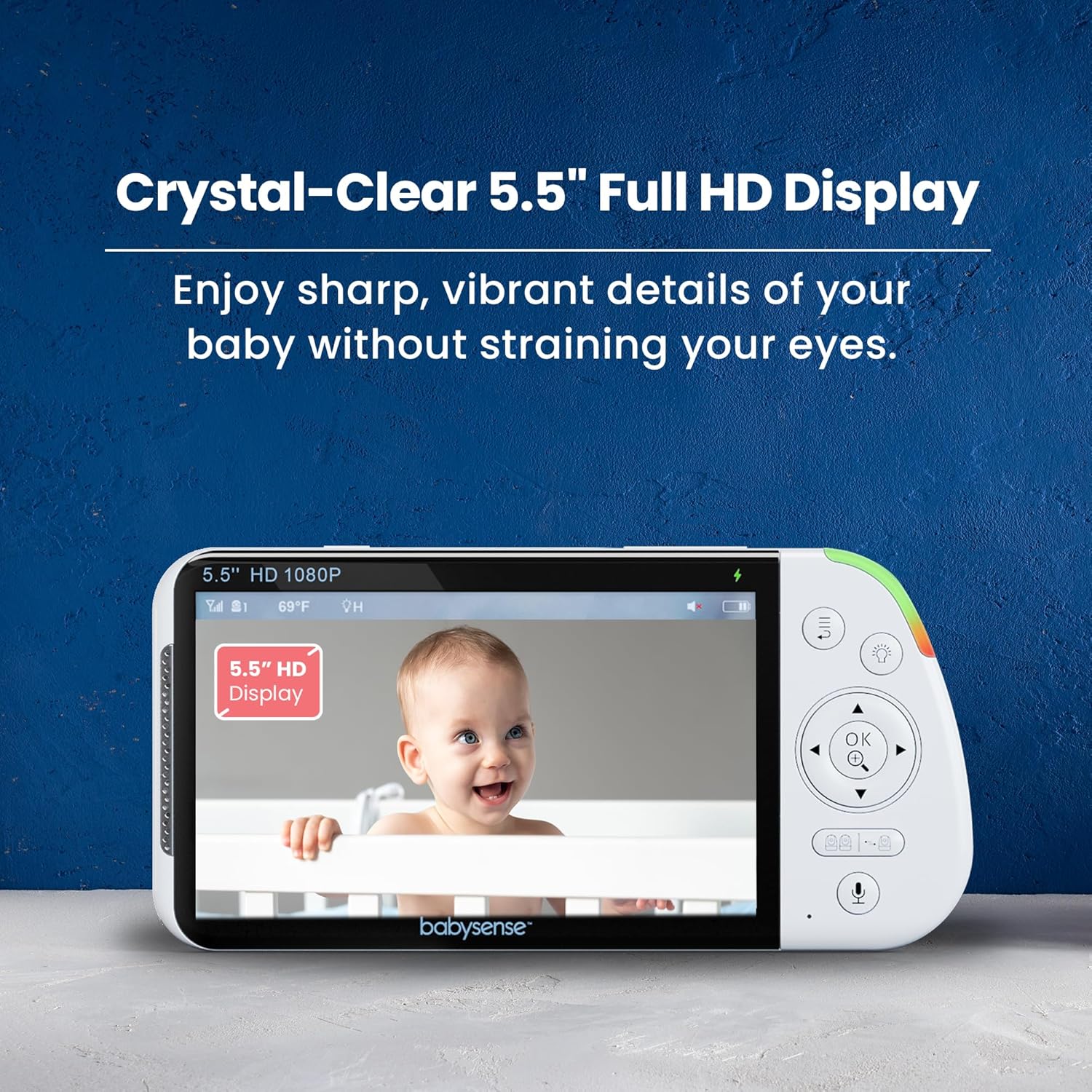
Image 4.1: The parent unit's 5.5-inch Full HD display showing a baby.
4.2 Caratteristiche della fotocamera
The camera offers pan, tilt, and digital zoom capabilities, allowing you to adjust the viewing angle remotely from the parent unit. Automatic night vision ensures clear images in low-light conditions.
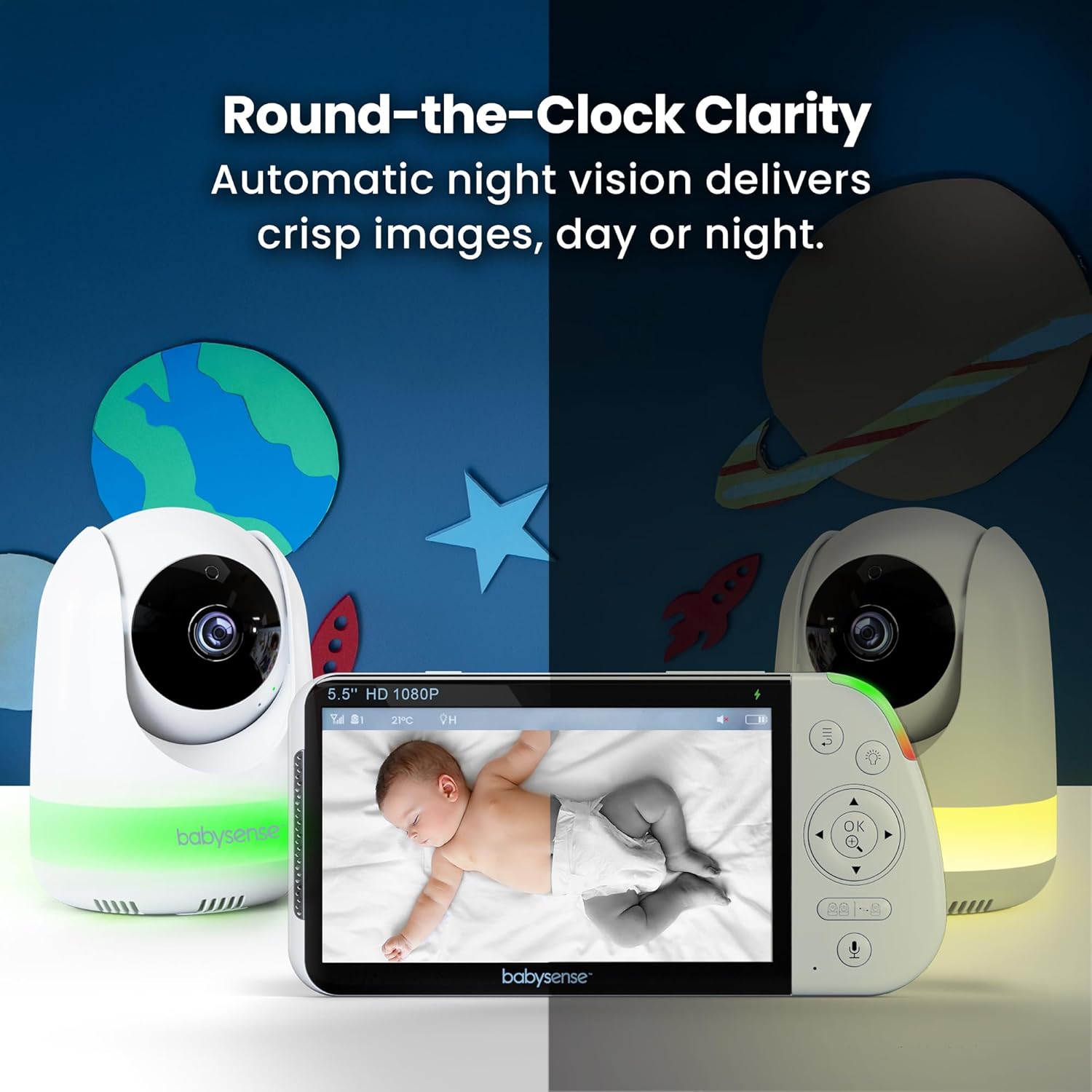
Image 4.2: The camera's night vision capability, showing a baby in a crib in a dark room.
4.3 Caratteristiche audio
Utilize the two-way talk feature to communicate with your baby. The monitor also includes built-in lullabies and white noise options to soothe your child. VOX mode (Voice Operated Exchange) can be enabled to activate the screen and audio only when sound is detected, conserving battery life.

Image 4.3: The parent unit demonstrating the two-way talk function.
4.4 Luce notturna
The camera features an integrated 6-color night light with adjustable brightness settings to provide a gentle glow in the nursery.

Image 4.4: The camera unit showcasing its 6-color night light options.
4.5 Split Screen & Multi-Camera Support
The system supports up to four cameras, allowing you to monitor multiple rooms or children simultaneously using the split-screen view sull'unità genitore.
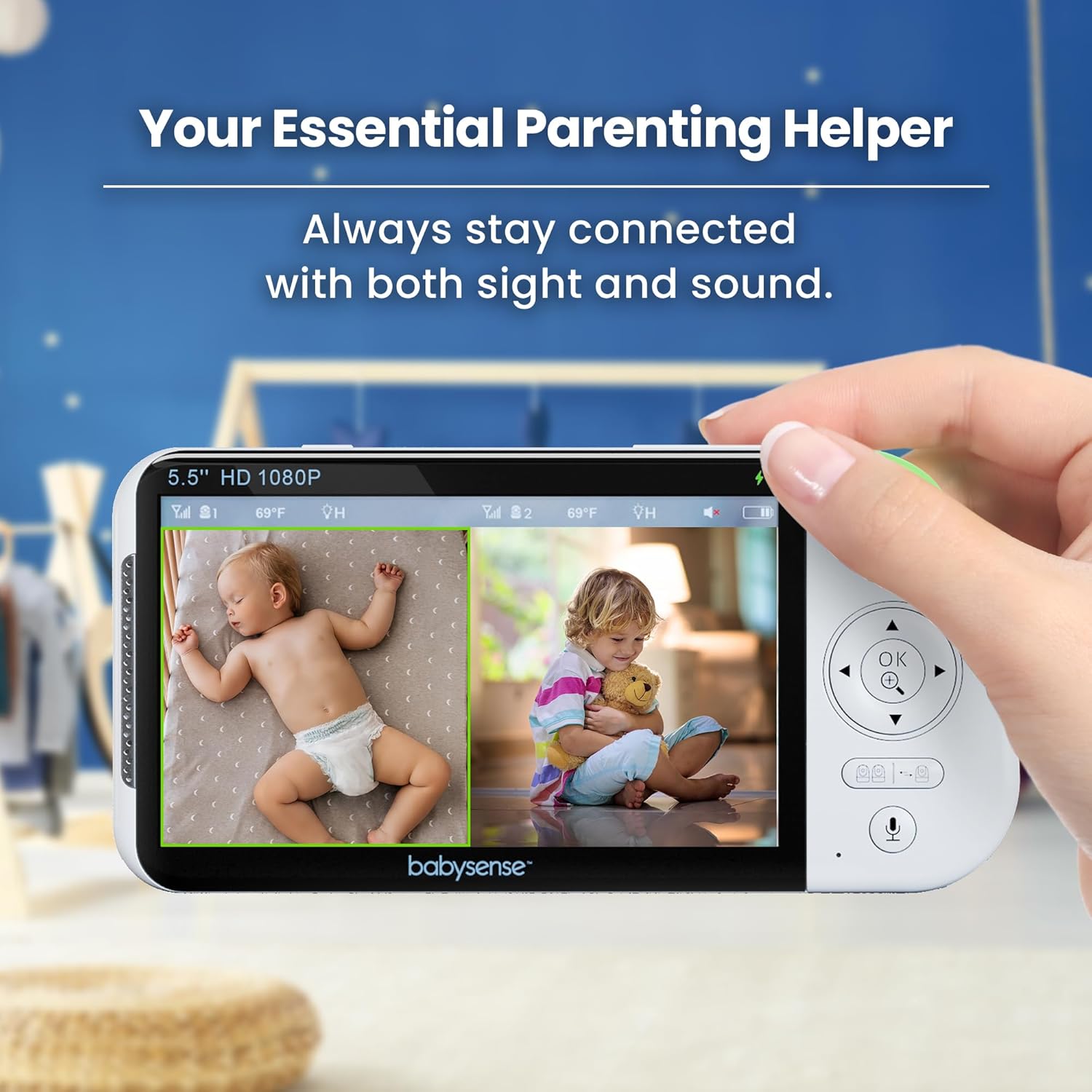
Image 4.5: The parent unit displaying a split-screen view from two cameras.
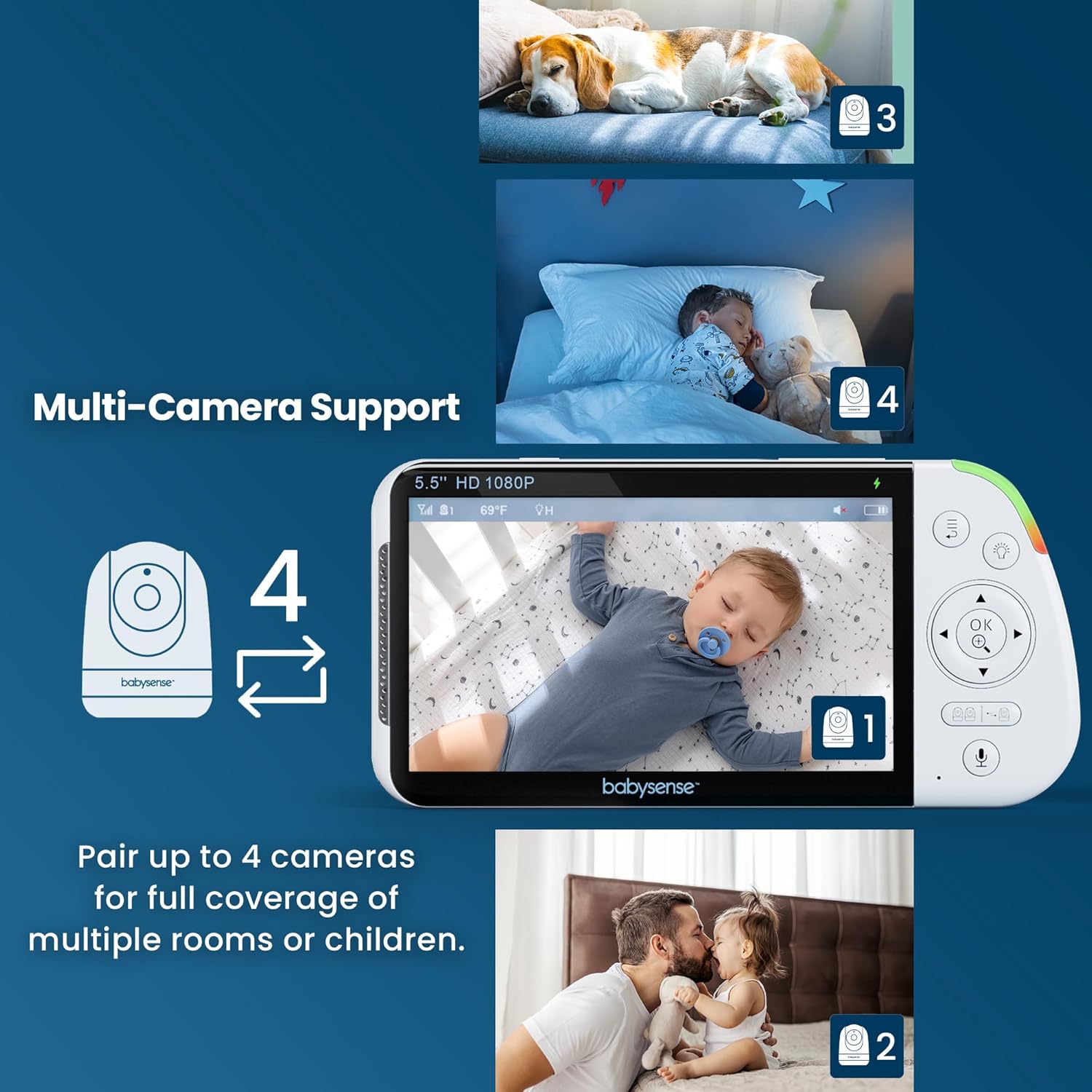
Image 4.6: The parent unit demonstrating the ability to connect up to four cameras.
4.6 Durata della batteria
The parent unit's large rechargeable battery provides up to 20 hours of continuous monitoring in Eco Mode and up to 12 hours in Regular Mode.
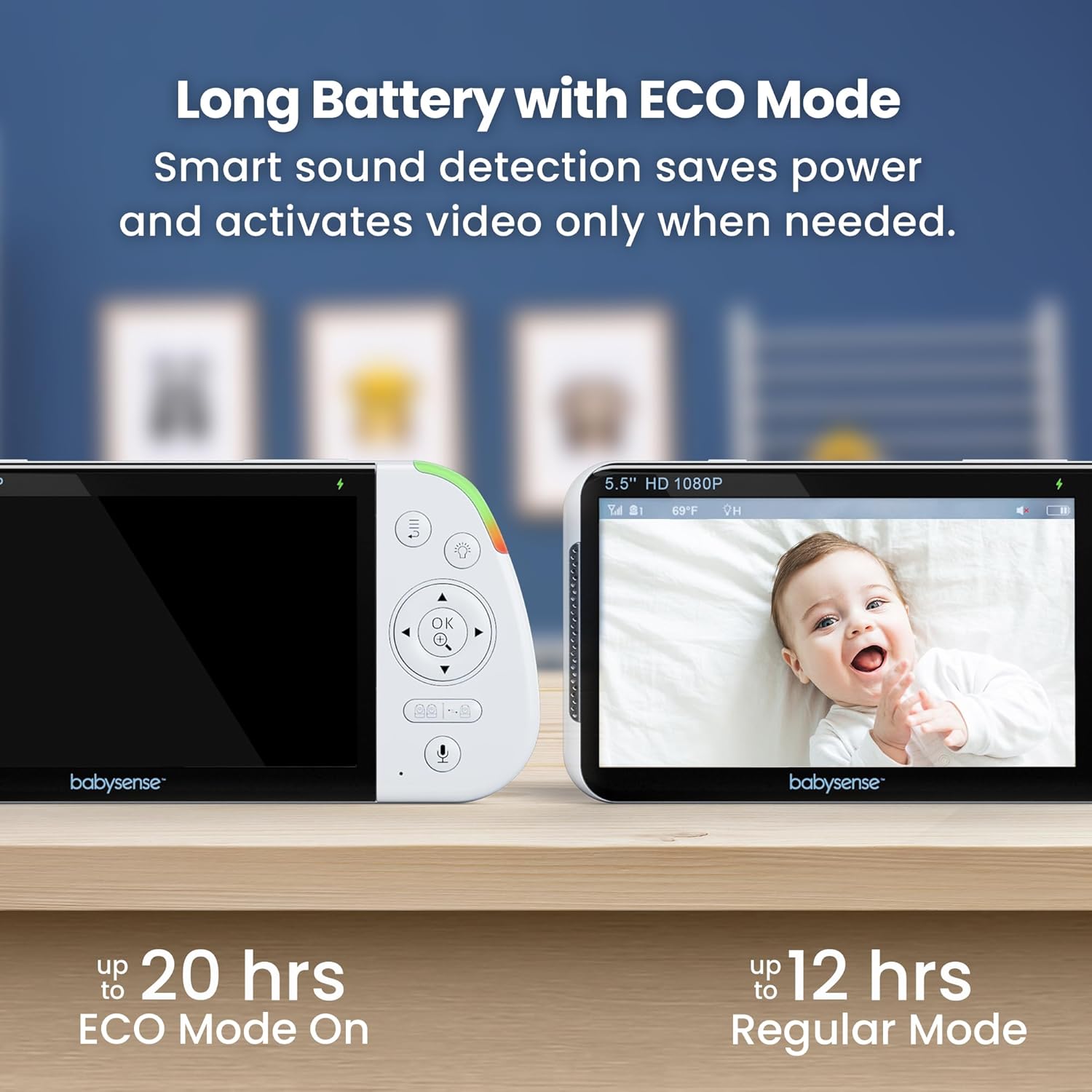
Image 4.7: Visual representation of battery life in Eco Mode (up to 20 hours) and Regular Mode (up to 12 hours).
4.7 Connessione sicura
The monitor uses FHSS (Frequency Hopping Spread Spectrum) non-WiFi technology, ensuring a private, hack-proof, and interference-free connection.

Image 4.8: Diagram showing the secure FHSS connection between the monitor and camera.
4.8 Video ufficiali del prodotto
Video 4.8.1: Un overview of the Babysense 5.5" 1080p Full HD Split-Screen Baby Monitor, highlighting its features and benefits.
Video 4.8.2: A demonstration of the non-WiFi large split-screen baby monitor, focusing on its secure connection and dual-view capacità.
Video 4.8.3: Un review highlighting the high-quality camera and monitor features for baby safety.
5. Manutenzione
- Pulizia: Use a soft, dry cloth to clean the monitor and camera surfaces. Do not use abrasive cleaners or solvents.
- Cura della batteria: To prolong battery life, avoid extreme temperatures and fully charge the parent unit regularly.
- Magazzinaggio: Conservare l'unità in un luogo fresco e asciutto quando non viene utilizzata per lunghi periodi.
6. Risoluzione Dei Problemi
| Problema | Soluzione |
|---|---|
| Nessuna immagine/suono | Ensure both units are powered on and within range. Check power connections. Re-pair units if necessary. |
| Scarsa qualità dell'immagine | Check for obstructions between camera and monitor. Adjust camera position. Ensure sufficient lighting for optimal night vision. |
| Durata breve della batteria | Ensure parent unit is fully charged. Use Eco Mode to conserve battery. Reduce screen brightness. |
| Interferenza | Allontanare le unità da altri dispositivi elettronici che potrebbero causare interferenze. |
7. Specifiche
- Nome modello: MVPRO-1CAM USA
- Display: 5.5" Full HD (1080p)
- Connettività: 2.4GHz FHSS Wireless Technology (Non-WiFi)
- Durata della batteria (unità genitore): Up to 20 hours (Eco Mode), Up to 12 hours (Regular Mode)
- Caratteristiche della fotocamera: Pan, Tilt, Digital Zoom, Automatic Night Vision, 6-Color Night Light
- Caratteristiche audio: Two-Way Talk, Lullabies, White Noise, VOX Mode
- Espandibilità: Supports up to 4 cameras (sold separately)
- Fonte di energia: Cameras are Corded Electric, Parent Unit is Battery Powered
- Dimensioni del prodotto: 4 x 8 x 8 pollici
- Peso dell'articolo: 2.29 libbre
- Codice UPC: 810114530436
8. Garanzia e supporto
For any product-related questions, missing components, or warranty inquiries, please refer to the user manual included in the package or visit the official Babysense website for customer service information. You may also find a QR code for customer service on the packaging or included materials.
Produttore: Hisense Ltd.


