1. Introduzione
Questo manuale fornisce informazioni essenziali per l'uso sicuro ed efficiente del tuo Blackview Active 5 Rugged Tablet PC. Please read these instructions carefully before using the device and retain them for future reference. The Blackview Active 5 is designed for durability, featuring IP68/IP69K water and dust resistance, MIL-STD-810H compliance, and a robust design suitable for challenging environments.
2. Contenuto della confezione
Si prega di controllare la confezione per verificare la presenza dei seguenti elementi:
- Neroview Active 5 Rugged Tablet PC
- Cavo USB
- Adattatore di alimentazione
- Strumento di espulsione della SIM
- Guida rapida/Informazioni sulla sicurezza
Se qualche articolo risulta mancante o danneggiato, contattare il rivenditore.
3. Dispositivo suview
Familiarizza con le componenti fisiche del tuo Blackview Tablet Active 5.

Immagine 3.1: Anteriore e posteriore view del Neroview Active 5 Rugged Tablet PC, showcasingrazie al suo design robusto e al modulo della fotocamera.
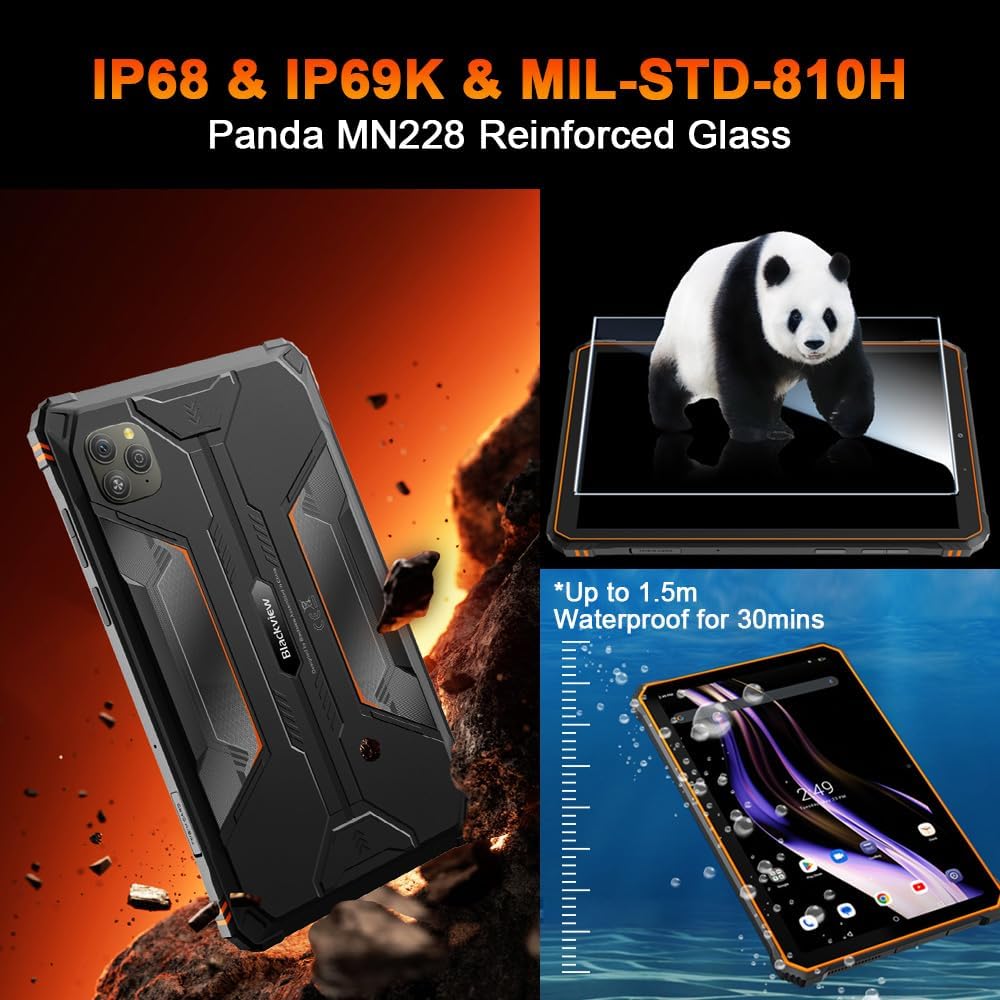
Image 3.2: Visual representation of the tablet's IP68/IP69K water and dust resistance, and MIL-STD-810H military standard compliance, including Panda MN228 Reinforced Glass.

Image 3.3: Details of the 8.68-inch Compact IPS Screen, highlighting its 800x1340 resolution, 90Hz Smart Refresh Rate, 360 nits brightness, and 85% screen-to-body ratio.
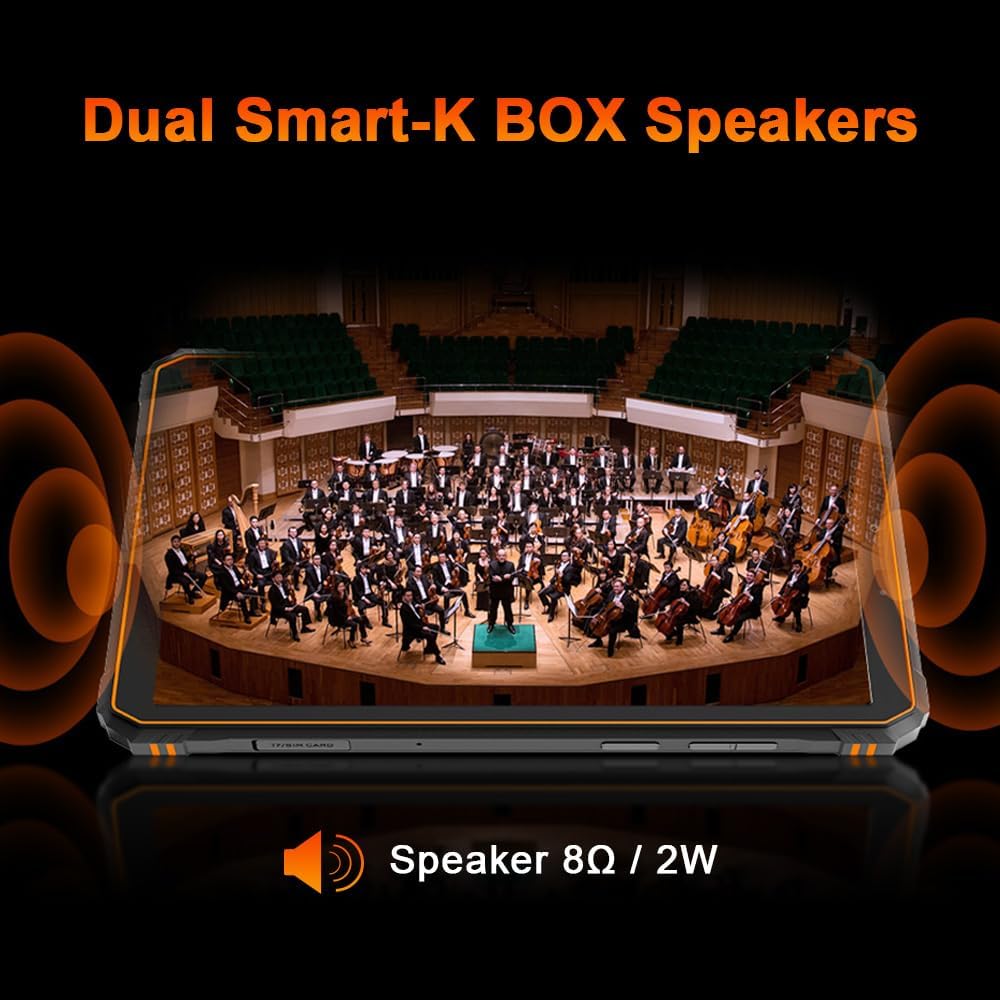
Image 3.4: Illustration of the tablet's Dual Smart-K BOX Speakers, indicating 8Ω / 2W output for enhanced audio.
4. Impostazione
4.1. Inserimento della SIM e della scheda SD
- Individuare il vassoio della scheda SIM/SD sul lato del tablet.
- Inserire lo strumento di espulsione della SIM nel piccolo foro accanto al vassoio per aprirlo.
- Place your Nano-SIM card(s) and/or microSD card (up to 2TB) into the designated slots, ensuring correct orientation.
- Spingere delicatamente il vassoio nel tablet finché non scatta in posizione.
4.2. Accensione iniziale
- Premere e tenere premuto il pulsante di accensione (solitamente sul lato) finché il neroview appare il logo.
- Seguire le istruzioni sullo schermo per completare la configurazione iniziale, inclusa la selezione della lingua, la connessione Wi-Fi e la configurazione dell'account Google.
5. Istruzioni per l'uso
5.1. Navigazione di base
Il Neroview Active 5 runs on Android 15 with DokeOS P 4.2. Use touch gestures for navigation:
- Rubinetto: Seleziona un elemento o apri un'app.
- Scorri: Scorrere le schermate o gli elenchi.
- Pizzico: Ingrandisci o rimpicciolisci le immagini e web pagine.
- Premere a lungo: Accedi ai menu contestuali o sposta le icone.
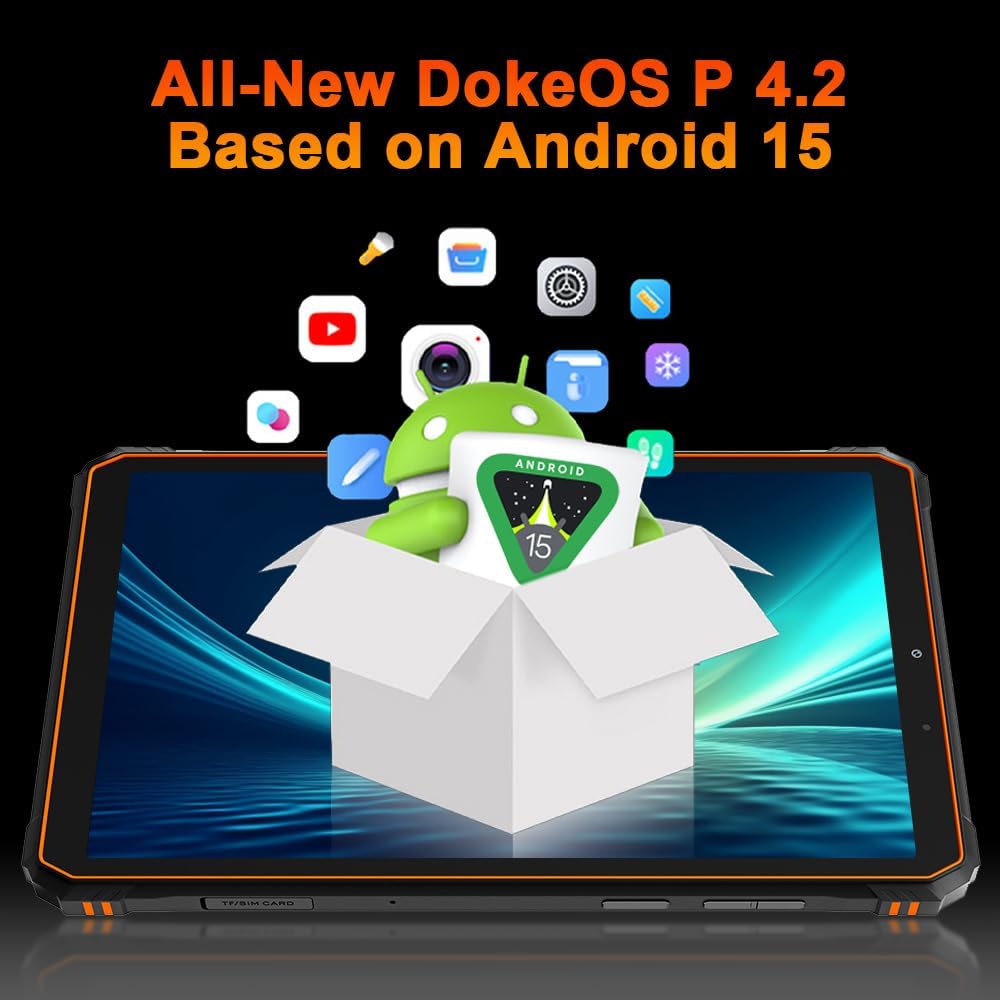
Immagine 5.1: Il Neroview Active 5 tablet displaying the All-New DokeOS P 4.2 interface, built upon Android 15.
5.2. Prestazioni e archiviazione
The tablet is powered by an Octa-core Unisoc T615 processor, ensuring smooth performance for multitasking and applications. It features 8GB of base RAM, expandable with an additional 16GB of virtual RAM for a total of 24GB. Internal storage is 128GB, which can be expanded up to 2TB using a microSD card.
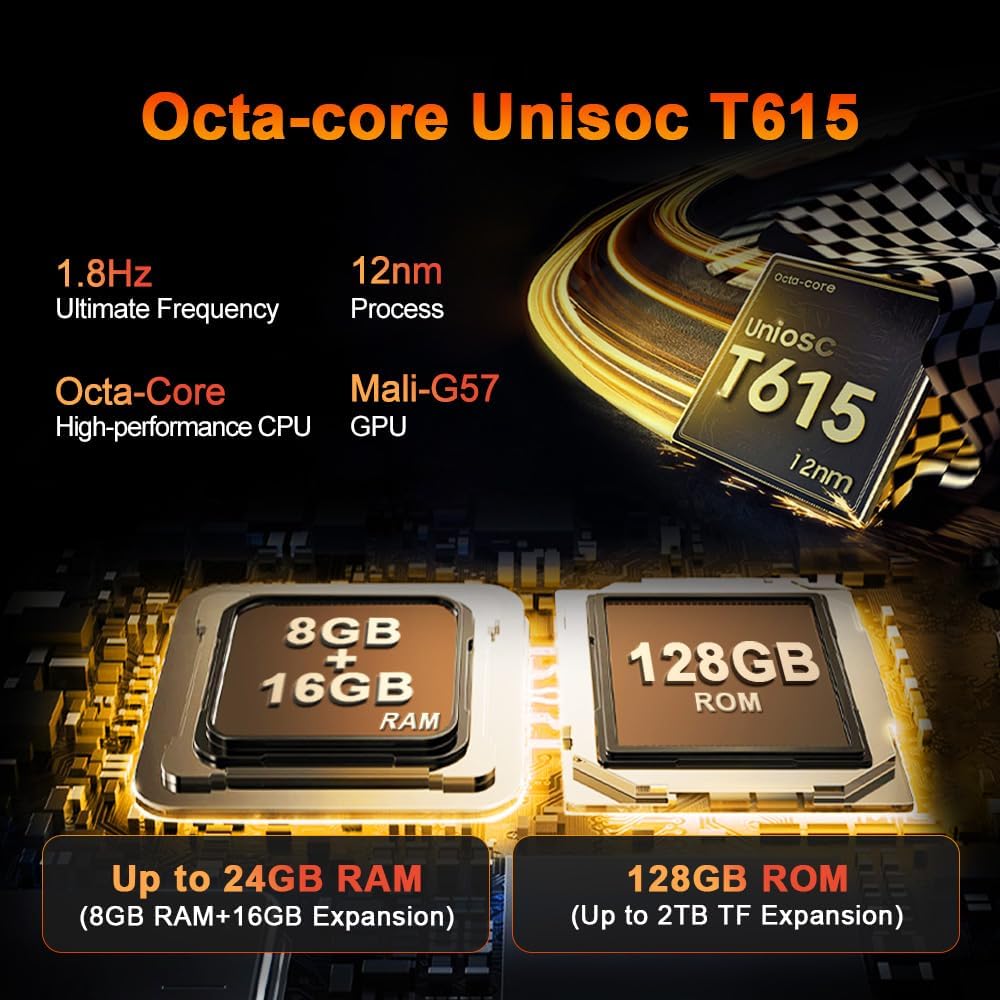
Immagine 5.2: Dettagliata view of the Octa-core Unisoc T615 processor (1.8Hz, 12nm process, Mali-G57 GPU) and memory configuration, showing 8GB+16GB RAM expansion and 128GB ROM with up to 2TB TF expansion.
5.3. Funzioni della fotocamera
Il Neroview Active 5 is equipped with a 16MP AI rear camera and a 13MP AI front camera. These cameras are designed to capture clear images and videos in various lighting conditions.
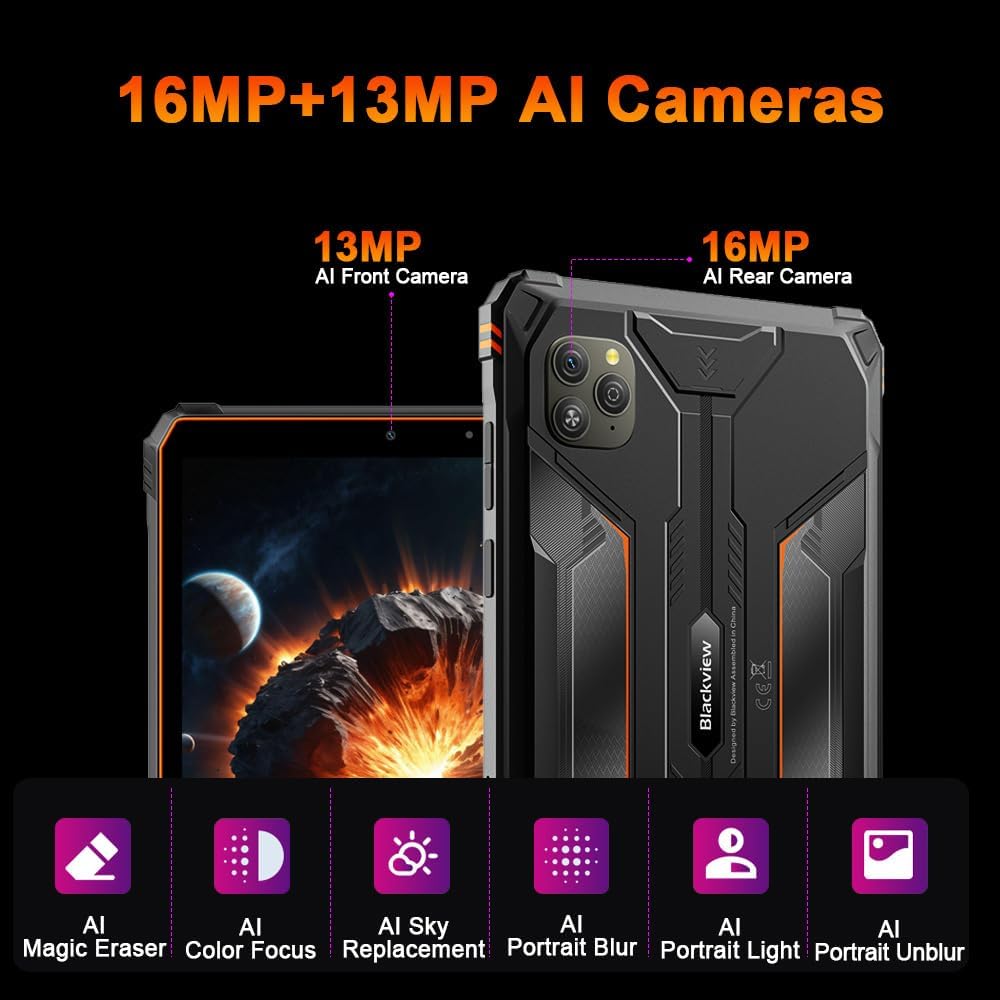
Immagine 5.3: Passoview of the tablet's camera system, featuring a 13MP AI Front Camera and a 16MP AI Rear Camera, along with AI-powered features like Magic Eraser, Color Focus, Sky Replacement, Portrait Blur, Portrait Light, and Portrait Unblur.
5.4. Doke AI Features
The tablet integrates Blackview's Doke AI, offering various intelligent functionalities to enhance user experience.

Image 5.4: Representation of the Blackview Doke AI, showcasing integration with various applications and AI capabilities such as Deepseek DeepThinking(R1), ChatGPT-40 mini, and Gemini AI with FlashThinking Experimental.
6. Connettività
Il Neroview Active 5 supports a range of connectivity options:
- Doppio 4G LTE: For cellular data and calls.
- 5G WiFi: Supports 802.11ax and 802.11g for fast wireless internet.
- Bluetooth: Per collegare accessori wireless.
- NFC: Per pagamenti contactless e abbinamento rapido.
- Posizione GPS: Per servizi di navigazione e localizzazione.
- OTG (in movimento): Allows the tablet to act as a host for USB devices, such as flash drives or keyboards.
7. Gestione della batteria
The tablet is equipped with a 6600mAh mega battery, providing extended usage times.

Immagine 7.1: Passoview of the 6600mAh Mega Battery, indicating usage times such as 6 hours for gaming, 7 hours for video, 22 hours for calls, 9 hours for website browsing, 15 hours for music, and 360 hours standby.
7.1. Ricarica
Use the provided power adapter and USB cable to charge the tablet. Ensure the charging port is clean and dry before connecting the cable.
7.2. OTG Power Sharing
Il Neroview Active 5 supports OTG functionality, allowing you to use it to charge other compatible devices. Connect the devices using an OTG cable (sold separately).
8. Caratteristiche robuste
Il Neroview Active 5 is built to withstand harsh conditions:
- IP68 e IP69K: Certified for water and dust resistance, allowing submersion in water up to 1.5 meters for 30 minutes and protection against high-pressure, high-temperature water jets.
- MIL-STD-810H: Complies with military standards for drop protection, shock, and extreme temperatures.
- Panda Glass: The display is protected by Panda Glass, offering enhanced scratch and breakage resistance.
9. Specifiche
| Caratteristica | Specificazione |
|---|---|
| Nome del modello | Neroview Attivo 5 |
| Sistema operativo | Android 15 (DokeOS P 4.2) |
| Dimensioni dello schermo | 8.68 pollici |
| Risoluzione dello schermo | 1340 x 800 pixel |
| Processore | Unisoc T615 Octa-core |
| Memoria RAM | 24 GB (8 GB + 16 GB virtuali) |
| Memoria interna | 128 GB |
| Archiviazione espandibile | Fino a 2 TB (microSD) |
| Telecamera posteriore | IA da 16 MP |
| Fotocamera frontale | IA da 13 MP |
| Capacità della batteria | 6600 mAh |
| Connettività | Dual 4G LTE, 5G Wi-Fi (802.11ax, 802.11g), Bluetooth, NFC, GPS, OTG |
| Robustezza | IP68/IP69K, MIL-STD-810H |
| Caratteristiche speciali | Cellular Connectivity, Phone Call Functionality, Stereo Speakers, USB OTG Support, Expandable Storage |
| Dimensioni | 31.5 x 26.7 x 6.7 cm (Package); 840 grams |
10. Manutenzione
Per garantire la longevità e le prestazioni ottimali del tuo Blackview Active 5 tablet:
- Pulizia: Utilizzare un morbido, damp cloth to clean the tablet. Avoid harsh chemicals or abrasive materials. Ensure all ports are closed before cleaning with water.
- Temperatura: Avoid exposing the tablet to extreme temperatures (very hot or very cold) for prolonged periods.
- Magazzinaggio: When not in use for an extended period, store the tablet in a cool, dry place with approximately 50% battery charge.
- Aggiornamenti software: Controlla e installa regolarmente gli aggiornamenti software per beneficiare di miglioramenti delle prestazioni e della sicurezza.
11. Risoluzione Dei Problemi
Se riscontri problemi con il tuo tablet, prova le seguenti soluzioni comuni:
- Il dispositivo non risponde: Per forzare il riavvio, tenere premuto il pulsante di accensione per circa 10-15 secondi.
- Problemi di rete: Check if your SIM card is properly inserted. Toggle Airplane Mode on and off. Restart the tablet. For Wi-Fi, ensure you are within range and have the correct password.
- La batteria si scarica rapidamente: Ridurre la luminosità dello schermo, chiudere le app non utilizzate, disattivare le funzioni di connettività non necessarie (Bluetooth, GPS, Wi-Fi) quando non vengono utilizzate.
- App che si bloccano: Cancella la cache e i dati dell'app problematica in Impostazioni > App. Se il problema persiste, disinstalla e reinstalla l'app.
- Prestazioni lente: Chiudere le app in background, svuotare la cache e assicurarsi di avere spazio di archiviazione sufficiente. Un ripristino delle impostazioni di fabbrica può risolvere i problemi di prestazioni persistenti (eseguire prima il backup dei dati).
For more complex issues, refer to the Blackview supporto websito o contattare il servizio clienti.
12. Garanzia e supporto
Il Neroview Active 5 Rugged Tablet PC comes with a 24-month warranty. Blackview provides a warranty and repair center in Europe. For any questions or support needs, please contact Blackview customer service. They aim to respond within 24 hours.
For further assistance, please visit the official Blackview websito o contattare i centri di assistenza autorizzati.


