Introduzione
This manual provides detailed instructions for setting up, operating, and maintaining your aiprotablet A30 10.1-inch Android 15 Tablet. Please read this manual thoroughly to ensure proper use and to maximize your device's performance and longevity.

Figure 1: aiprotablet A30 Tablet and Accessories
Cosa c'è nella scatola
Upon opening your aiprotablet A30 package, you should find the following items:
- aiprotablet A30 10.1-inch Android 15 Tablet
- Custodia protettiva
- Tastiera Bluetooth
- Bluetooth Mouse
- Penna stilo
- Cavo di ricarica da USB-C a USB-A
- Adattatore di alimentazione
- Pre-installed Screen Protector (and potentially an extra one)
- Manuale utente tablet
- Manuale dell'utente della tastiera Bluetooth
Prodotto finitoview
The aiprotablet A30 features a sleek design with essential ports and controls strategically placed for user convenience.

Figure 2: Key Features of the aiprotablet A30 Tablet
Caratteristiche fisiche
- Fotocamera frontale: Situato in alto al centro se tenuto orizzontalmente.
- Rear Camera & Flash: Positioned on the back, typically in a corner.
- Pulsante di accensione/spegnimento: Usually on the side, used to power on/off or wake/sleep the device.
- Controlli del volume: Adiacente al pulsante di accensione, per regolare i livelli audio.
- Jack per cuffie da 3.5 mm: Per collegare cuffie cablate.
- Slot per scheda MicroSD: Allows for storage expansion up to 2TB.
- Porta USB-C: For charging and data transfer, supports 18W PD fast charging.
- Relatori: Doppi altoparlanti per uscita audio stereo.
- Microfono: Per l'ingresso audio durante le chiamate o le registrazioni.
Impostare
Follow these steps to set up your aiprotablet A30 Tablet for the first time.
1. Configurazione iniziale del dispositivo
- Accensione: Tenere premuto il pulsante di accensione/spegnimento finché lo schermo non si illumina.
- Selezione della lingua: Scegli la lingua preferita dall'elenco.
- Connessione Wi-Fi: Connect to a Wi-Fi network to access the internet. This is necessary for completing the setup and downloading updates.
- Account Google: Accedi con il tuo account Google o creane uno nuovo. In questo modo potrai accedere al Google Play Store e ad altri servizi Google.
- Data e ora: Imposta la data e l'ora corrette oppure lascia che il dispositivo le imposti automaticamente tramite la rete.
- Blocco schermo: Set up a screen lock method (PIN, pattern, password, or fingerprint) for security.
- Configurazione completa: Seguire le istruzioni visualizzate sullo schermo per completare la procedura di configurazione.
2. Installazione della custodia protettiva
The included protective case helps safeguard your tablet from everyday bumps and scratches. Simply align your tablet with the case and gently press it into place until all edges are secured. Ensure all ports and buttons remain accessible through the case cutouts.
3. Connecting Bluetooth Accessories (Keyboard & Mouse)
To enhance your productivity, you can connect the included Bluetooth keyboard and mouse.
- Abilita il Bluetooth sul tablet: Swipe down from the top of the screen to open the Quick Settings panel. Tap the Bluetooth icon to turn it on. Alternatively, go to Settings > Connected devices > Bluetooth.
- Pair Bluetooth Keyboard:
- Turn on the keyboard using its power switch (usually labeled ON/OFF).
- Press the 'Connect' button on the keyboard. The Bluetooth indicator light will start flashing.
- On your tablet, tap 'Pair new device'. The tablet will scan for available Bluetooth devices.
- Select 'Bluetooth Keyboard' from the list of available devices and confirm pairing.
- Pair Bluetooth Mouse:
- Insert two AAA batteries into the mouse (batteries not included). There is no power button; it activates upon battery insertion.
- The mouse's indicator light will flash.
- On your tablet, tap 'Pair new device' again.
- Select 'BTS 2 Mouse' (or similar name) from the list and confirm pairing.
- For optimal mouse performance, navigate to Settings > System > Keyboard > Pointer speed and adjust it to a slightly slower speed for better control.
Utilizzo del tablet
Your aiprotablet A30 runs on the latest Android 15 operating system, offering a user-friendly interface and access to a wide range of applications.
1. Navigazione di base
- Schermata iniziale: L'hub centrale per le tue app e i tuoi widget. Scorri verso sinistra o verso destra per accedere ad altre schermate iniziali.
- Cassetto delle applicazioni: Scorri verso l'alto dalla parte inferiore della schermata iniziale per view tutte le applicazioni installate.
- Impostazioni rapide e notifiche: Swipe down from the top of the screen to access quick settings toggles (Wi-Fi, Bluetooth, Brightness, etc.) and view notifiche.
- Multitasking: Tap the square navigation button (or swipe up and hold from the bottom if using gesture navigation) to see recently opened apps and switch between them.
2. Applicazioni preinstallate
The tablet comes with a suite of essential Google applications and other useful tools:
- Google, Meet, Assistant, Photos, Cast, Play Store, Calculator, Calendar, Camera, Chrome, Clock, Drive, Files, Find Device, FM Radio, Gmail, Google TV, Keep Notes, Kids Space, Maps, Sound Recorder, YouTube, YT Kids, YT Music.
3. Radio FM
The tablet includes an FM Radio application. To use the FM Radio, you must plug in wired headphones, which act as an antenna for signal reception.
Prestazione
The aiprotablet A30 is designed for smooth and efficient operation, powered by robust internal components.

Figure 3: Unisoc T606 Octa-core Processor
- Processore: Equipped with a UNISOC T606 octa-core processor, featuring an ARM Cortex-A75 high-performance CPU and a Mali-G57 GPU. This configuration ensures smooth multitasking and efficient handling of most applications.
- Memoria RAM: The tablet boasts 12GB LPDDR4x memory, comprising 4GB of physical RAM and 8GB of virtual RAM. Virtual RAM utilizes a portion of the storage to temporarily act as additional RAM, improving performance during heavy multitasking.
- Memoria interna: Comes with 64GB of high-speed internal storage.
- Archiviazione espandibile: Storage can be expanded significantly up to 2TB using a Micro SD card (not included), providing ample space for media, documents, and applications.

Figura 4: Ample Storage for Your Needs
Supporto Widevine L1
The tablet supports Widevine L1, a digital rights management (DRM) level that allows for high-definition (1080p and above) streaming from major services like Netflix, Amazon Prime Video, Disney+, Hulu, and YouTube. This ensures a premium viewing experience for your favorite content.
Display
Experience clear and vibrant visuals on the tablet's display.
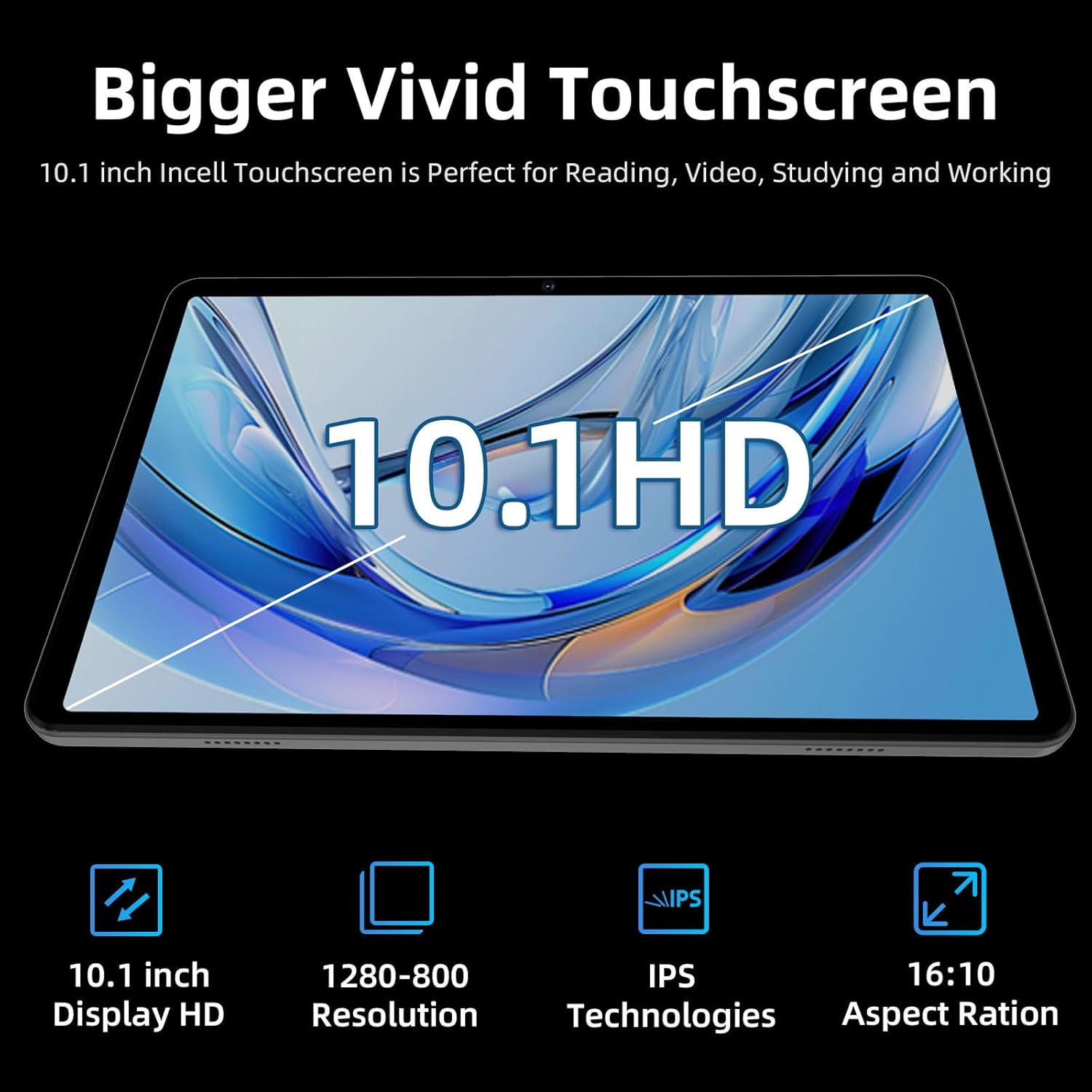
Figure 5: Vivid HD Touchscreen
- Dimensioni dello schermo: 10.1 pollici.
- Risoluzione: 1280x800 HD LCD touchscreen.
- Tecnologia: IPS (In-Plane Switching) technology provides wide viewangoli di ripresa e riproduzione accurata dei colori.
- Caratteristiche: Low blue light display for comfortable reading and reduced eye strain.
Telecamere
The tablet is equipped with dual cameras for capturing photos and engaging in video calls.
- Fotocamera frontale: 5 Megapixel, adatti per videoconferenze e selfie.
- Telecamera posteriore: 8 Megapixels, capable of capturing everyday moments.
Batteria
The aiprotablet A30 features a long-lasting battery to keep you powered throughout the day.
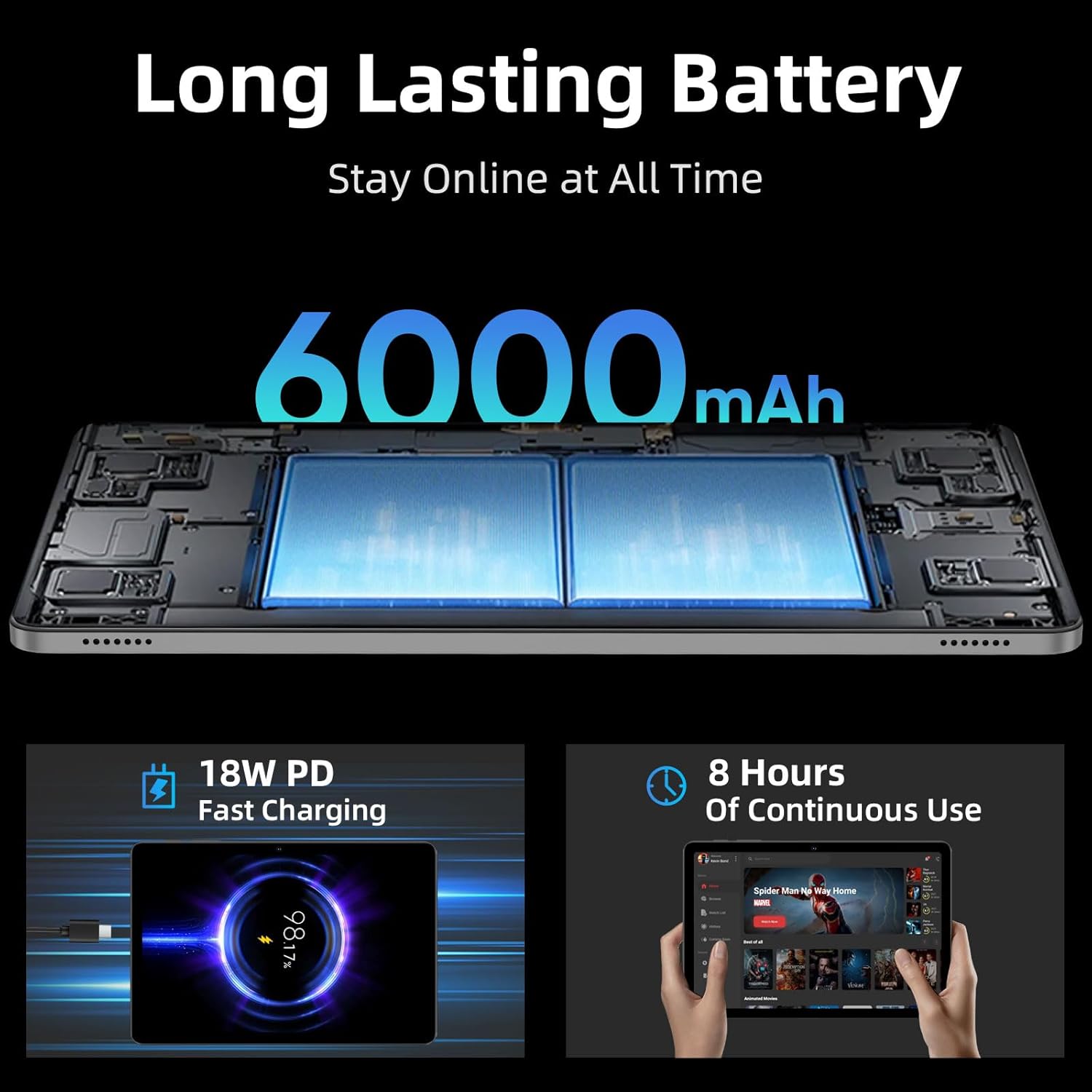
Figure 6: Long-Lasting Battery and Fast Charging
- Capacità: 6000 mAh.
- Tempo di utilizzo: Provides up to 8 hours of mixed usage, including reading, video watching, and web browsing. Actual battery life may vary based on usage patterns and settings.
- Ricarica: Supports 18W Power Delivery (PD) fast charging via the USB-C port, allowing the tablet to be fully charged in approximately 2 hours.
Manutenzione
Proper care and maintenance will ensure the longevity and optimal performance of your tablet.
- Pulizia: Utilizzare un panno morbido e privo di lanugine per pulire lo schermo e il corpo del tablet. Evitare l'uso di prodotti chimici aggressivi o materiali abrasivi.
- Aggiornamenti software: Regularly check for and install system updates to ensure your tablet has the latest features, security patches, and performance improvements. Go to Settings > System > System updates.
- Cura della batteria: Evitare temperature estreme. Non lasciare che la batteria si scarichi completamente frequentemente. Per una conservazione a lungo termine, caricare la batteria fino a circa il 50-60%.
- Gestione della memoria: Cancellare periodicamente ciò che non è necessario filee disinstallare le app non utilizzate per liberare spazio di archiviazione e mantenere le prestazioni.
- Condizioni ambientali: Avoid exposing the tablet to excessive heat, cold, humidity, or direct sunlight.
Risoluzione dei problemi
If you encounter any issues with your tablet, refer to the following common solutions:
- Dispositivo non si accende: Ensure the battery is charged. Connect the tablet to the power adapter and try turning it on after a few minutes.
- Problemi di connessione Wi-Fi:
- Ensure Wi-Fi is enabled in Quick Settings or Settings > Network & internet.
- Riavvia il router Wi-Fi e il tablet.
- Check if the tablet is within range of the Wi-Fi signal.
- If the issue persists, try forgetting the network and reconnecting.
- Prestazioni lente:
- Chiudere le applicazioni non utilizzate in esecuzione in background.
- Cancella i dati della cache per le app utilizzate di frequente.
- Assicuratevi di avere sufficiente spazio di archiviazione libero.
- Riavviare il tablet.
- Problemi di accoppiamento Bluetooth:
- Ensure Bluetooth is enabled on both the tablet and the accessory.
- Place the accessory close to the tablet during pairing.
- Ensure the accessory is in pairing mode.
- If an accessory was previously paired, try unpairing and re-pairing it.
- Scheda SD non rilevata:
- Ensure the MicroSD card is correctly inserted into the slot.
- Prova a reinserire la scheda.
- Test the SD card in another device to rule out card malfunction.
Specifiche
| Caratteristica | Dettaglio |
|---|---|
| Marca | aiprotablet |
| Nome del modello | A30 |
| Sistema operativo | Androide 15 |
| Dimensioni dello schermo | 10.1 pollici |
| Risoluzione dello schermo | 1280 x 800 pixel (HD IPS) |
| Processore | UNISOC T606 Octa-Core (1.6 GHz) |
| Coprocessore grafico | Mali-G57 1core @ 850MHz |
| Memoria RAM | 12 GB (4 GB fisici + 8 GB virtuali) |
| Memoria interna | 64 GB |
| Archiviazione espandibile | Fino a 2 TB tramite scheda MicroSD |
| Fotocamera frontale | 5 Megapixel |
| Telecamera posteriore | 8 Megapixel |
| Capacità della batteria | 6000mAh |
| Durata media della batteria | 6-8 ore (uso misto) |
| Ricarica | 18W PD Fast Charging (USB-C) |
| Tipo senza fili | 802.11ac, 802.11ad (WiFi 5) |
| Bluetooth | Modello BT5.0 |
| GPS | Yes (4-Mode Satellite Positioning, GPS Assisted Positioning) |
| Peso dell'articolo | 1.16 libbre |
| Dimensioni del prodotto | 9.65 x 6.02 x 0.25 pollici |
Garanzia e supporto
For warranty information, technical support, or service inquiries, please refer to the documentation included in your product packaging or visit the official aiprotablet websito. Conservare la prova d'acquisto per eventuali reclami in garanzia.