1. Introduzione
Thank you for choosing the Retevis MateTalk P3 DMR Two-Way Radio. This professional-grade digital radio is designed for reliable and clear communication in various commercial and professional environments. Featuring advanced Digital Mobile Radio (DMR) technology, AES256 encryption, and fast charging capabilities, the MateTalk P3 ensures efficient and secure team coordination. This manual provides essential information for the proper setup, operation, and maintenance of your device.

Immagine: Oltreview of the Retevis MateTalk P3 Professional Radio highlighting its key features.
2. Cosa c'è nella scatola
Your Retevis MateTalk P3 package includes the following items:
- MateTalk P3 Walkie Talkie (x4)
- Caricabatterie di base (x4)
- Auricolare (x4)
- Clip da cintura (x4)
- Cavo di ricarica di tipo C (x4)
- Use Manual (x1)

Immagine: Indietro view of the Retevis MateTalk P3 radio, showing the model number and regulatory details.

Image: Visual representation of the complete package contents, including radios, chargers, earpieces, and cables.
3. Prodotto finitoview e Caratteristiche
3.1. Digital Communication Clarity
The MateTalk P3 utilizes Digital Mobile Radio (DMR) technology to filter out background noise, providing crystal-clear audio quality comparable to face-to-face conversations. This is crucial in noisy environments like kitchens or construction sites, preventing miscommunication.

Image: Diagram illustrating DMR Digital Communication with features like Noise Suppression, High Fidelity, Echo Cancellation, and Error Correction.
Video: Demonstrates the clear digital communication capabilities of the Retevis MateTalk P3 radio.
3.2. Secure Communication with AES256
For sensitive communications, the MateTalk P3 supports AES256 encryption, ensuring your conversations remain private and secure. This feature is compatible with Motorola DM4600/XPR5000 and Retevis NR30D/RT29D/RT81 radios.

Image: Visual representation of AES256 Secure Communication, showing a padlock icon over the radio.
3.3. Extended Range and Power
Experience extended communication range with high power output, providing strong signals across large areas like warehouses and hotel campuses. The radio supports repeater connectivity for even greater coverage.
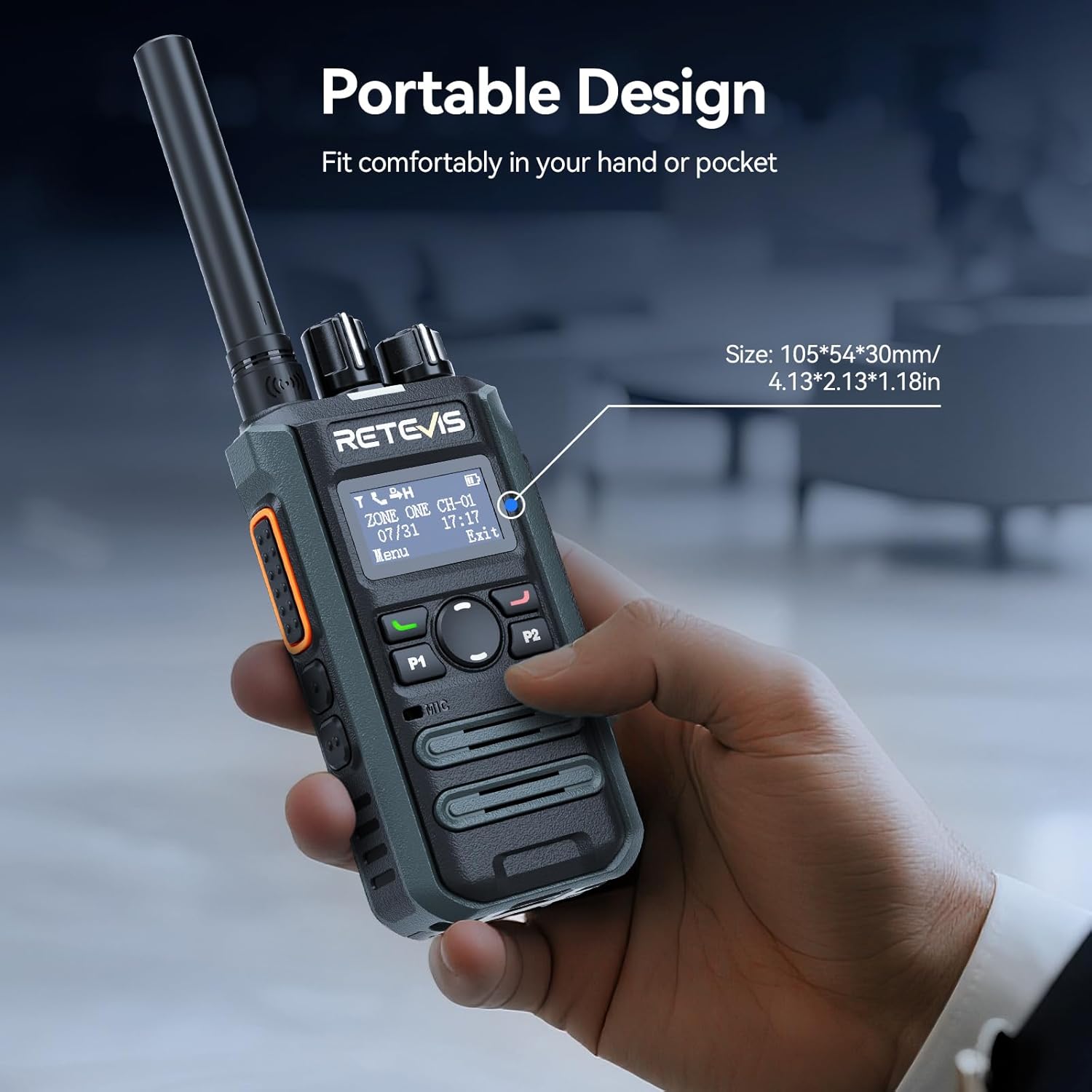
Image: Illustrates the long-range communication capabilities, showing coverage over a large area (350,000 sq.ft or 30 floors).
3.4. Efficient Team Management
With 2 zones and 32 channels, the MateTalk P3 allows for dedicated channel assignments to different teams (e.g., security, housekeeping, maintenance) for organized and efficient collaboration. It supports Single, Group, and All Call modes.
Image: Depicts the Single, Group, and All Call functionalities, showing how different communication types can be tailored.
3.5. Batteria a lunga durata e ricarica rapida
Equipped with a 2000 mAh battery, the radio provides up to 15 hours of use (5% transmit, 5% receive, 90% standby) and 70 hours of standby time. The 2.5-hour fast-charge capability ensures quick power-ups during breaks for all-day operation.
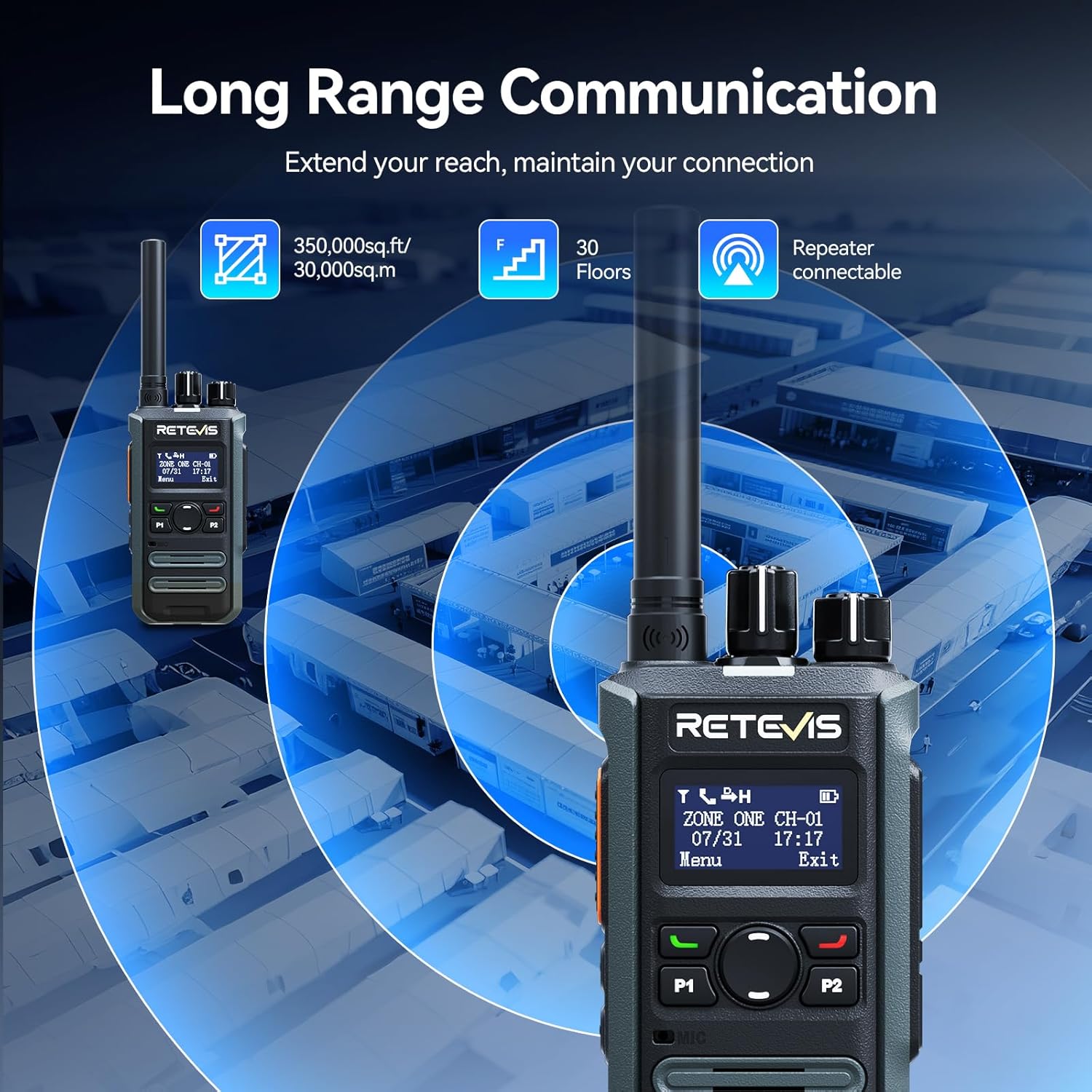
Image: Highlights the fast charging feature, indicating a full charge in 150 minutes.
3.6. Design compatto e portatile
Designed for mobile professionals, the lightweight body of the MateTalk P3 clips easily to a belt or fits into a shirt pocket, allowing for effortless carry in crowded workplaces.
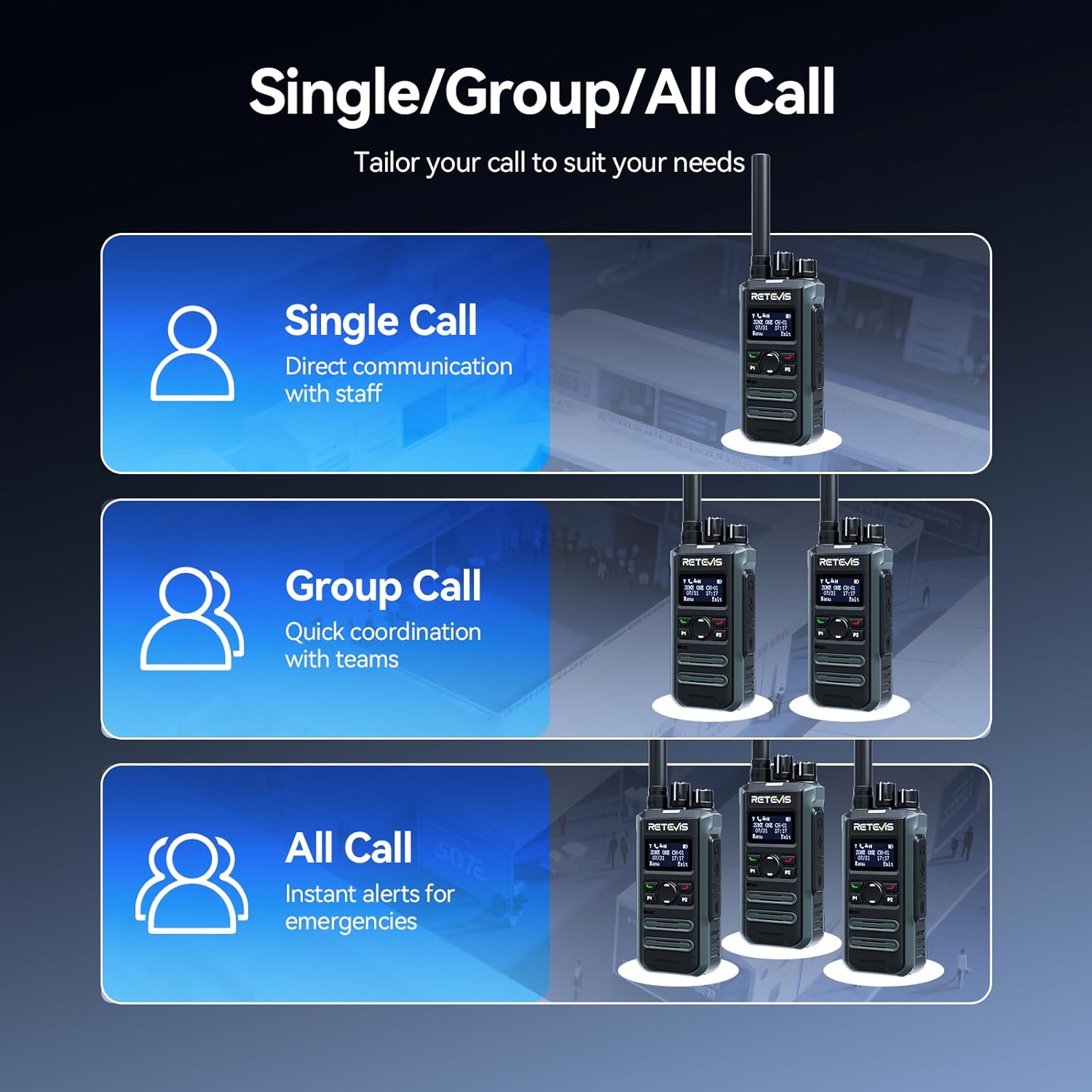
Image: Demonstrates the portable design, showing the radio comfortably held in a hand with its dimensions.
3.7. Intuitive LCD Screen
The clear LCD screen provides easy access to essential information, including time, date, channel information, battery status, and quick menu access for settings and call logs.

Image: Close-up of the LCD screen, detailing its intuitive display of information like time, date, and channel.
3.8. Caratteristiche di sicurezza
The radio includes safety features such as Lone Worker mode and a One-key Emergency Alarm, providing added peace of mind for users in potentially hazardous situations.

Image: Illustrates the safety features, including Lone Worker and Emergency Alarm functions.
4. Impostazione
4.1. Carica della batteria
- Connect the Type-C charging cable to the base charger and a suitable USB power adapter (not included).
- Place the MateTalk P3 radio into the charging cradle. Ensure the charging contacts on the radio align with those on the cradle.
- The charging indicator on the radio will show the charging status. A full charge typically takes 2.5 hours.
4.2. Fissaggio dell'antenna
Screw the provided rubber duck antenna clockwise onto the antenna connector at the top of the radio until it is finger-tight. Do not overtighten.
4.3. Fissaggio della clip da cintura
Allineare la clip da cintura con i fori delle viti sul retro della radio e fissarla con le viti fornite.
5. Istruzioni per l'uso
5.1. Accensione/spegnimento e controllo del volume
To power on the radio, rotate the Power/Volume knob clockwise. Continue rotating to adjust the volume. To power off, rotate the knob counter-clockwise until it clicks.
5.2. Selezione del canale
Rotate the Channel knob at the top of the radio to select your desired channel. The LCD screen will display the current channel information.
5.3. Trasmissione e ricezione
- Per trasmettere, tenere premuto il pulsante Push-To-Talk (PTT) sul lato della radio. Parlare chiaramente nel microfono.
- Rilasciare il pulsante PTT per ricevere.
- Ensure you are on the correct channel and within range for effective communication.
5.4. Call Modes (Single, Group, All Call)
The MateTalk P3 supports various call modes for flexible communication:
- Chiamata singola: Direct communication with an individual radio.
- Chiamata di gruppo: Comunicare con un gruppo predefinito di radio.
- Tutti Chiama: Broadcast a message to all radios within the current zone.
5.5. Navigazione nel menu
Use the Menu key and Up/Down keys to navigate through the radio's settings and features displayed on the LCD screen. The Exit key allows you to return to the previous screen or the main display.
6. Manutenzione
- Mantenere la radio pulita pulendola con un panno morbido eamp stoffa. Evitare prodotti chimici aggressivi.
- Per una ricarica ottimale, assicurarsi che i contatti di ricarica siano puliti e privi di detriti.
- Quando non viene utilizzata, conservare la radio in un luogo fresco e asciutto.
- Non tentare di smontare la radio; ciò invaliderebbe la garanzia.
7. Risoluzione Dei Problemi
7.1. Nessun potere
- Controllare che la batteria sia installata correttamente e carica.
- Ensure the Power/Volume knob is rotated clockwise to turn on the radio.
7.2. Impossibile trasmettere o ricevere
- Verify that the radio is on the correct channel.
- Controllare che l'antenna sia fissata saldamente.
- Assicurati di trovarti all'interno del raggio di comunicazione efficace.
- Confirm that the battery has sufficient charge.
7.3. Scarsa qualità audio
- Regola il livello del volume.
- Move to an area with fewer obstructions or interference.
- Assicurarsi che il microfono e l'altoparlante non siano bloccati.
8. Specifiche
| Caratteristica | Specificazione |
|---|---|
| Peso dell'articolo | 410 grammi (14.5 once) |
| Dimensioni del pacco | 13.6 x 9.4 x 4.4 pollici |
| Numero modello articolo | MateTalk P3 |
| Batterie | 4 Nonstandard Battery batteries required. |
| Numero di canali | 64 |
| Caratteristica speciale | AES256, Fast charge, Long Range |
| Gamma di frequenza | 440-461.9 Mhz, 468-470 Mhz |
| Livello di resistenza all'acqua | Non resistente all'acqua |
| Produttore | Retevis |
9. Garanzia e supporto
Retevis fornisce un Garanzia di 2 anno per il corpo della radio e un Garanzia di 1 anno per gli accessori. Inoltre, c'è un Politica di reso senza motivo entro 30 giorni. Even beyond the warranty period, we offer maintenance services, with buyers responsible for corresponding costs. For any support or service inquiries, please contact us on Amazon, and we will respond within 12 hours.


