1. Introduzione
Welcome to the user manual for your new XIAOMI QLED 32" A Pro 2026 Smart TV. This guide provides essential information for setting up, operating, and maintaining your television to ensure optimal performance and enjoyment. Your new Smart TV combines advanced display technology with the intuitive Google TV platform, offering a seamless entertainment experience.
2. Impostazione
2.1. Disimballaggio e contenuto della confezione
Estrarre con cautela il televisore e tutti gli accessori dall'imballaggio. Assicurarsi che tutti i componenti siano presenti:
- XIAOMI QLED 32" A Pro 2026 Smart TV
- Telecomando
- Cavo di alimentazione
- Supporti TV (2x)
- Viti per il montaggio del supporto
- Manuale dell'utente (questo documento)
2.2. Montaggio dello stand
If you choose to place the TV on a surface, attach the included stands:
- Posizionare lo schermo del televisore su una superficie morbida e piana, con lo schermo rivolto verso il basso, per evitare graffi.
- Allineare ciascun supporto con le fessure corrispondenti nella parte inferiore del televisore.
- Fissare ciascun supporto con le viti fornite.

Image: Close-up of the TV's metallic stand, highlighting its quality construction.
2.3. Montaggio a parete
For wall mounting, use a VESA-compatible bracket (not included). Refer to the dimensions image for VESA mount specifications (100x200mm).

Image: Diagram showing the dimensions of the Xiaomi TV A Pro 32 2026, including height, width, depth, and VESA wall mount specifications (100x200mm).
2.4. Collegamento dei dispositivi
Collega i tuoi dispositivi esterni alle porte del televisore:
- HDMI: Connect gaming consoles, Blu-ray players, or set-top boxes. This model features HDMI connectivity.
- USB: Per la riproduzione di contenuti multimediali da unità USB.
- Rete (Ethernet): Per una connessione Internet cablata.
- Antenna/Satellite: Per segnali televisivi trasmessi.
Prima di accendere il televisore, assicurarsi che tutti i collegamenti siano saldi.
3. Funzionamento
3.1. Accensione/spegnimento
Connect the power cable to the TV and a power outlet. Press the power button on the remote control or on the TV itself to turn it on or off.
3.2. Interfaccia di Google TV
Your TV runs on Google TV, which organizes movies, shows, and more from your apps and subscriptions. It provides personalized recommendations and access to over 10,000 apps through Google's powerful search engine.

Image: The Google TV home screen displaying a variety of streaming applications and personalized content suggestions.
3.3. Controllo vocale con Google Assistant
Use your voice to control your TV and smart home devices. Simply press the Google Assistant button on your remote to get started. You can ask Google Assistant to find films, stream apps, play music, and more.

Image: The Google Assistant logo and text explaining how to use voice commands to control the TV and access content.
3.4. Controllo remoto
The 360° Bluetooth remote control offers convenient customization and allows you to search for content using your voice from any angle.

Image: A close-up of the TV's remote control, highlighting its Bluetooth connectivity and voice control button.
3.5. Google Cast
Easily stream movies, shows, photos, and more from your phone or tablet directly to your TV using Google Cast. This feature requires Google Cast enabled apps on your mobile device.

Image: A smartphone screen mirroring content to the television via Google Cast, displaying a vibrant landscape.
4 Caratteristiche
4.1. QLED Quantum Dot Display
Experience captivating, realistic images with the QLED display, featuring a wide color gamut and precise color adjustment. It delivers vibrant, mesmerizing colors, supporting 1.07 billion colors and DCI-P3 94% color space, a standard used in Hollywood.

Image: An illustration of QLED quantum dot technology, showing layers of display components and a vibrant image on screen.
4.2. Low Blue Light for Eye Comfort
The next-generation DC dimming technology smoothly controls screen brightness and eliminates backlight flicker. The available eye comfort mode effectively reduces blue light, allowing for worry-free enjoyment of stunning visuals.

Image: A person watching the TV in a dimly lit room, illustrating the low blue light feature for eye comfort.
4.3. Dolby Audio & DTS:X
Equipped with dual high-power speakers, the TV delivers fuller treble and richer bass. Enjoy a cinematic experience at home with dynamic and crystal-clear sound certified by Dolby Audio & DTS:X.

Image: The TV screen displaying a wave, with sound waves emanating from the bottom, illustrating Dolby Audio and DTS:X features.
4.4. Full-Screen Display
The TV features an ultra-high screen-to-body ratio with almost invisible borders, providing a more immersive experience when watching films and gaming.

Image: A comparison of a standard TV screen with a full-screen display, highlighting the minimal bezels for an immersive view.
4.5. Leading Performance
With a powerful quad-core processor, 1.5GB of RAM, and 8GB of storage, you can enjoy smooth performance and easily download applications.

Immagine: Un dettaglio view of the TV's internal processor and memory components, illustrating its leading performance capabilities.
4.6. Connettività wireless
The TV supports Bluetooth 5.0 and Dual-band Wi-Fi for seamless wireless connections to your devices and network.
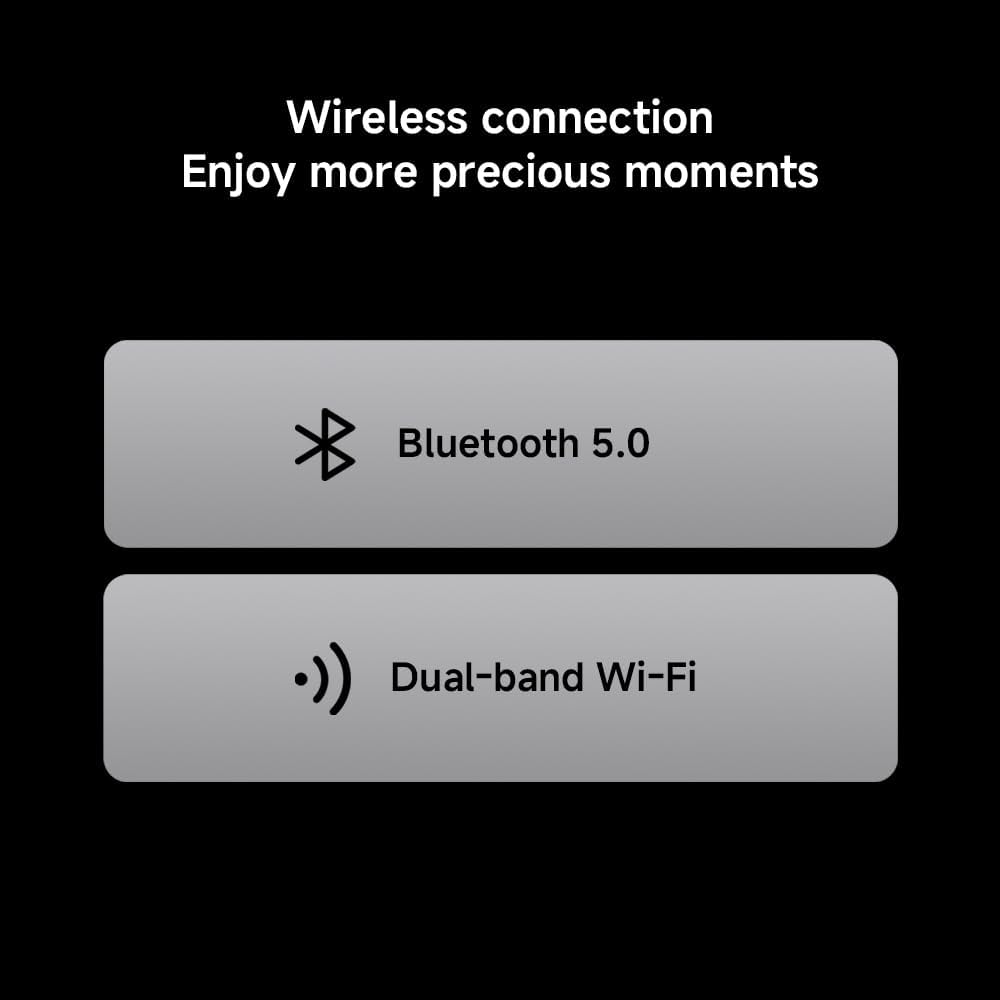
Image: Icons representing Bluetooth 5.0 and Dual-band Wi-Fi, indicating the TV's wireless connectivity options.
4.7. Metallic Design
The TV features an exquisite metal finish and craftsmanship, adding a touch of sophistication to your home decor.
Image: Two close-up shots showcasing the TV's metallic stand and slim side profile, emphasizing its quality design.
5. Specifiche
| Caratteristica | Descrizione |
|---|---|
| Marca | XiaomiMi |
| Numero di modello | 6941948705524 |
| Dimensioni dello schermo | 32 pollici |
| Tecnologia di visualizzazione | QLED |
| Risoluzione | 1366 x 768 pixel (HD) Note: While marketed as '4K', the official product information sheet specifies HD resolution. |
| Frequenza di aggiornamento | Frequenza 60 Hz |
| Sistema operativo | TV di Google |
| Tecnologia audio | Dolby Audio, DTS:X |
| Connettività | HDMI, USB, Ethernet, Bluetooth 5.0, Dual-band Wi-Fi |
| Dimensioni (LxWxH) | Dimensioni: 120 x 2 x 120 cm |
| Peso | 6 kg |
| Valutazione dell'efficienza energetica | F |
| Registrazione EPREL | 2194746 |

Image: Official Product Information Sheet detailing technical specifications and energy efficiency.

Image: The EU Energy Efficiency Label for the Xiaomi TV, showing its rating and power consumption.
6. Manutenzione
6.1. Pulizia della TV
Per pulire lo schermo, strofinarlo delicatamente con un panno morbido e privo di lanugine. Per macchie ostinate, strofinare leggermenteampen the cloth with water or a screen-cleaning solution. Avoid using harsh chemicals or abrasive materials. Clean the TV's exterior with a soft, dry cloth.
6.2. Aggiornamenti software
Il tuo televisore potrebbe ricevere aggiornamenti software automatici per migliorare le prestazioni e aggiungere nuove funzionalità. Assicurati che il televisore sia connesso a Internet per ricevere questi aggiornamenti. Puoi anche controllare manualmente la presenza di aggiornamenti nel menu delle impostazioni del televisore.
7. Risoluzione Dei Problemi
| Problema | Soluzione |
|---|---|
| Nessun potere | Check if the power cable is securely connected to the TV and the power outlet. Ensure the power outlet is functional. |
| Nessuna immagine/suono | Verificare che sia selezionata la sorgente di ingresso corretta. Controllare tutti i collegamenti dei cavi (HDMI, antenna, ecc.) per verificare che non siano allentati o danneggiati. |
| Il telecomando non funziona | Sostituisci le batterie del telecomando. Assicurati che non ci siano ostacoli tra il telecomando e il televisore. |
| Problemi di connessione di rete | Restart your router and modem. Check Wi-Fi settings on the TV or ensure the Ethernet cable is properly connected. |
| Prestazioni lente | Close unused applications. Clear cache and data from apps in the TV settings. Consider uninstalling rarely used apps to free up storage. |
8. Garanzia
Your XIAOMI QLED 32" A Pro 2026 Smart TV comes with a standard manufacturer's warranty. Please refer to the warranty card included in your product packaging or visit the official Xiaomi websito per termini e condizioni dettagliati riguardanti la copertura della garanzia e l'assistenza.
9. Supporto
For further assistance, technical support, or to access additional resources, please visit the official Xiaomi support website or contact their customer service. You can also find more product information via the EPREL database using the registration number: 2194746.
9.1. Video ufficiale del prodotto
Video: An official product video from Xiaomi showcasing the features of the Xiaomi TV F Pro 32 2026, including its design, display, and smart functionalities.


