1. Introduzione
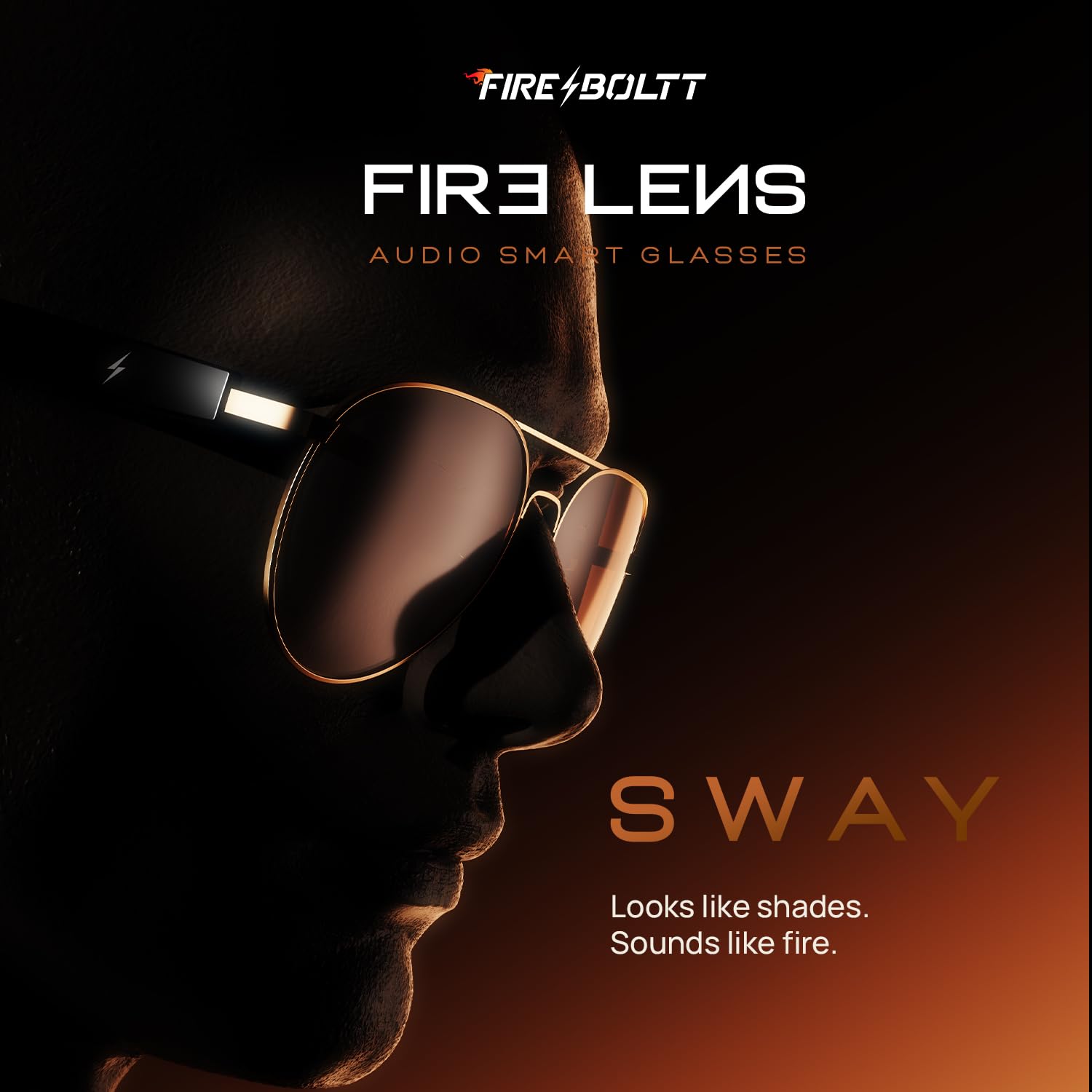
The Fire-Boltt Fire-Lens Sway Smart Glasses combine the functionality of eyewear with advanced audio technology. These open-ear Bluetooth sunglasses allow for hands-free communication, music playback, and voice assistant interaction while maintaining awareness of your surroundings. This manual provides essential information for setup, operation, maintenance, and troubleshooting to ensure optimal performance and user experience.
2. Cosa c'è nella scatola
Upon unboxing your Fire-Boltt Fire-Lens Sway Smart Glasses, please verify that all components are present:
- Fire-Boltt Fire-Lens Sway Smart Glasses
- Cavo di ricarica
3. Impostazione
3.1 Accensione
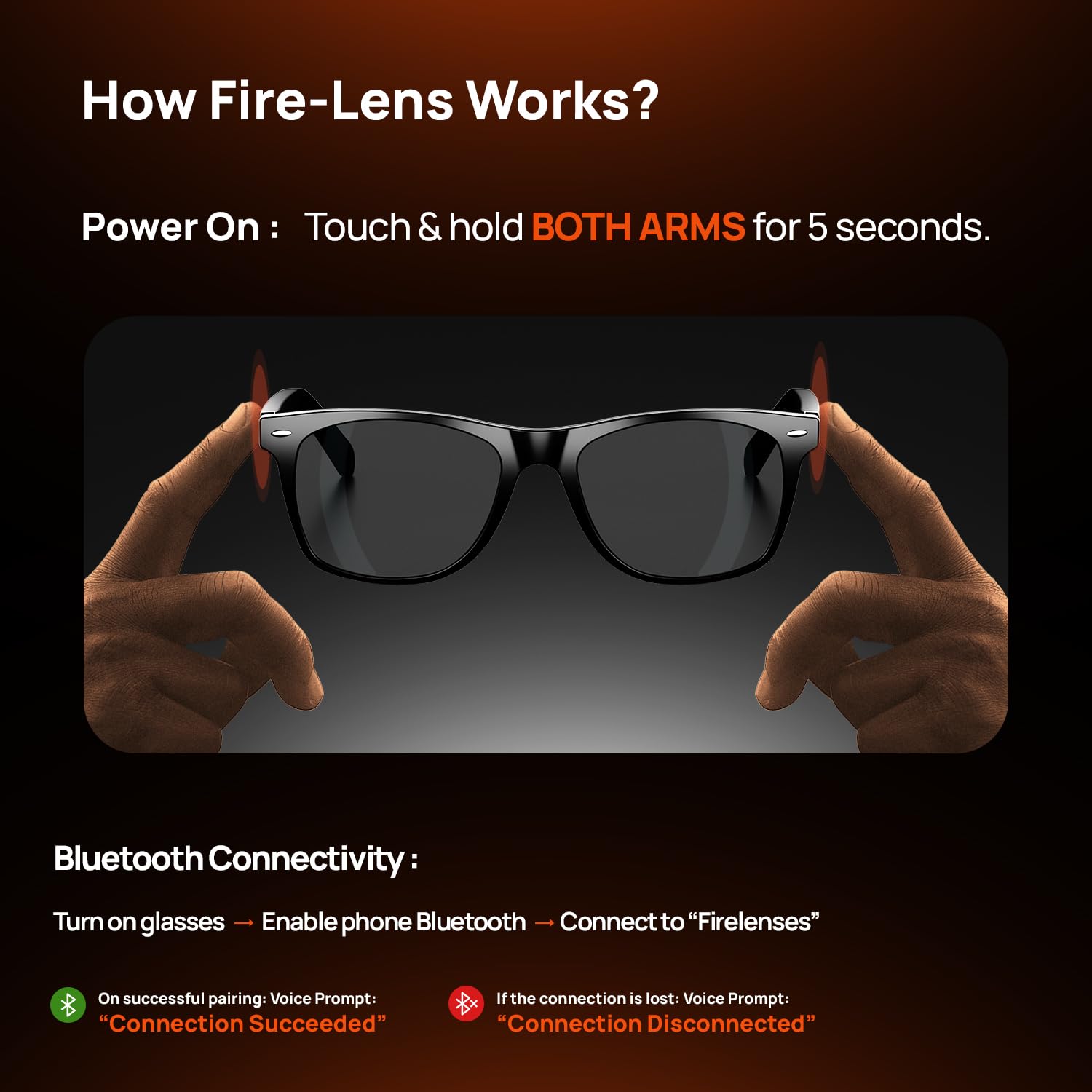
To power on the smart glasses, touch and hold both arms of the glasses for 5 seconds until an indicator light or audio prompt confirms activation.
3.2 Connettività Bluetooth
Follow these steps to connect your smart glasses to a smartphone via Bluetooth:
- Turn on the smart glasses.
- Abilita il Bluetooth sul tuo smartphone.
- Cercare and select "Firelenses" from the list of available devices.
- Upon successful pairing, a voice prompt will announce "Connection Succeeded". If the connection is lost, the voice prompt will state "Connection Disconnected".
4. Istruzioni per l'uso
4.1 Controlli Smart Touch
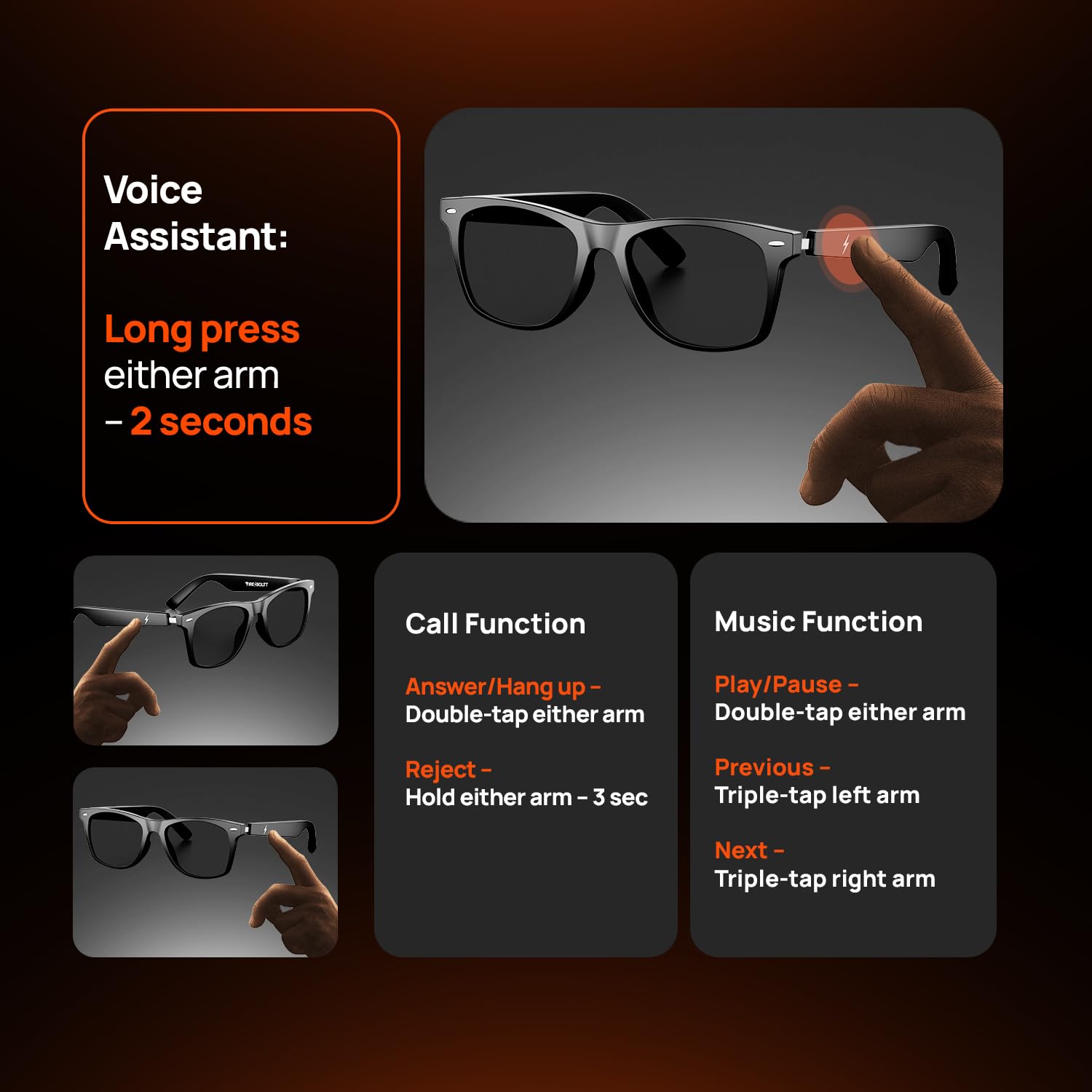
The Fire-Boltt Fire-Lens Sway Smart Glasses feature intuitive touch controls located on the temple arms. Refer to the diagram below for specific functions:

4.2 Assistente vocale
Activate your preferred voice assistant (Siri, Alexa, Google) by long-pressing either arm for 2 seconds. This allows for hands-free commands such as making calls, sending messages, setting reminders, and playing music.
4.3 Funzioni di chiamata
- Rispondi/Riattacca: Tocca due volte uno dei bracci.
- Rifiuta chiamata: Press and hold either arm for 3 seconds.
4.4 Funzioni musicali
- Riproduci/Pausa: Tocca due volte uno dei bracci.
- Canzone precedente: Triple-tap the left arm.
- Prossima canzone: Triple-tap the right arm.
5. Features & Design
5.1 Caratteristiche audio
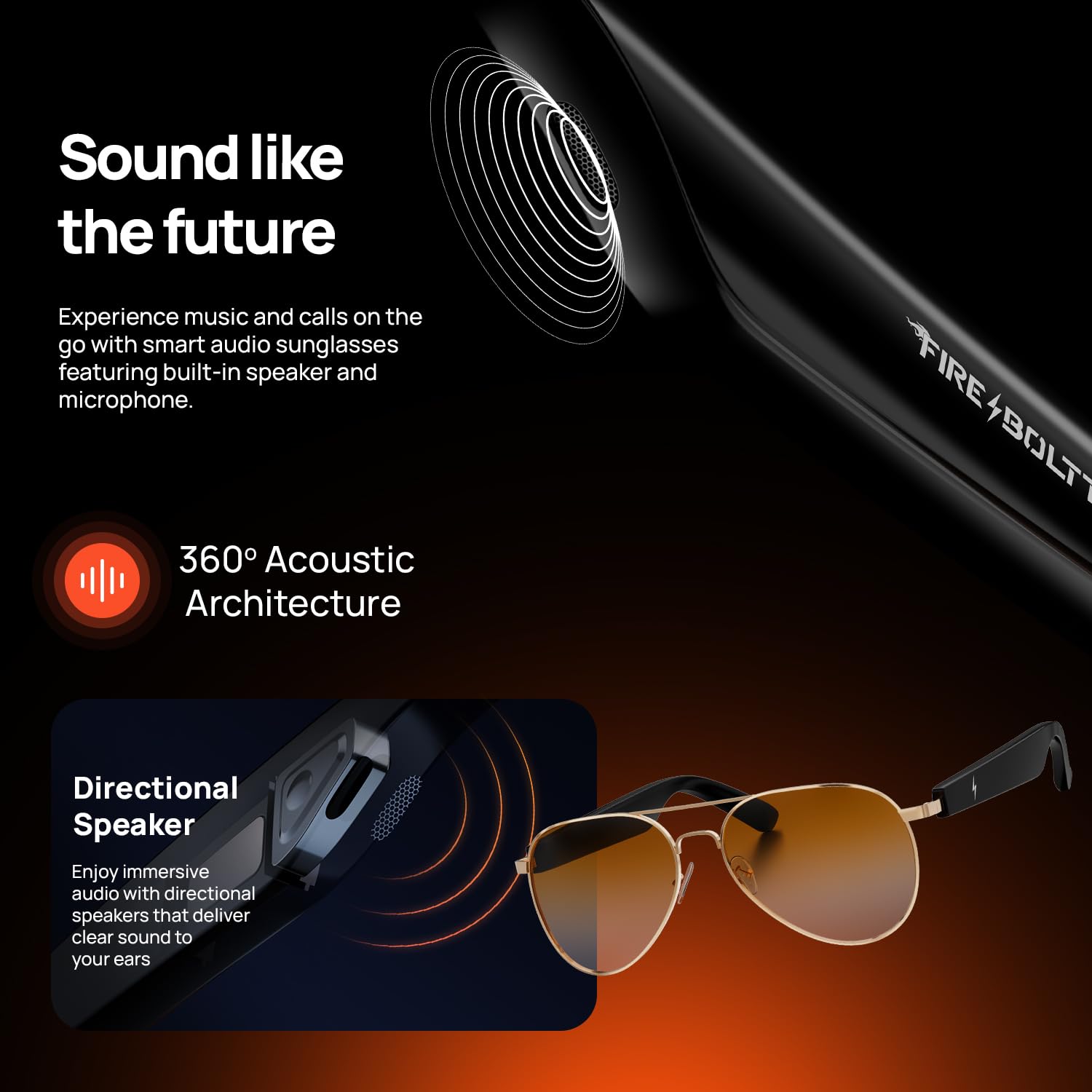
- Audio a orecchio aperto: Enjoy crystal-clear music, calls, and notifications while remaining aware of your surroundings.
- HD Voice Clarity + Noise Reduction: Experience clear sound during calls and music playback, powered by 360° acoustic drivers and a noise-reducing microphone.
- Directional Speakers: Sound is channeled directly to your ears, minimizing sound leakage to others.
- Doppi microfoni: Built-in dual microphones ensure crisp and hands-free conversations.

5.2 Batteria e ricarica
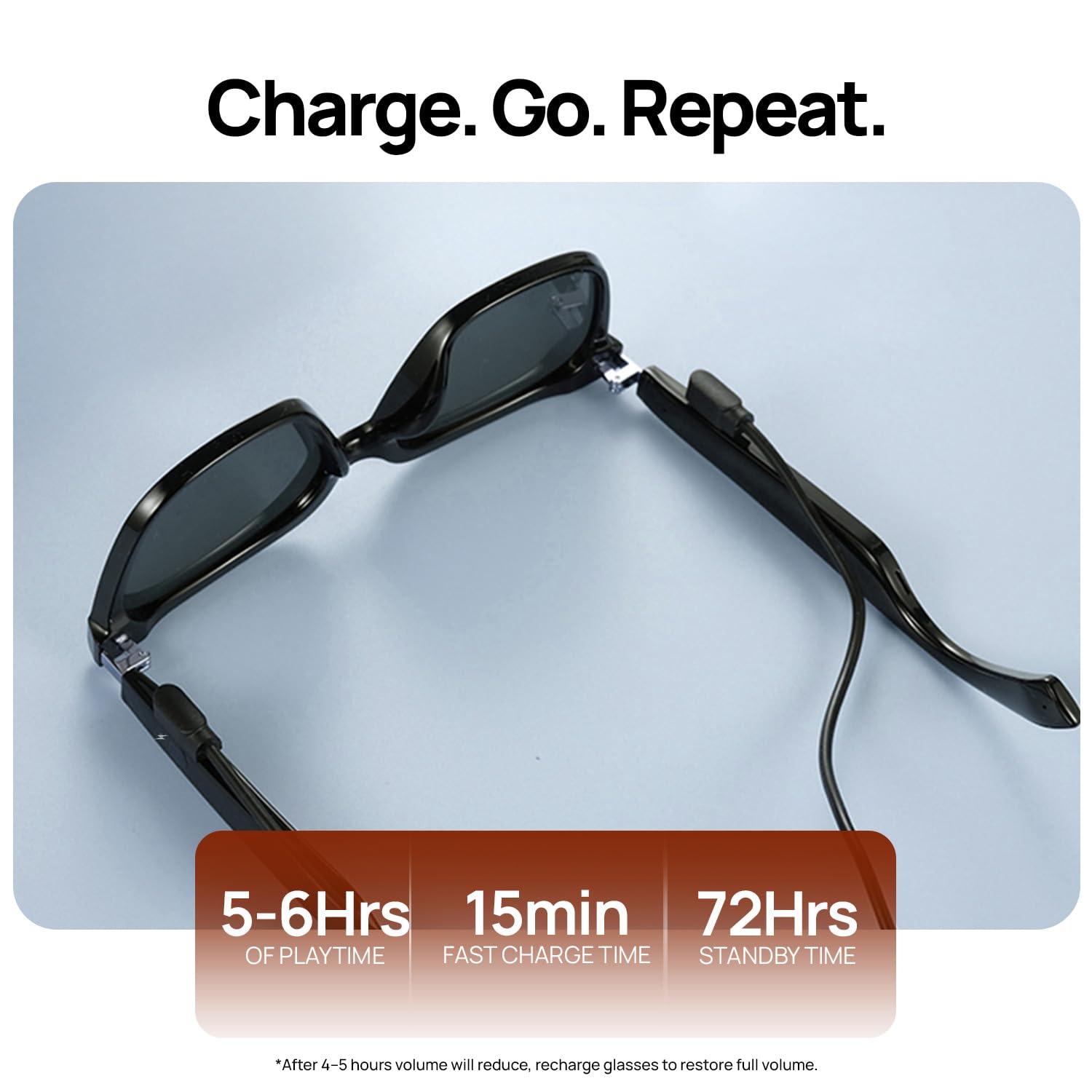
- Ricarica rapida: Una ricarica di 15 minuti garantisce circa 4 ore di utilizzo.
- Lunga durata della batteria: Up to 6 hours of playtime and 72 hours of standby time, thanks to dual 60mAh batteries.
- Interfaccia di ricarica magnetica: Easy and secure charging connection.
5.3 Comfort & Durability
- Design leggero ed elegante: A sleek, modern design ensures comfort during extended wear.
- IP64 Resistente all'acqua e alla polvere: Provides protection against splashes and dust.
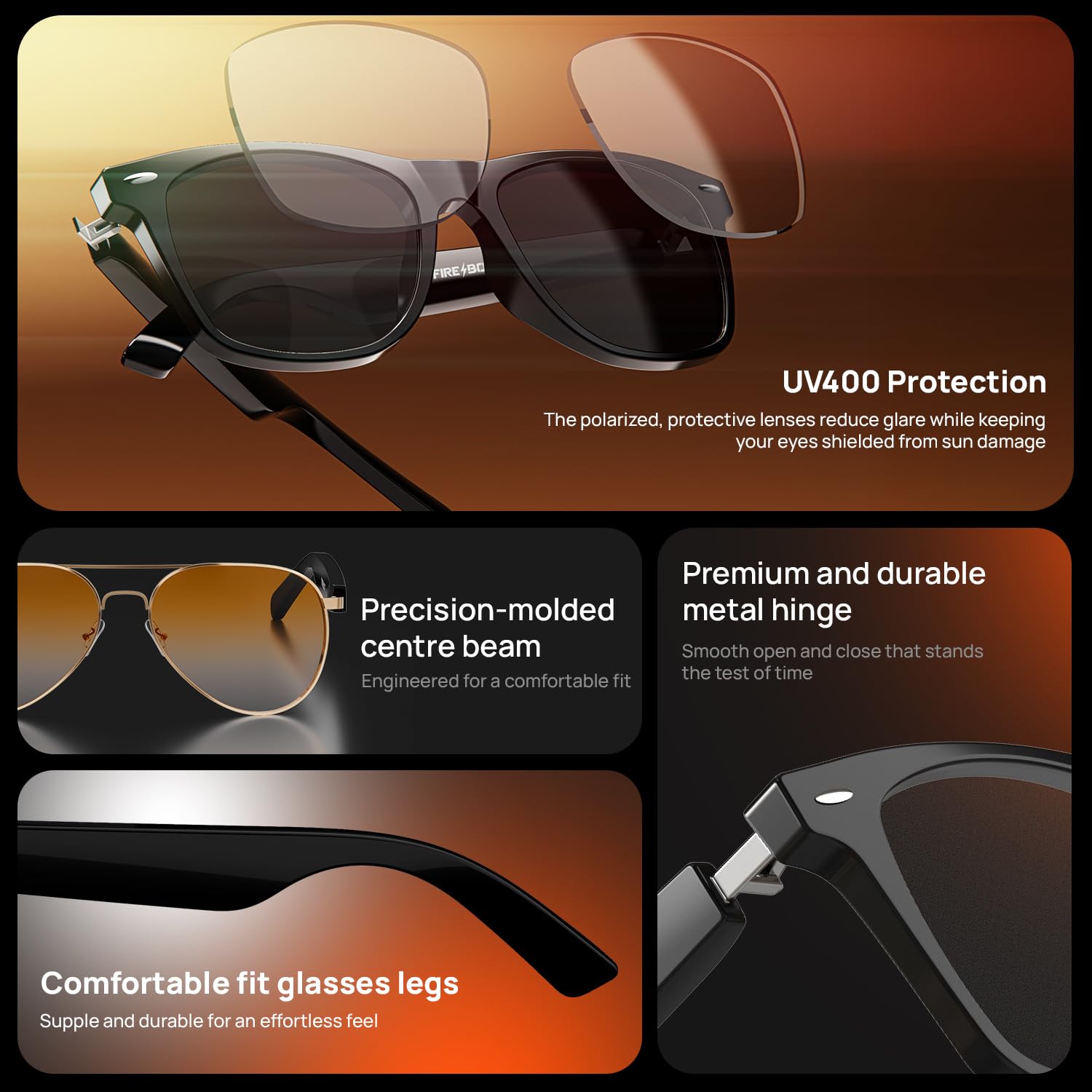
- Premium and Durable Metal Hinge: Designed for smooth operation and longevity.
- Comfortable Fit Glasses Legs: Supple and durable for an effortless feel.

5.4 Lens Features
- Nylon Lenses: Strong, light, and UV-resistant.
- Protezione UV400: Polarized lenses reduce glare and shield eyes from sun damage.
- Optical Lens Support: Compatible with prescription lenses for all-day wear.
- Precision-Molded Centre Beam: Engineered for a comfortable fit.
6. Risoluzione Dei Problemi
If you encounter issues with your Fire-Boltt Fire-Lens Sway Smart Glasses, please refer to the following common troubleshooting steps:
- Nessun potere: Ensure the glasses are fully charged using the provided charging cable.
- Impossibile connettersi tramite Bluetooth: Make sure Bluetooth is enabled on your device and the glasses are in pairing mode. Try restarting both the glasses and your device.
- Scarsa qualità audio: Check the connection strength. Ensure the glasses are positioned correctly on your head.
- I comandi touch non rispondono: Ensure the touch area is clean and dry. Try restarting the glasses.
- L'assistente vocale non risponde: Verify that the glasses are connected to your phone and the voice assistant is enabled on your device.
Per problemi persistenti, contattare l'assistenza clienti.
7. Specifiche
| Caratteristica | Specificazione |
|---|---|
| Marca | Fire-Boltt |
| Modello | Fire-Lens Sway |
| Connettività | Bluetooth 5.3 |
| Capacità della batteria | Dual 60mAh (Total 120mAh) |
| Tempo di gioco | Fino a 6 ore |
| Tempo di standby | Fino a 72 ore |
| Ricarica rapida | 15 minuti di carica per 4 ore di utilizzo |
| Resistenza all'acqua | IP64 (resistente all'acqua e alla polvere) |
| Assistente vocale | Siri, Alexa, Google Assistant compatible |
| Tipo di lente | Nylon, UV400 Protection, Optical Lens Support |
| Peso | 46 grammi |
8. Manutenzione
To ensure the longevity and optimal performance of your smart glasses, follow these maintenance guidelines:
- Pulizia: Utilizzare un panno morbido e privo di lanugine per pulire le lenti e la montatura. Evitare materiali abrasivi o sostanze chimiche aggressive.
- Magazzinaggio: Quando non li usi, conservali nella loro custodia protettiva per evitare graffi e danni.
- Evitare condizioni estreme: Do not expose the glasses to extreme temperatures, direct sunlight for prolonged periods, or immerse them in water.
- Ricarica: Utilizzare solo il cavo di ricarica fornito. Evitare di sovraccaricare.
9. Garanzia e supporto
Your Fire-Boltt Fire-Lens Sway Smart Glasses come with a standard brand warranty. For detailed information regarding warranty coverage, terms, and conditions, please refer to the warranty card included in your product packaging or visit the official Fire-Boltt websito.
For customer support, technical assistance, or service inquiries, please contact Fire-Boltt customer service through their official channels. Contact information can typically be found on the product packaging or the brand's websito.


