Introduction to the OPPO Find X9 Series
This manual provides a detailed guide to understanding and utilizing the full capabilities of your OPPO Find X9 Series smartphone, including the Find X9 and Find X9 Pro models. It covers essential functions, advanced features, and practical tips to enhance your user experience. The goal is to help you navigate your device efficiently and securely.
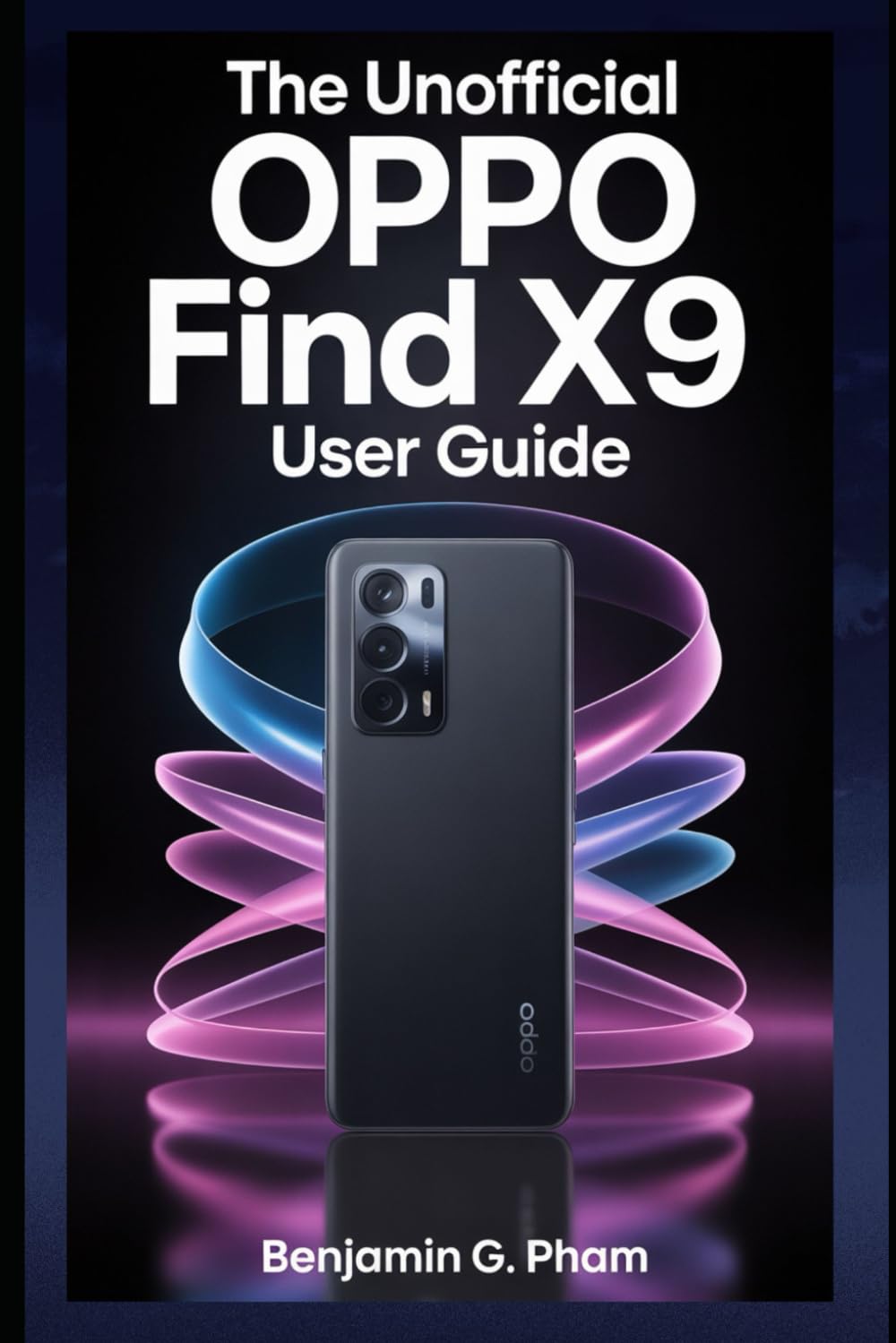
Image: Front cover of the user manual for the OPPO Find X9 Series, displaying the title and design.
1. Configurazione e installazione iniziale
Upon first powering on your OPPO Find X9 Series device, you will be guided through a series of steps to set up your phone. This section outlines the process for initial configuration.
- Accensione: Press and hold the power button until the OPPO logo appears.
- Selezione della lingua: Scegli la lingua preferita dall'elenco.
- Selezione della regione: Select your geographical region.
- Connessione Wi-Fi: Connect to a stable Wi-Fi network to download necessary updates and complete setup.
- Configurazione dell'account Google: Accedi con il tuo account Google o creane uno nuovo. Questo è essenziale per accedere al Google Play Store e ad altri servizi Google.
- Trasferimento dati (facoltativo): Follow prompts to transfer data from an old device if desired.
- Configurazione della sicurezza: Configure screen lock methods such as PIN, pattern, password, fingerprint, or facial recognition.
- Review and Finish: Accept terms and conditions, and complete the setup process.
2. Funzionamento di base e navigazione
Familiarize yourself with the fundamental operations and navigation gestures of your OPPO Find X9 Series device.
- Schermata iniziale: Access apps, widgets, and notifications. Swipe left or right to navigate between home screens.
- Cassetto delle applicazioni: Scorri verso l'alto dalla parte inferiore dello schermo per accedere a tutte le applicazioni installate.
- Pannello notifiche: Scorri verso il basso dalla parte superiore dello schermo a view notifiche e impostazioni rapide.
- Applicazioni recenti: Swipe up and hold from the bottom of the screen (or tap the recent apps button) to view e gestire le applicazioni utilizzate di recente.
- Gesti: Customize navigation gestures in Settings > System Settings > System Navigation.
3. Caratteristiche della fotocamera e fotografia
The OPPO Find X9 Series offers advanced camera capabilities. This section guides you through various camera modes and settings to capture high-quality photos and videos.
- Modalità della fotocamera: Explore modes such as Photo, Video, Portrait, Night, Pro, Panorama, and Slow-motion.
- Impostazioni: Adjust resolution, aspect ratio, timer, grid lines, and advanced camera parameters.
- Miglioramenti dell'IA: Utilize AI Scene Enhancement for optimized photo quality based on detected subjects.
- Suggerimenti degli esperti: Learn about composition, lighting, and focus techniques for improved photography.
4. AI Tools and Smart Settings
Discover the integrated AI features and smart settings designed to personalize and optimize your device's performance and user experience.
- Barra laterale intelligente: Access frequently used apps and tools quickly.
- Flexible Windows: Utilize split-screen and floating windows for enhanced multitasking.
- AI System Booster: Optimize system performance and app launch speeds.
- Personalizzazione: Customize themes, wallpapers, always-on display, and icon styles.
5. Productivity Tools and Connectivity
Enhance your productivity with various built-in tools and seamless connectivity options.
- File Condivisione: Use Nearby Share or OPPO Share for quick file trasferimenti tra dispositivi.
- Multi-Screen Connect: Mirror your phone screen to a PC or tablet for a larger workspace.
- Benessere digitale: Monitora e gestisci il tempo trascorso sullo schermo e l'utilizzo delle app.
- Servizi cloud: Sync data and back up your device using Google Drive or OPPO Cloud.
6. Sicurezza e privacy
Protect your personal data and maintain your privacy with the security features available on your OPPO Find X9 Series device.
- Sicurezza biometrica: Configure and manage fingerprint and facial recognition for secure unlocking and app access.
- Blocco app: Protect individual applications with a password or biometric authentication.
- Cassaforte privata: Securely store private photos, videos, and documents.
- Gestore autorizzazioni: Control which apps have access to your device's features and data.
- Pannello di controllo della privacy: Monitor app access to sensitive permissions.
7. Manutenzione del dispositivo
Regular maintenance helps ensure optimal performance and longevity of your OPPO Find X9 Series smartphone.
- Aggiornamenti software: Controllare regolarmente e installare gli aggiornamenti di sistema tramite Impostazioni > Informazioni sul dispositivo > Aggiornato.
- Ottimizzazione della batteria: Manage battery usage in Impostazioni> Batteria per prolungare la durata della batteria.
- Gestione della memoria: Cancella inutile filee cache per liberare spazio di archiviazione.
- Pulizia: Utilizzare un panno morbido e privo di lanugine per pulire lo schermo e il corpo del dispositivo. Evitare prodotti chimici aggressivi.
8. Risoluzione dei problemi comuni
Questa sezione affronta i problemi più comuni che potresti incontrare e fornisce soluzioni.
| Problema | Soluzione |
|---|---|
| Il dispositivo non si accende | Assicurarsi che la batteria sia carica. Tenere premuto il pulsante di accensione per almeno 10 secondi. |
| Le app si bloccano o si bloccano | Cancella la cache dell'app (Impostazioni > App > Gestione app > [Nome app] > Utilizzo spazio di archiviazione > Cancella cache). Riavviare il dispositivo. |
| Durata della batteria scarsa | Check battery usage in settings to identify power-hungry apps. Reduce screen brightness. Disable unnecessary features like GPS or Bluetooth when not in use. |
| Problemi di connettività di rete | Toggle Wi-Fi/Mobile Data off and on. Restart the device. Reset network settings (Impostazioni > Impostazioni di sistema > Backup e ripristino > Reimposta telefono > Reimposta impostazioni di rete). |
9. Product Specifications (OPPO Find X9 Series)
This manual details the specifications of the OPPO Find X9 and Find X9 Pro models. For precise technical specifications, please refer to the official OPPO website or the packaging of your specific device model.
Note: As this document is a general guide, specific hardware details such as processor type, RAM, storage, and camera sensor models are covered within the guide's content rather than listed here.
ISBN for this user guide: 979-8270541873

Image: Back cover of the user manual, showing the ISBN barcode and additional details.
10. Garanzia e supporto
For information regarding your device's warranty, please refer to the warranty card included with your OPPO Find X9 Series smartphone or visit the official OPPO support website. For technical assistance, contact OPPO customer service through their official channels.
- OPPO ufficiale Websito: For product information, FAQs, and support resources.
- Assistenza clienti: Contact details for phone, chat, or email support can be found on the official websito.


