Introduzione
This manual provides detailed instructions for the setup, operation, and maintenance of your Oilsky M305 MP3 Player. Please read this manual thoroughly before using the device to ensure optimal performance and longevity.

Immagine: Oltreview of the Oilsky M305 MP3 Player's key features.
1. Guida all'installazione
1.1 Disimballaggio e contenuto della confezione
Carefully unpack your Oilsky M305 MP3 Player and verify all components are present.

Image: Contents of the Oilsky M305 MP3 Player box.
La confezione deve contenere:
- 1x lettore musicale Oilsky M305
- 1 scheda TF da 128 GB (preinstallata o separata)
- 1x cavo USB (per la ricarica e il trasferimento dati)
- 1x auricolari cablati
- 1x pellicola protettiva
- 1x Custodia protettiva
- 1x Manuale utente
1.2 Ricarica del dispositivo
Before first use, fully charge the device. Connect the provided USB cable to the player's charging port and to a USB power adapter (not included) or a computer's USB port. The charging indicator will show the charging status.
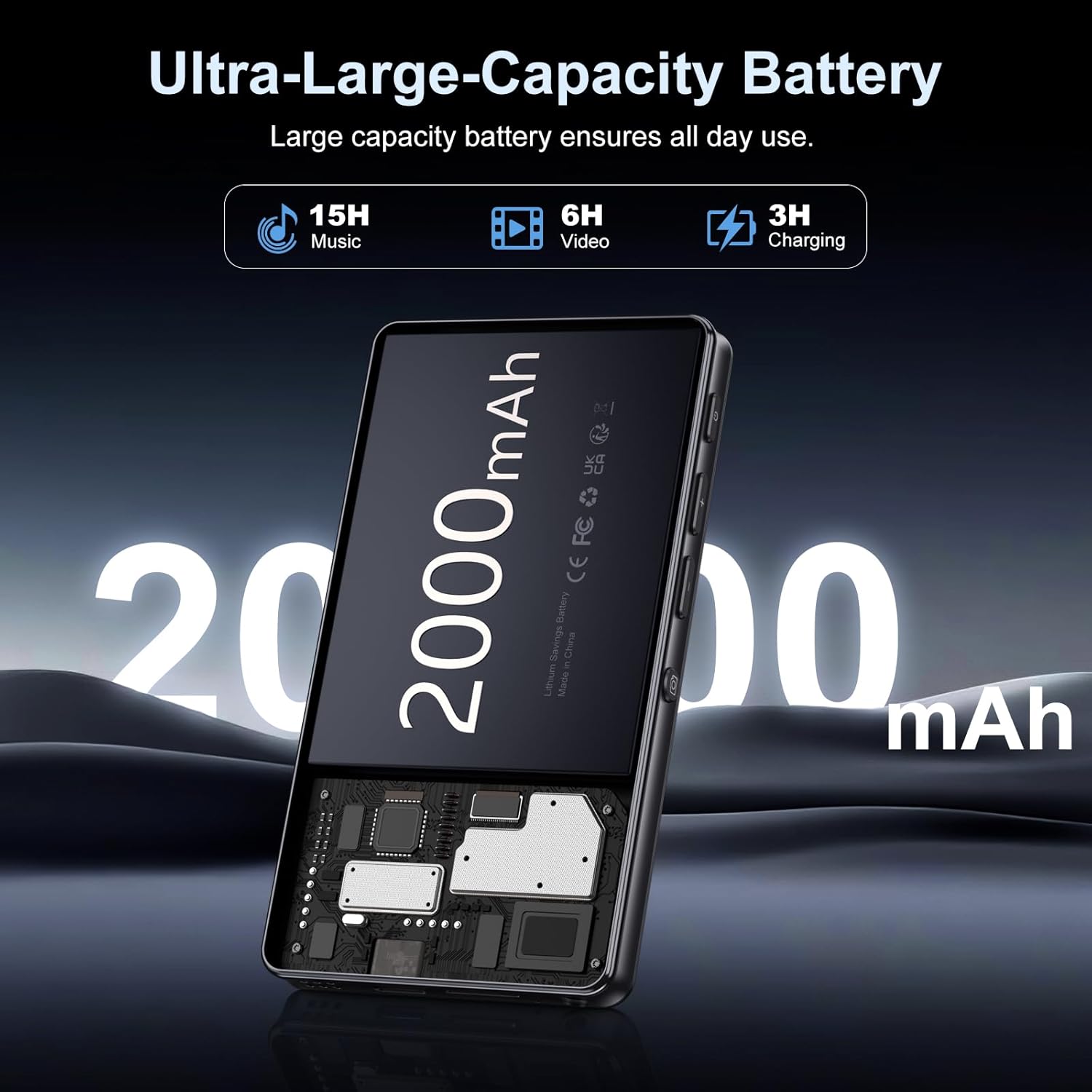
Image: Illustration of the 2000mAh battery and its charging/usage capabilities.
The 2000mAh battery provides approximately 15 hours of music playback and 6 hours of video playback on a full charge, which takes about 3 hours.
1.3 Accensione/spegnimento
- Per accendere: Tieni premuto il pulsante di accensione situato sul lato del dispositivo finché lo schermo non si illumina.
- Per spegnere: Tenere premuto il pulsante di accensione, quindi selezionare "Spegni" tra le opzioni visualizzate sullo schermo.
1.4 Configurazione iniziale
Alla prima accensione, seguire le istruzioni sullo schermo per:
- Seleziona la lingua preferita.
- Connettiti a una rete Wi-Fi per accedere a Internet e scaricare le app.
- Imposta data e ora.
2. Istruzioni per l'uso
2.1 Navigazione di base (touchscreen)
The Oilsky M305 features a 4.02-inch HD touchscreen for intuitive control. Use gestures similar to a smartphone:
- Rubinetto: Per selezionare un elemento o aprire un'app.
- Scorri: Per scorrere gli elenchi o passare da una schermata all'altra.
- Pizzica per ingrandire: In supported applications like image galleries.

Image: The 4.02-inch HD touchscreen in use, displaying video content.
2.2 Riproduzione di musica
The device supports various music formats including MP3, WAV, APE, FLAC, and AAC. You can play music through the built-in speaker or connected headphones/Bluetooth devices.

Image: Music playback interface showing supported audio formats.
- Accesso alla musica: Open the pre-installed music player app or any downloaded streaming service (e.g., Spotify, Audible).
- Creazione di playlist: Use the music player app to organize your songs into custom playlists.
- Equalizzatore: Adjust audio settings via the built-in equalizer for a personalized listening experience.

Image: Features for music management, including playlist creation and equalizer settings.
2.3 Riproduzione video
The device supports various video formats including AVI, MKV, MP4, MPG, and MOV. Videos can be viewed on the 4.02-inch HD screen.

Image: Supported video and music formats for the device.
2.4 Utilizzo della fotocamera
The M305 is equipped with a 13MP rear camera and a 5MP front camera for capturing photos and videos.
- Scattare foto: Apri l'app Fotocamera, inquadra lo scatto e tocca il pulsante di scatto.
- Registrazione di video: Passa alla modalità video nell'app Fotocamera e tocca il pulsante di registrazione per avviare/interrompere.

Image: Illustration of the 5MP front and 13MP rear cameras.
2.5 Connettività (Bluetooth e Wi-Fi)
The device features dual-band Wi-Fi for fast internet access and Bluetooth 5.0 for stable wireless connections.
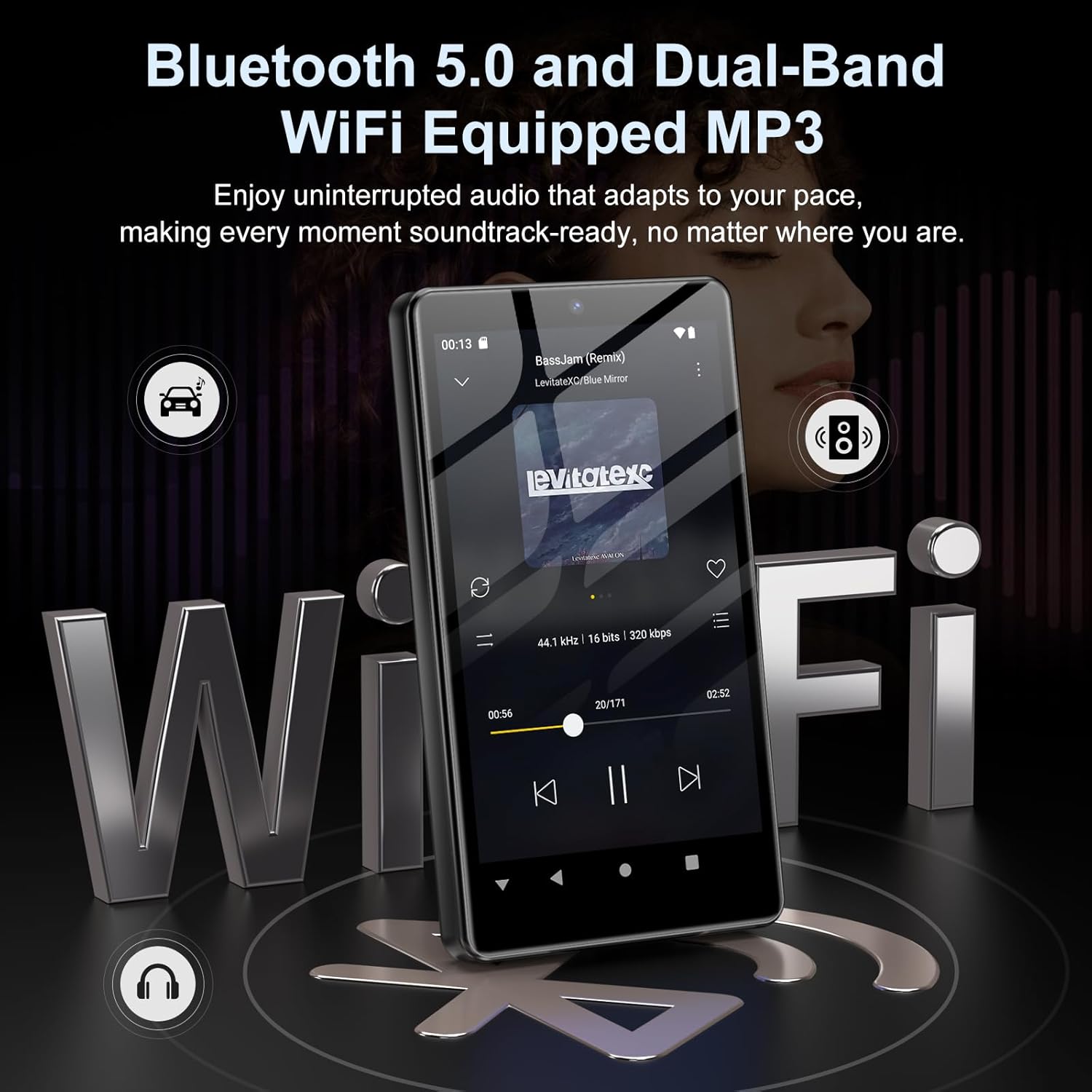
Image: Visual representation of Bluetooth and Wi-Fi connectivity.
- Wifi: Vai su Impostazioni > Rete e Internet > Wi-Fi per connetterti alle reti disponibili.
- Bluetooth: Go to Settings > Connected devices > Bluetooth to pair with headphones, speakers, or other Bluetooth-enabled devices.
2.6 Gestione dell'archiviazione
The M305 comes with 32GB of internal ROM and includes a 128GB TF card, supporting external storage expansion up to 1TB.

Image: Storage capacity details including internal ROM and TF card expansion.
- Viewing Storage: Navigate to Settings > Storage to see internal and external storage usage.
- Trasferimento Files: Connect the device to a computer using the USB cable to transfer music, videos, and photos.
2.7 Installazione dell'app (Google Play Store)
Running on Android 13.0, the device allows you to install and uninstall applications from the Google Play Store.
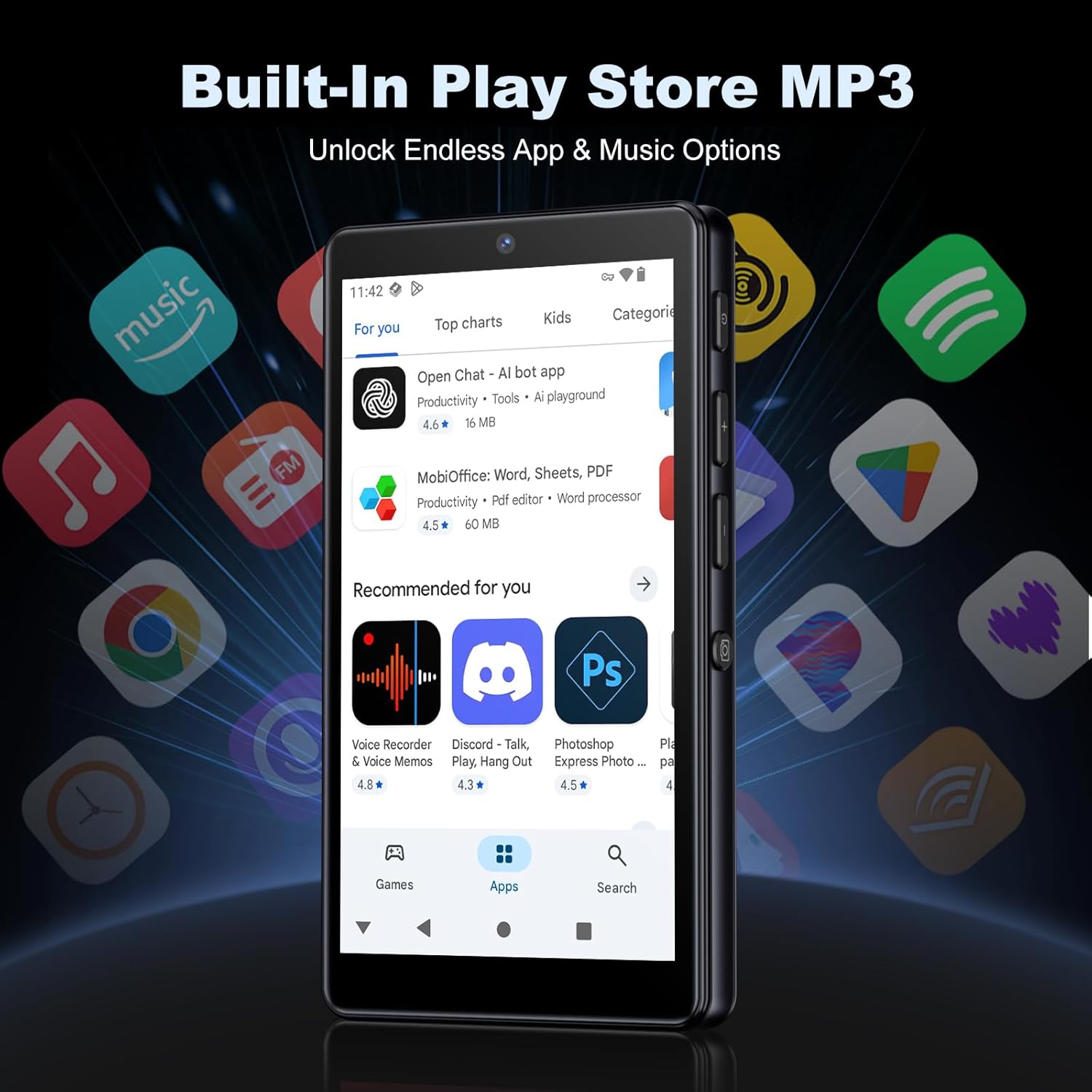
Image: The Google Play Store interface on the device.
- Installazione di app: Open the Play Store app, search for your desired application, and tap 'Install'.
- Disinstallazione delle app: Go to Settings > Apps, select the app, and tap 'Uninstall'.
3. Manutenzione
3.1 Pulizia
To clean the device, use a soft, dry, lint-free cloth. Avoid using abrasive cleaners, solvents, or aerosol sprays, which may damage the screen or finish.
3.2 Cura della batteria
- Evitare di esporre il dispositivo a temperature estreme.
- Non lasciare che la batteria si scarichi completamente frequentemente.
- Utilizzare solo il cavo USB in dotazione per la ricarica.
3.3 Aggiornamenti software
Controlla periodicamente la presenza di aggiornamenti software per assicurarti che il tuo dispositivo disponga delle funzionalità e delle patch di sicurezza più recenti. Vai su Impostazioni > Sistema > Aggiornamento di sistema.
4. Risoluzione Dei Problemi
4.1 Il dispositivo non si accende
- Assicurarsi che la batteria sia carica. Collegare il dispositivo a un caricabatterie per almeno 30 minuti.
- Prova un riavvio forzato tenendo premuto il pulsante di accensione per 10-15 secondi.
4.2 Problemi di connettività (Wi-Fi/Bluetooth)
- Wifi: Check if the Wi-Fi network is active and you have entered the correct password. Try restarting your router.
- Bluetooth: Ensure the device you are trying to connect to is in pairing mode and within range. Try turning Bluetooth off and on again on both devices.
4.3 App che si bloccano o si bloccano
- Chiudere e riaprire l'app.
- Clear the app's cache: Settings > Apps > [App Name] > Storage & cache > Clear cache.
- Se il problema persiste, prova a disinstallare e reinstallare l'app.
4.4 Scarsa qualità audio
- Check your earphones or Bluetooth speaker connection.
- Garantire l'audio file non è corrotto.
- Adjust the equalizer settings in your music player.
5. Specifiche
| Caratteristica | Dettaglio |
|---|---|
| Marca | Oilsky |
| Numero di modello | Numero di modello: M305 |
| Sistema operativo | Androide 13.0 |
| Processore | MTK 8-core |
| Memoria RAM | 4 GB |
| Memoria interna (ROM) | 32 GB |
| Archiviazione esterna | Scheda TF da 128 GB inclusa, espandibile fino a 1 TB |
| Dimensioni dello schermo | Touchscreen HD da 4.02 pollici |
| Telecamera posteriore | 13MP |
| Fotocamera frontale | 5MP |
| Bluetooth | Bluetooth 5.0 |
| Wifi | Wi-Fi a doppia banda |
| Capacità della batteria | 2000mAh ai polimeri di litio |
| Tempo di riproduzione della musica | Fino a 15 ore |
| Tempo di riproduzione video | Fino a 6 ore |
| Tempo di ricarica | Circa 3 ore |
| Formati audio supportati | MP3, WAV, APE, FLAC, AAC, etc. |
| Formati video supportati | AVI, MKV, MP4, MPG, MOV, etc. |
| Formati di immagine supportati | JPEG, BMP, GIF, PNG, etc. |
6. Informazioni sulla garanzia
The Oilsky M305 MP3 Player comes with a manufacturer's warranty. Please refer to the warranty card included in your package or contact Oilsky customer support for specific terms and conditions. Keep your proof of purchase for warranty claims.
7. Assistenza clienti
If you encounter any issues not covered in this manual or require further assistance, please contact Oilsky customer support. Contact details can typically be found on the official Oilsky websito o sulla scheda di garanzia.