1. Introduzione
This manual provides essential instructions for the safe and efficient operation of your Retevis RT628 and H-777 two-way radios. Please read this manual thoroughly before using the product to ensure proper function and to prevent damage.
The Retevis RT628 and H-777 radios are designed for reliable communication, featuring clear voice transmission, multiple channels, and user-friendly controls. They are suitable for various activities where staying connected is important.
2. Prodotto finitoview
2.1 Caratteristiche principali
- 22 canali: Provides multiple communication options to avoid interference.
- CTCSS / DCS: Offers additional privacy codes for secure communication.
- Funzione VOX: Enables hands-free operation for voice-activated transmission.
- Display LCD retroilluminato: Clearly shows channel, battery status, and other functions.
- Torcia a LED: Integrated light source for use in low-light conditions.
- Allarme di emergenza: Allows users to quickly signal for help.
- Leggero e durevole: Designed for portability and extended service life.
- Power Saving System: Automatically conserves battery life.
2.2 Componenti radio
Familiarize yourself with the various parts of your Retevis two-way radio:

Immagine: dettagliata view of the Retevis RT628 radio highlighting its components such as the wider LCD screen, earphone jack, battery compartment, non-slip handle, speaker, and novel buttons.
- Antenna: Per trasmettere e ricevere segnali.
- Schermo LCD: Displays channel, battery level, and other settings.
- Pulsante di accensione/menu: Accende/spegne la radio e accede alle opzioni del menu.
- Pulsanti su/giù: Navigates menu and adjusts settings like channel.
- Pulsante Monitor (MON): Disattiva temporaneamente lo squelch per ascoltare i segnali deboli.
- Pulsante PTT (premi per parlare): Tieni premuto per trasmettere la tua voce.
- Oratore: Le uscite hanno ricevuto l'audio.
- Microfono: Cattura la tua voce per trasmetterla.
- Spinotto degli auricolari: For connecting an external earphone/headset.
- Vano batteria: Contiene le batterie.
- Clip da cintura: Per un trasporto comodo.
3. Impostazione
3.1 Installazione della batteria
The Retevis RT628 and H-777 radios require 3 x AA batteries (not included in the package). Follow these steps to install them:
- Individuare il coperchio del vano batteria sul retro della radio.
- Per aprire il vano, far scorrere o sganciare il coperchio.
- Inserire 3 batterie AA, assicurandosi che la polarità sia corretta (+ e -) come indicato all'interno del vano.
- Riposizionare il coperchio del vano batteria finché non scatta saldamente in posizione.

Image: The open battery compartment of the radio, illustrating where three AA batteries should be inserted. The image also shows icons for ordinary and rechargeable batteries.
3.2 Charging (for rechargeable batteries)
If using rechargeable AA batteries, you can charge them using a Type-C cable or a desktop charger (if provided with your specific model). Ensure the batteries are suitable for recharging.
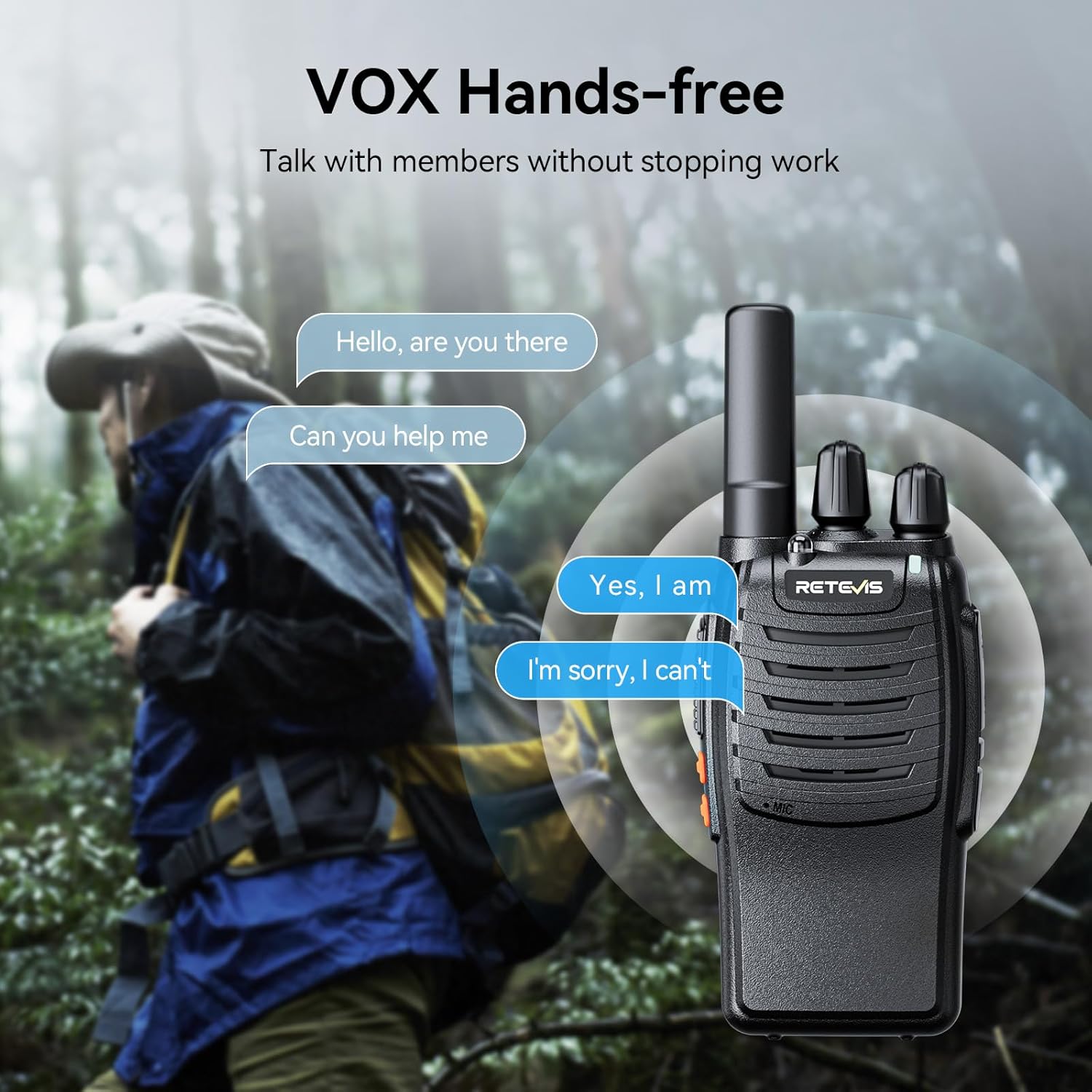
Image: Two radios illustrating charging methods: one connected directly via a Type-C cable, and another placed in a desktop charging cradle.
4. Istruzioni per l'uso
4.1 Accensione/spegnimento
- Per accendere: Premere e tenere premuto il tasto Accensione/Menu finché lo schermo LCD non si illumina.
- Per spegnere: Premere e tenere premuto il tasto Accensione/Menu pulsante finché lo schermo non si spegne.
4.2 Regolazione del volume
Utilizzare il Up E Giù buttons to adjust the listening volume. The volume level will be displayed on the LCD screen.
4.3 Selezione del canale
- Premere il tasto Menu una volta il pulsante. Il numero del canale sullo schermo LCD lampeggerà.
- Utilizzare il Up or Giù pulsanti per selezionare il canale desiderato (1-22).
- Premere il tasto Menu button again to confirm your selection, or wait a few seconds for it to automatically confirm.
4.4 Trasmissione e ricezione
- Per trasmettere: Premere e tenere premuto il tasto PTT pulsante. Parlare chiaramente nel microfono. Rilasciare il PTT button to stop transmitting.
- Per ricevere: Assicurare il PTT button is not pressed. The radio will automatically receive signals on the selected channel.
4.5 Funzione VOX (Voice Operated Exchange)
The VOX function allows for hands-free communication. When activated, the radio will automatically transmit when it detects your voice, without needing to press the PTT button.
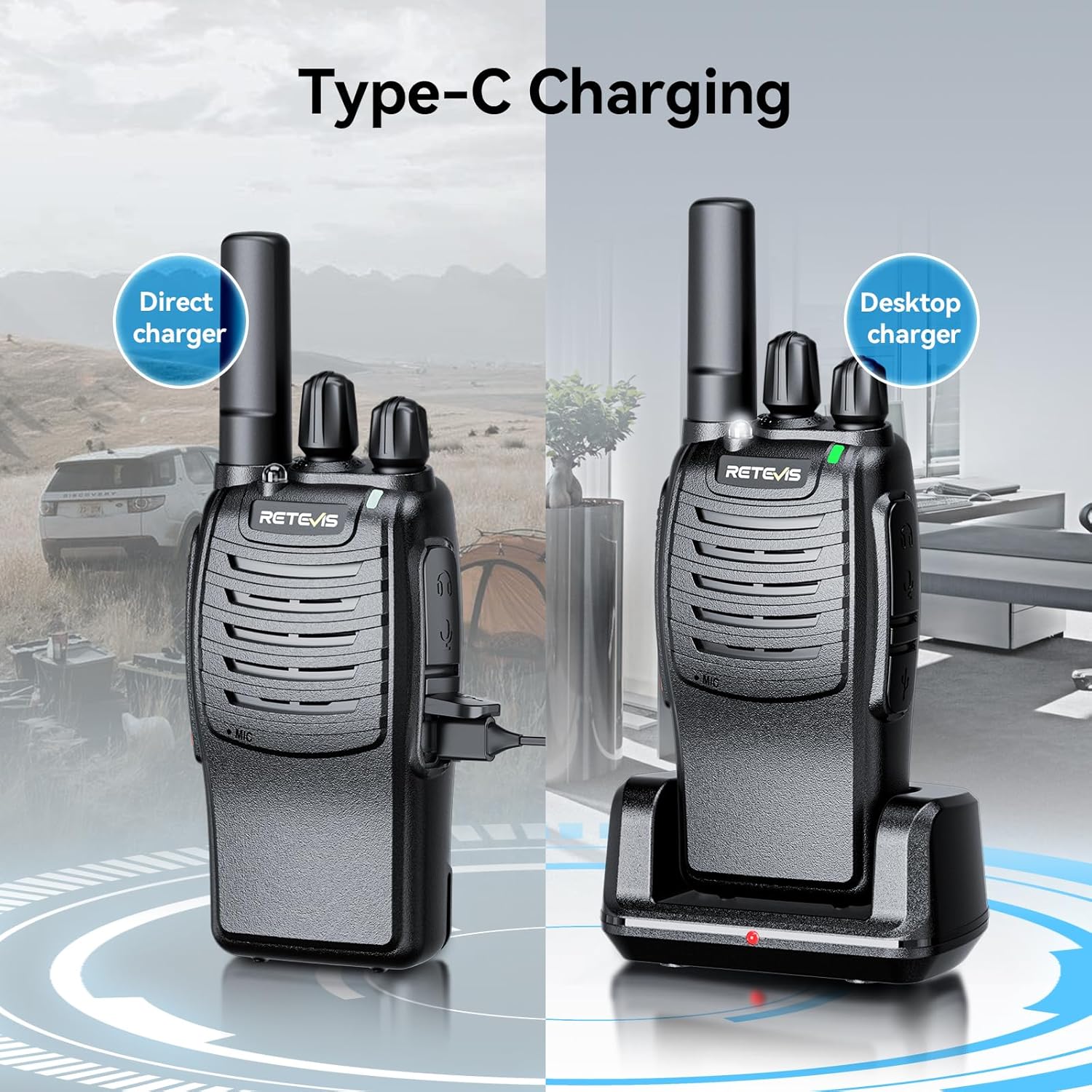
Image: A visual representation of the VOX hands-free feature, showing a person communicating while engaged in an activity, with speech bubbles indicating conversation.
- Premere il tasto Menu button multiple times until the VOX icon flashes on the LCD screen.
- Utilizzare il Up or Giù buttons to select a VOX sensitivity level (e.g., 1-3, with 1 being most sensitive).
- Premere Menu per confermare.
Torcia elettrica 4.6 LED
Your radio is equipped with an LED flashlight for convenience in dark environments.

Image: The radio's LED flashlight in operation, casting light in a dark outdoor scene, demonstrating its utility.
- Per accendere/spegnere: Premere il tasto dedicato Torcia elettrica button (if available) or refer to your specific model's button layout for this function.
4.7 Allarme di emergenza
In an emergency, you can activate the alarm function to alert others.
- Attivare: Long press the side key 1 (or designated emergency button) to turn on the alarm function.
5. Manutenzione
- Pulizia: Pulire la radio con un panno morbido, damp stoffa. Non utilizzare prodotti chimici aggressivi o detergenti abrasivi.
- Magazzinaggio: Conservare la radio in un luogo fresco e asciutto quando non la si utilizza. Rimuovere le batterie se si prevede di non utilizzarla per lunghi periodi per evitare perdite.
- Evitare condizioni estreme: Non esporre la radio a temperature estreme, alla luce solare diretta o a umidità eccessiva.
6. Risoluzione Dei Problemi
| Problema | Possibile causa | Soluzione |
|---|---|---|
| La radio non si accende. | Batterie scariche o esaurite; batterie installate in modo errato. | Replace or recharge batteries; check battery polarity. |
| Impossibile trasmettere o ricevere. | Canale errato; fuori portata; batteria scarica. | Ensure both radios are on the same channel; move closer to the other radio; replace/recharge batteries. |
| Qualità audio scadente. | Weak signal; interference; volume too low. | Move to an open area; check for obstructions; adjust volume. |
| VOX non funziona. | VOX sensitivity too low; microphone blocked. | Increase VOX sensitivity; ensure microphone is clear. |
7. Specifiche
- Numeri di modello: RT628, H-777
- Canali: 22 canali FRS/GMRS
- Codici sulla privacy: CTCSS/DCS (specific numbers may vary by model)
- Fonte di energia: 3 batterie AA (non incluse)
- Caratteristiche: VOX, LCD Backlit Display, LED Flashlight, Emergency Alarm, Auto Power Save
- Produttore: Retevis
8. Garanzia e supporto
For warranty information, technical support, or service inquiries, please refer to the contact information provided with your purchase or visit the official Retevis websito. Conservare la ricevuta d'acquisto come prova d'acquisto per eventuali reclami in garanzia.


