Introduzione
Welcome to the Motorola G67 Power 5G user manual. This guide provides essential information for setting up, operating, maintaining, and troubleshooting your new smartphone. The Motorola G67 Power 5G is designed for extended use and smooth performance, featuring a 7000 mAh battery, an efficient 4 nm octa-core processor, and 8 GB RAM (expandable up to 24 GB with RAM Boost). It boasts a 6.7-inch FHD+ 120 Hz LCD display with toughened glass, HDR10+, and Aqua Touch. Capture high-quality photos and videos with its 50 MP main camera, 8 MP ultrawide lens, and 32 MP selfie camera, all supporting 4K 30 fps video recording. The device also includes a premium vegan leather back, IP64 protection, stereo speakers, and dual SIM 5G connectivity.

Image: Key features of the Motorola G67 Power 5G, highlighting the 7000mAh battery, 50MP Sony-LYT 600 camera, and Snapdragon 7s Gen 2 processor.
Impostare
Cosa c'è nella scatola
- Motorola G67 Power 5G Handset
- Caricabatterie da 30 W
- Cavo USB di tipo C.
- Strumento di espulsione SIM
- Guida rapida
Inserimento della scheda SIM
- Individua il vassoio SIM sul lato del dispositivo.
- Inserire lo strumento di espulsione della SIM nel piccolo foro accanto al vassoio e premere delicatamente finché il vassoio non fuoriesce.
- Place your Nano-SIM card(s) into the tray with the gold contacts facing down. Ensure they are correctly oriented.
- Spingere con cautela il vassoio nella fessura finché non scatta in posizione.
Accensione iniziale e ricarica
To power on your device, press and hold the power button located on the side until the Motorola logo appears. For initial charging, connect the provided 30W charger and USB Type-C cable to your phone and a power outlet. The 7000 mAh battery supports fast charging.
Utilizzo del dispositivo
Visualizzazione e navigazione
The Motorola G67 Power 5G features a 6.7-inch FHD+ 120 Hz LCD display with Aqua Touch for responsive control. Navigate the Android 15 (Hello UI) interface using touch gestures.

Image: The Hello UX interface powered by Android 15 on the Motorola G67 Power 5G.
Funzioni della fotocamera
Il tuo dispositivo è dotato di un versatile sistema di telecamere:
- Telecamere posteriori: 50MP Sony LYTIA 600 (f/1.8, Quad Pixel, PDAF) + 8MP ultra-wide. Both support UHD 4K30 video recording.
- Fotocamera frontale: 32MP (f/2.2) with Quad Pixel for brighter selfies. Records up to UHD 4K30.
Camera modes include Night Vision, Ultra-Res, Portrait, Panorama, Pro, Scan, Auto Night/Smile Capture, high-res digital zoom (up to 8x), Google Lens, Dual Capture, Timelapse/Hyperlapse, Slow Motion, and Audio Zoom. For quick access, twist your wrist twice to open the camera.
Audio e intrattenimento
Experience immersive audio with dual stereo speakers featuring Dolby Atmos and Hi-Res Audio support. A 3.5 mm audio jack is also available for wired headphones.

Image: The Motorola G67 Power 5G features dual stereo speakers with Dolby Atmos and Hi-Res Audio for an immersive entertainment experience.
Connettività e archiviazione
- Rete: Dual SIM 5G connectivity.
- Senza fili: Wi-Fi 802.11 a/b/g/n/ac, Bluetooth 5.1.
- Navigazione: GPS, GLONASS, Galileo, QZSS, Beidou.
- Magazzinaggio: 128GB internal storage, with 8GB RAM and RAM Boost up to 24GB.
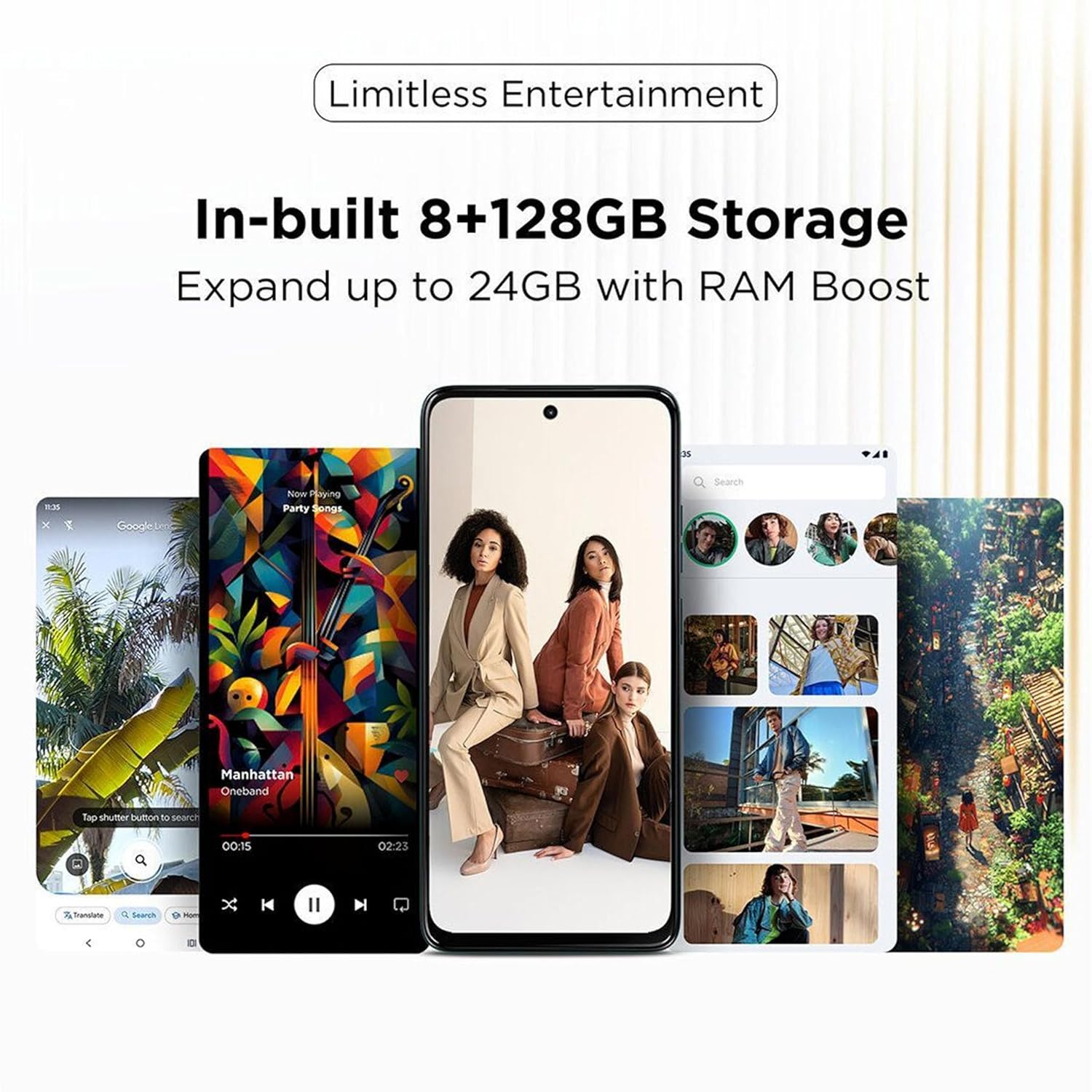
Image: The Motorola G67 Power 5G offers 8GB + 128GB storage, expandable up to 24GB with RAM Boost technology.
Caratteristiche del software
The device runs on Android 15 with Motorola's Hello UI, offering several intuitive features:
- 3 Finger Screenshot: Capture a screenshot by touching the screen with three fingers.
- Light in a Flash: Chop down twice with the phone to turn on the flashlight.
- Twist to Open Camera: Twist your wrist twice to quickly launch the camera application.
- Family Space 3.0: Safer sharing with kids and guests, allowing for customized profiles and app access.
- Smart Connect: Seamlessly connect and share content across your Motorola devices.

Image: Delightful software experiences on the Motorola G67 Power 5G, including 3-finger screenshot, flashlight gesture, camera quick launch, and Family Space 3.0.

Image: The Smart Connect feature allows for seamless content sharing and connectivity between the Motorola G67 Power 5G and other compatible devices.
Manutenzione
Cura della batteria
To maximize the lifespan of your 7000 mAh battery, avoid extreme temperatures and fully discharging the battery frequently. Use only the provided 30W charger for optimal charging performance.
Pulizia del dispositivo
Gently wipe your phone with a soft, lint-free cloth. Avoid using harsh chemicals or abrasive materials. The device has an IP64 rating, providing protection against dust and splashes, but it is not waterproof.
Aggiornamenti software
Motorola provides one Android version upgrade (to Android 15) and 3 years of security patches (SMR) for this model. Ensure your device is connected to Wi-Fi and has sufficient battery life before performing any software updates. You will be notified when updates are available.
Risoluzione dei problemi
- Il dispositivo non risponde: If your phone is unresponsive, press and hold the power button for approximately 10-15 seconds to force a restart.
- Problemi di ricarica: Ensure the charger and USB cable are securely connected and undamaged. Try a different power outlet.
- Problemi di connettività: For Wi-Fi or Bluetooth issues, try toggling the respective settings off and on. For mobile data issues, check your SIM card insertion and network settings.
- Surriscaldamento: If the device feels excessively warm, close background applications, reduce screen brightness, and avoid using it while charging or in direct sunlight.
- Anomalie di visualizzazione: If you experience unusual display behavior, such as flickering or lines, try restarting the device. If the issue persists, contact support.
- Prestazioni della fotocamera: Ensure camera lenses are clean. For low-light performance, use Night Vision mode.
Specifiche
| Numeri di modello | PB930001IN, PB930005IN |
| Sistema operativo | Android 15 (Hello UI) |
| Processore | Snapdragon 7s Gen 2 (4 nm octa-core, 2.4 GHz) |
| Memoria RAM | 8 GB (espandibili fino a 24 GB con RAM Boost) |
| Memoria interna | 128 GB |
| Display | 6.7-inch FHD+ (2400 x 1080) 120 Hz LCD, HDR10+, Aqua Touch |
| Telecamera posteriore | 50 MP Sony LYTIA 600 (f/1.8, OIS, PDAF) + 8 MP Ultra-wide |
| Fotocamera frontale | 32 MP (f/2.2) with Quad Pixel |
| Registrazione video | UHD 4K30 (Front & Rear) |
| Batteria | 7000 mAh |
| Ricarica | Ricarica rapida da 30 W |
| Connettività | Dual SIM 5G, Wi-Fi 802.11 a/b/g/n/ac, Bluetooth 5.1, USB Type-C (USB 2.0) |
| Navigazione | GPS, GLONASS, Galileo, QZSS, Beidou |
| Audio | Dual Stereo Speakers, Dolby Atmos, Hi-Res Audio, 3.5 mm Audio Jack |
| Durata | IP64 Resistente a polvere e schizzi |
| Dimensioni | Dimensioni: 16.62 x 7.65 x 0.86 cm |
| Peso | 210 grammi |
| Colore | Pantone Parachute |
Garanzia e supporto
Garanzia del software
Motorola provides one Android version upgrade (to Android 15) and 3 years of security patches (SMR) for the G67 Power 5G.
Informazioni sul produttore e sull'importatore
Produttore: Motorola Mobility LLC.
Packer & Importer: Motorola Mobility India Pvt Ltd, Bagmane Tech Park, No.66/1, Plot No.5, 5th Floor, C.V Raman Nagar, Bengaluru 560093.
Assistenza clienti
For further assistance, please contact Motorola customer support.
Numero verde: Numero di telefono: 1800-419-6686